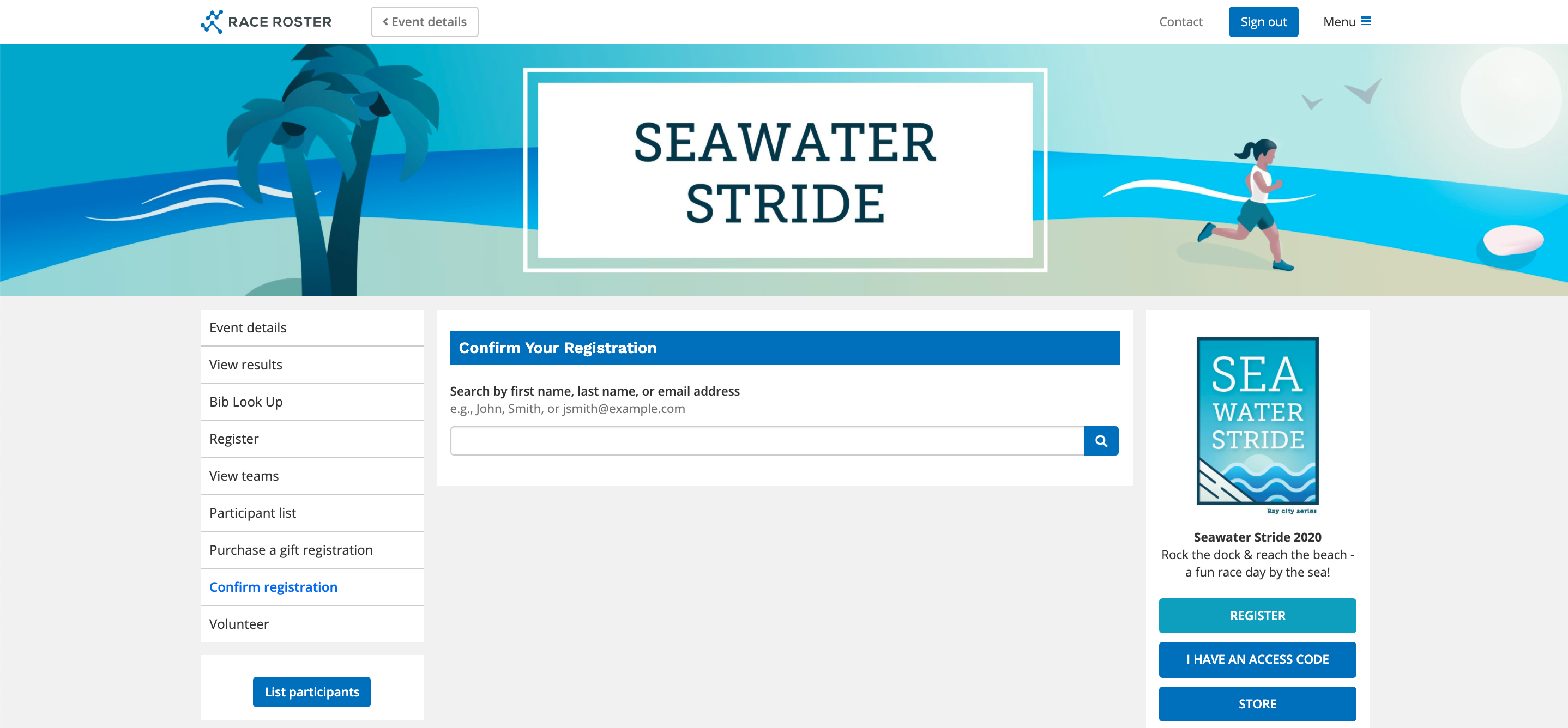
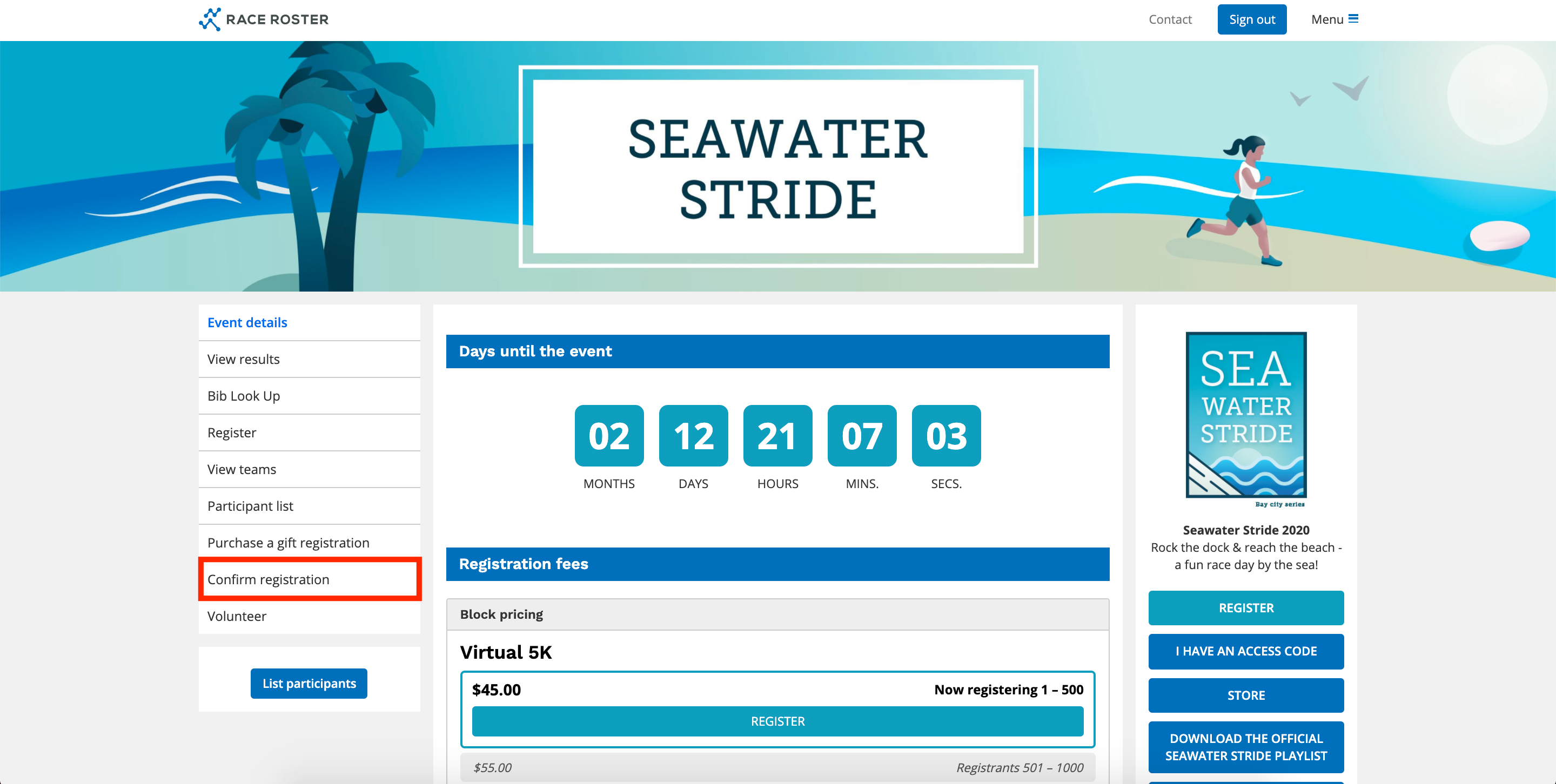
If the Event Organizer has enabled this access, there will be a Confirm Registration button on the left-hand side of the Event Details page.
1. Go to the event details page where you registered for the event.
2. Click Confirm Registration from the left-hand menu
3. Enter your first name, last name, or email in the search bar and click the search icon
- If your information populates below you are successfully registered for the event.
- If your information does not populate you are not registered up for the event.