Why would you use this feature?
As an Event Organizer, you may be part of a larger collective - one that is associated with a running or triathlon club (as an example). Being part of a larger collective, you may want to know which of your participants belong to a club or event give these members special pricing or discount for registering for your event.
How do I associate my event with a membership/club page?
If you know that a membership/club page exists on Race Roster, associating your event is quite easy:
- Go to your Event Dashboard
- Navigate to the search bar located on the top l left-hand corner
- Search and select Clubs. You will then be taken to the Clubs page.
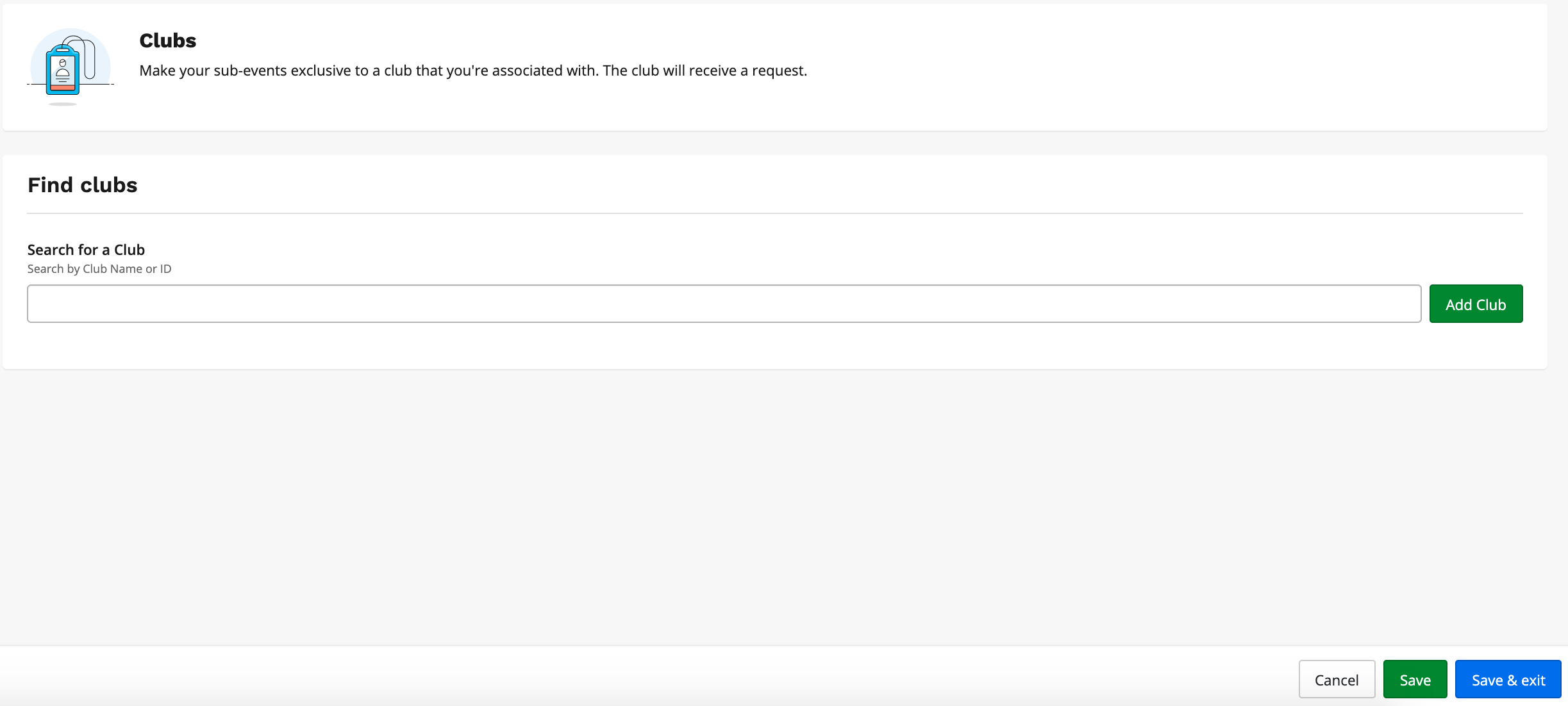
- In the field Search for a club enter either the name of the club or the club id.
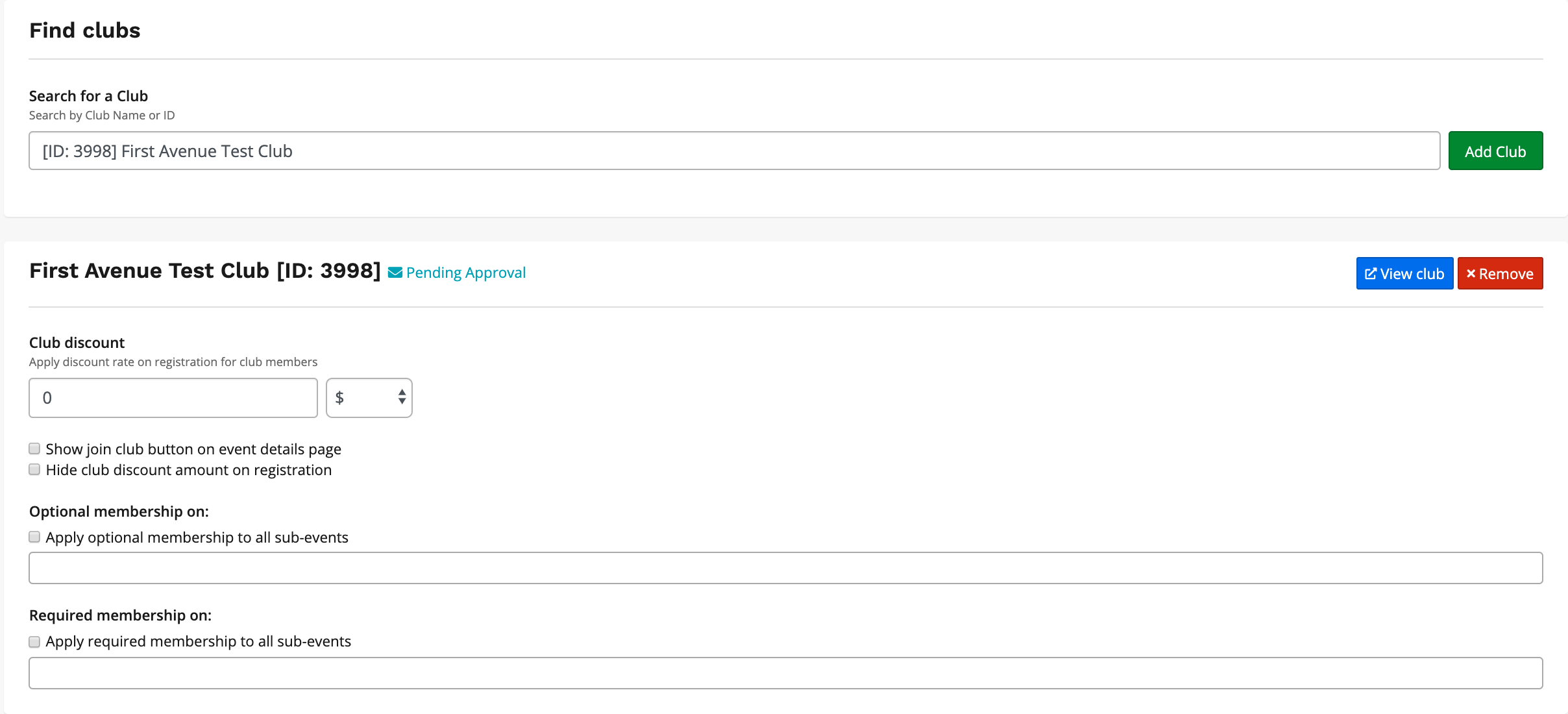
- Once you enter the name or id, the club will appear and you can click the green Add Club button
- On the club association page, you will be able to enter $ amount or % amount to discount (if applicable)
- Navigate down and you can place the discount as optional or mandatory to a specific sub-event or all sub-events
- Click Save
- Note: If your event REQUIRES a membership to register, turn on the REQUIRED MEMBERSHIP