- Go to https://raceroster.com/ click Sign In (top right)
- Enter your email associated with your Race Roster account, select 'Yes, I have a Password' and enter your password (Having trouble with signing in? see forgot my password article) *
- When signed in, navigate to the far right corner of your screen and click the down arrow
- Select Account Settings
- Under the Security Settings, click edit in the Password section.
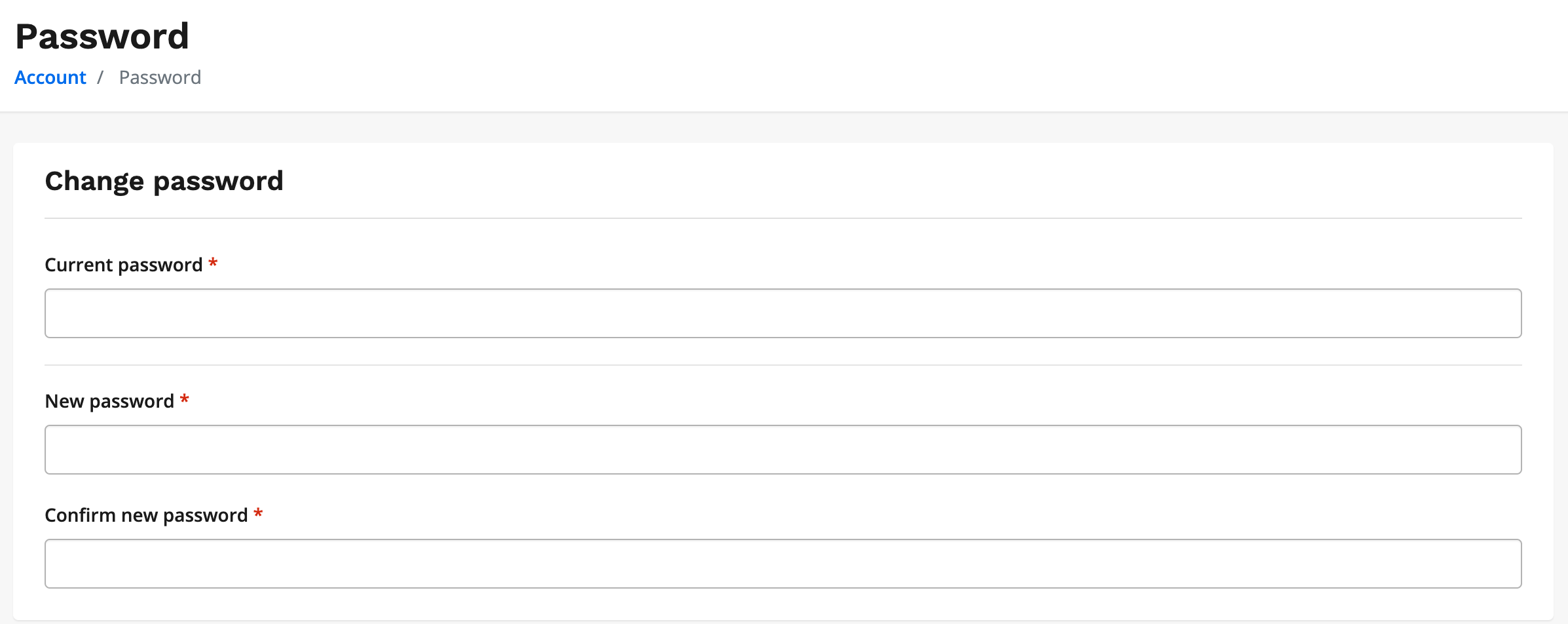
- Please enter your current password, new password and reconfirm your new password
- Scroll down to the bottom of the page and select SAVE
*Passwords MUST be between 8 and 64 characters, contain at least one uppercase letter, contain at least one lowercase letter, and contain at least one number