If you are ready to close your event, please follow the instructions below:
Option 1: Close your registration
1. Go to your event dashboard and ensure you are on the correct event.
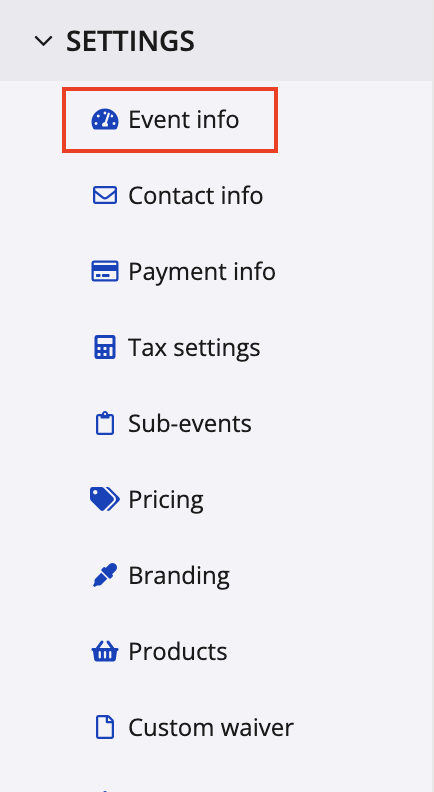
2. Navigate to the left menu and select Settings, then select Event info.
3. Scroll down the page to Date settings section and adjust the Registration close date.
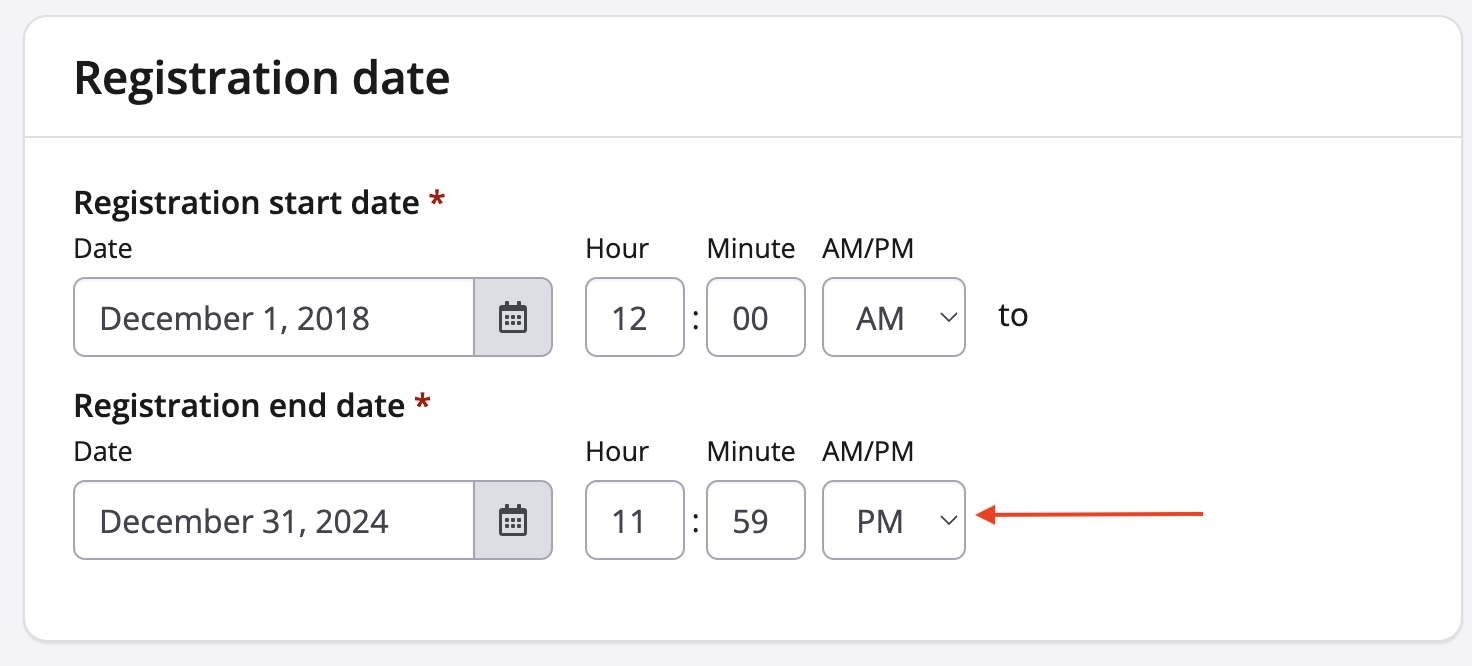
4. Scroll to the bottom and click 'Save'.
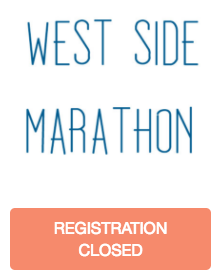
Option 2: Close your registration because it is Sold Out
1. Go to your event dashboard and ensure you are on the correct event.
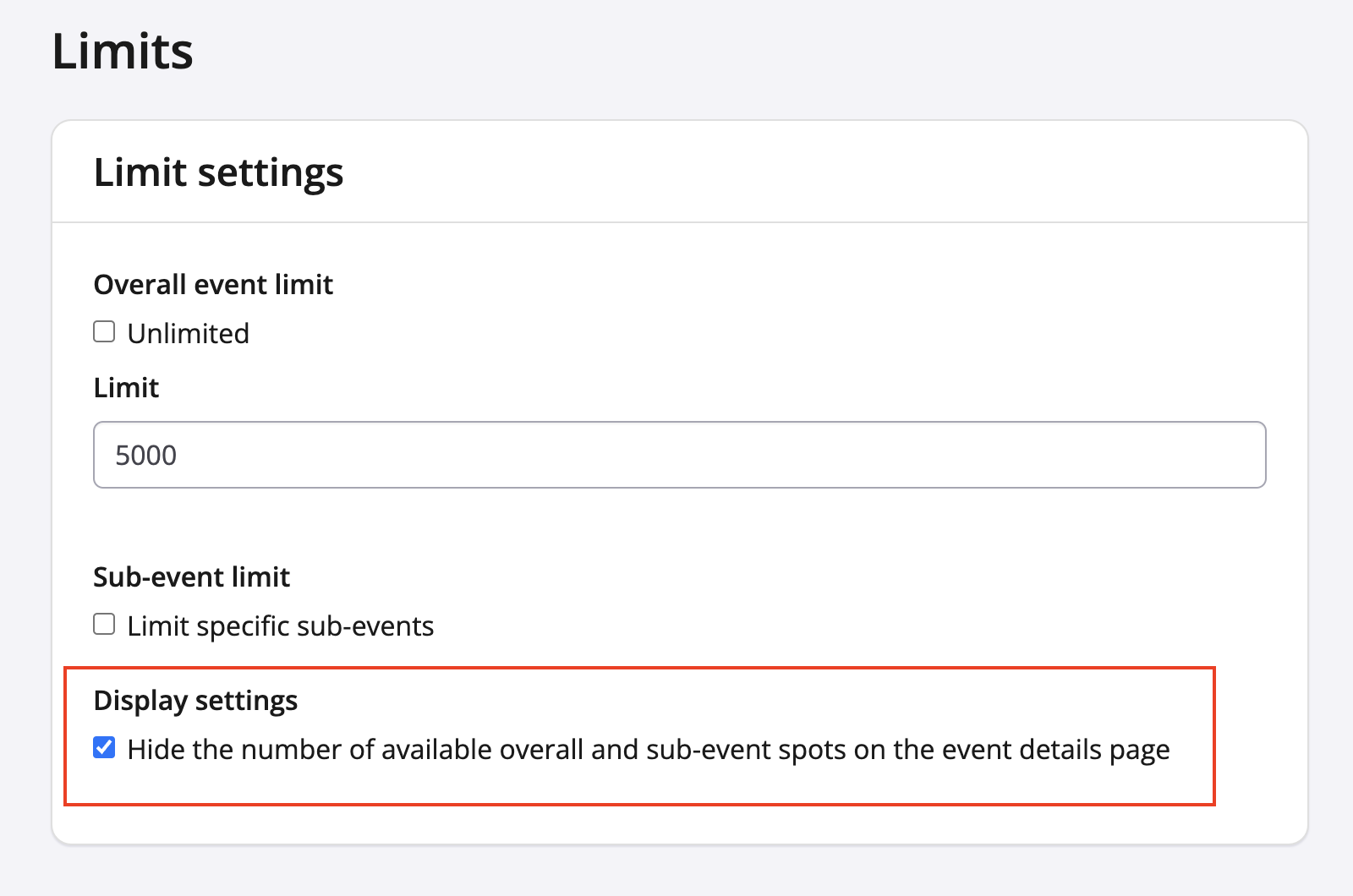
2. Navigate to the left and select Settings, then select Limits.
3. Uncheck the Unlimited checkbox under the Overall event limit field and add a number that is lower or equal than your current registration number
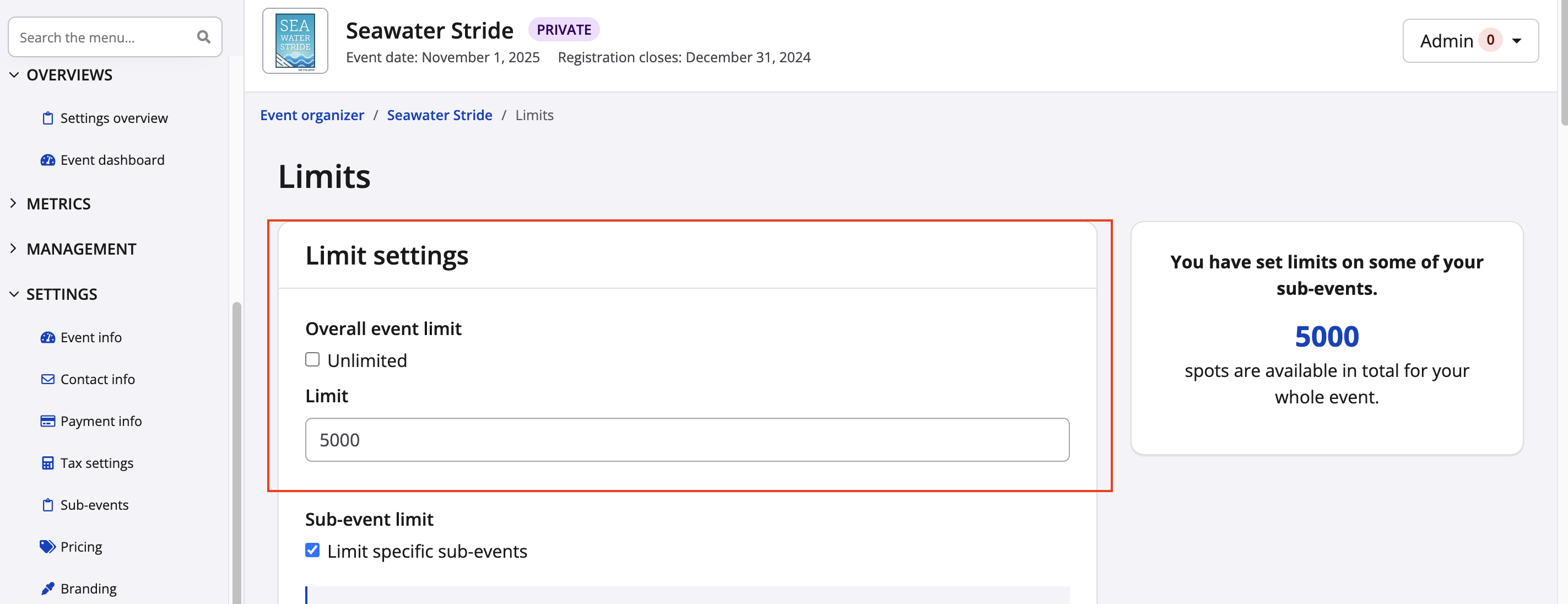
4. Check off the hide the number of available overall and sub-event spots on the event details page check box
5. Scroll down and click Save and the front facing page will display
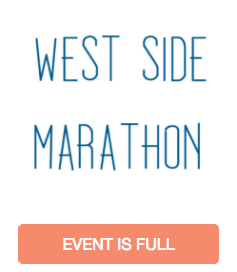
Note: Please contact director@raceroster.com if you would like more information on customizing the Registration Closed or Event is Full message