When creating a new page and a new GBP payment profile, please follow the steps below:
1. Go through all the event creation steps until you get to the Payment Info section.
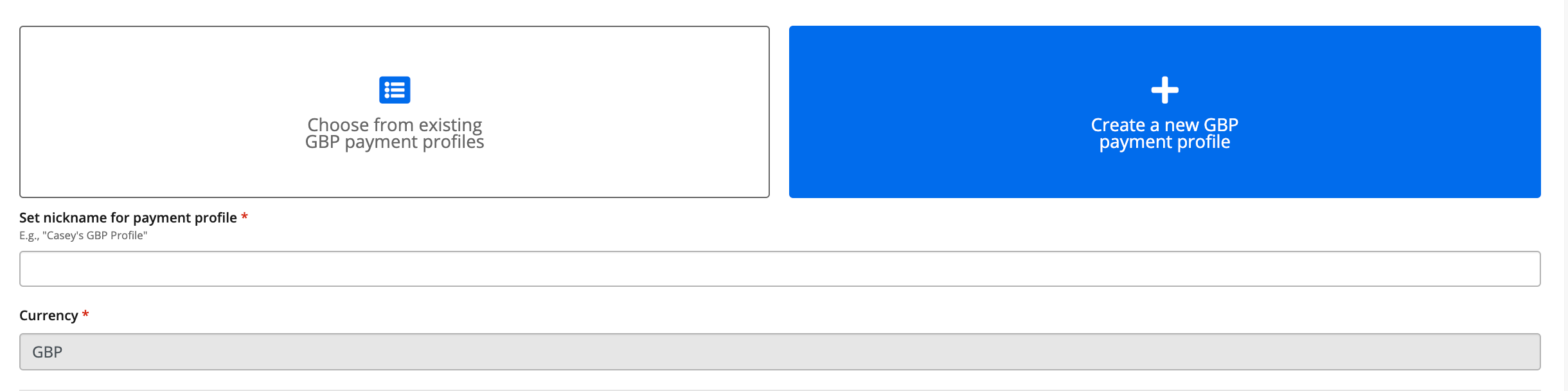
2. Click Create a new + GBP Payment Profile. (It will be pre-selected if you do not have any payment profiles created).
3. Complete each section:
3.1. Naming the Payment Profile.
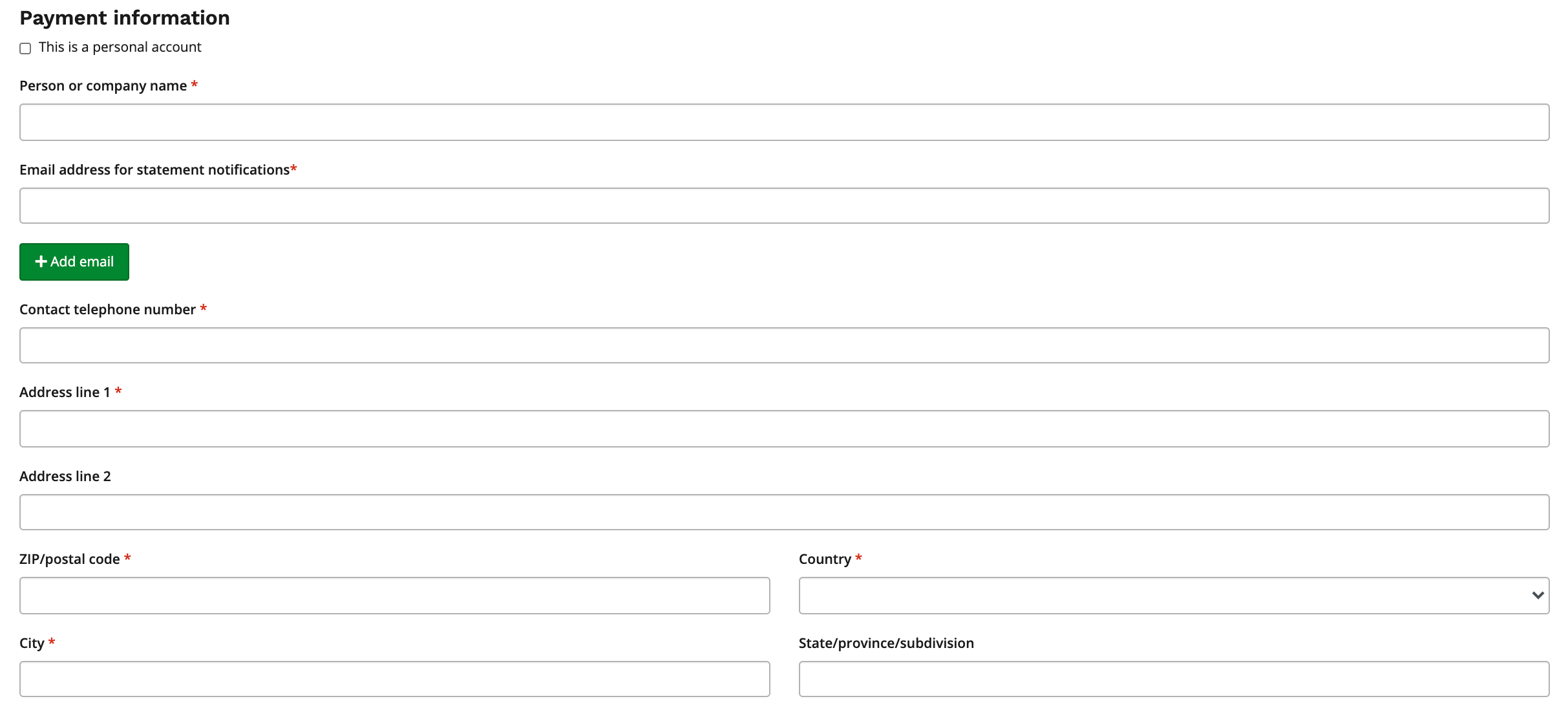
3.2. Payment Information.
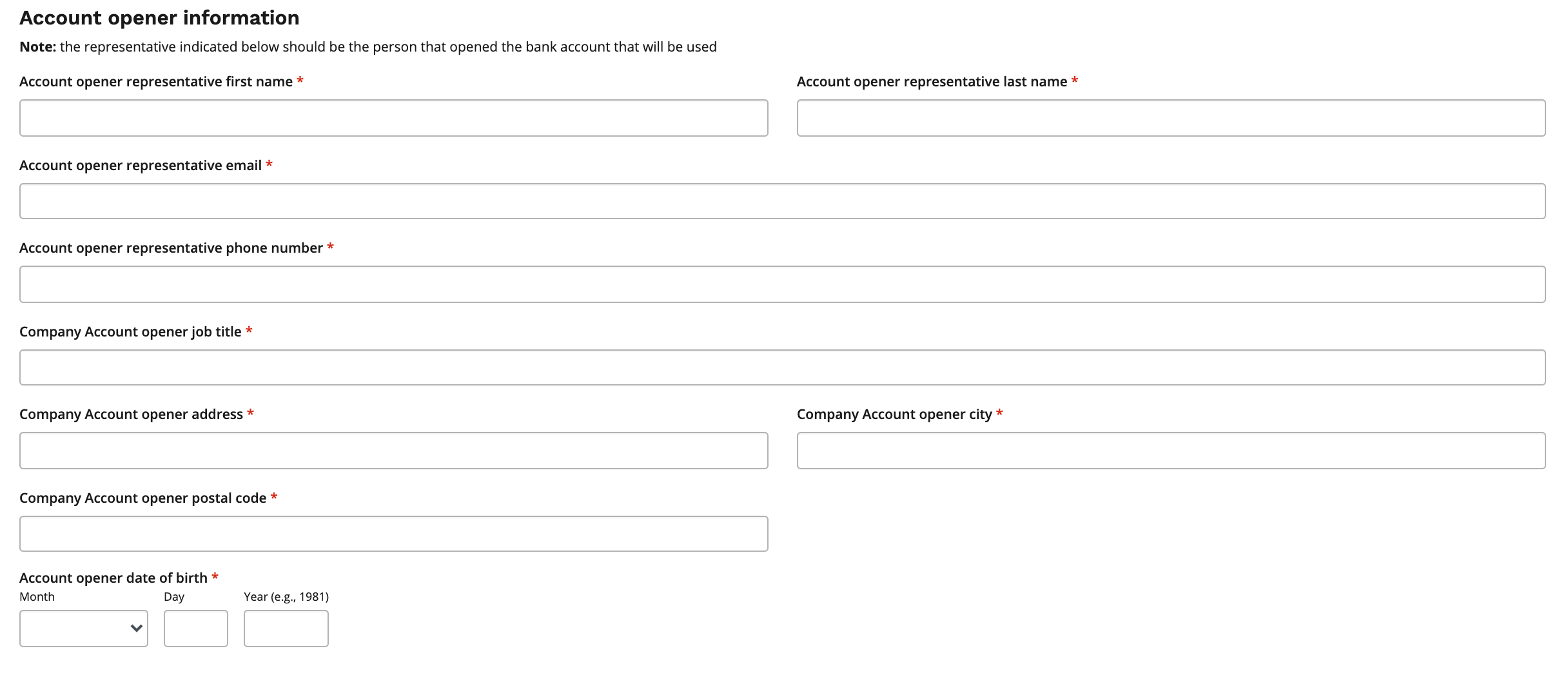
3.3. Account opener information.
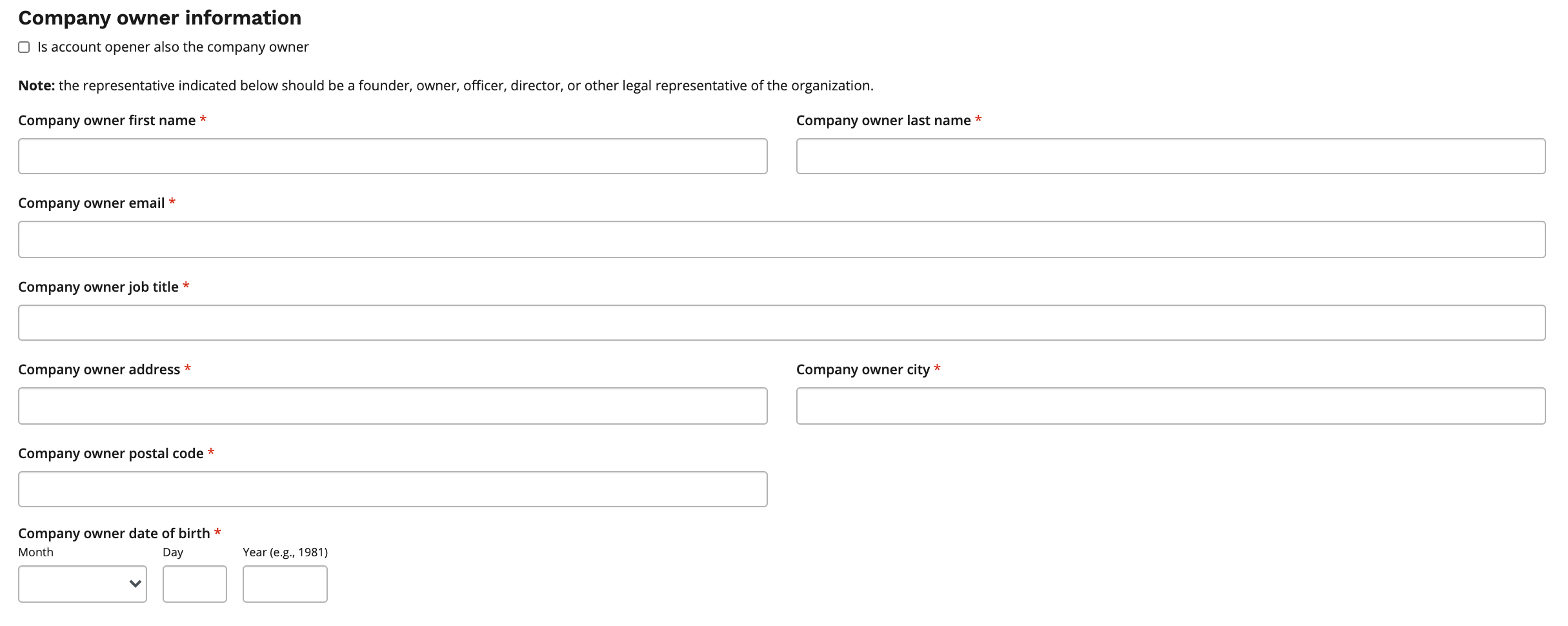
3.4. Company owner information.
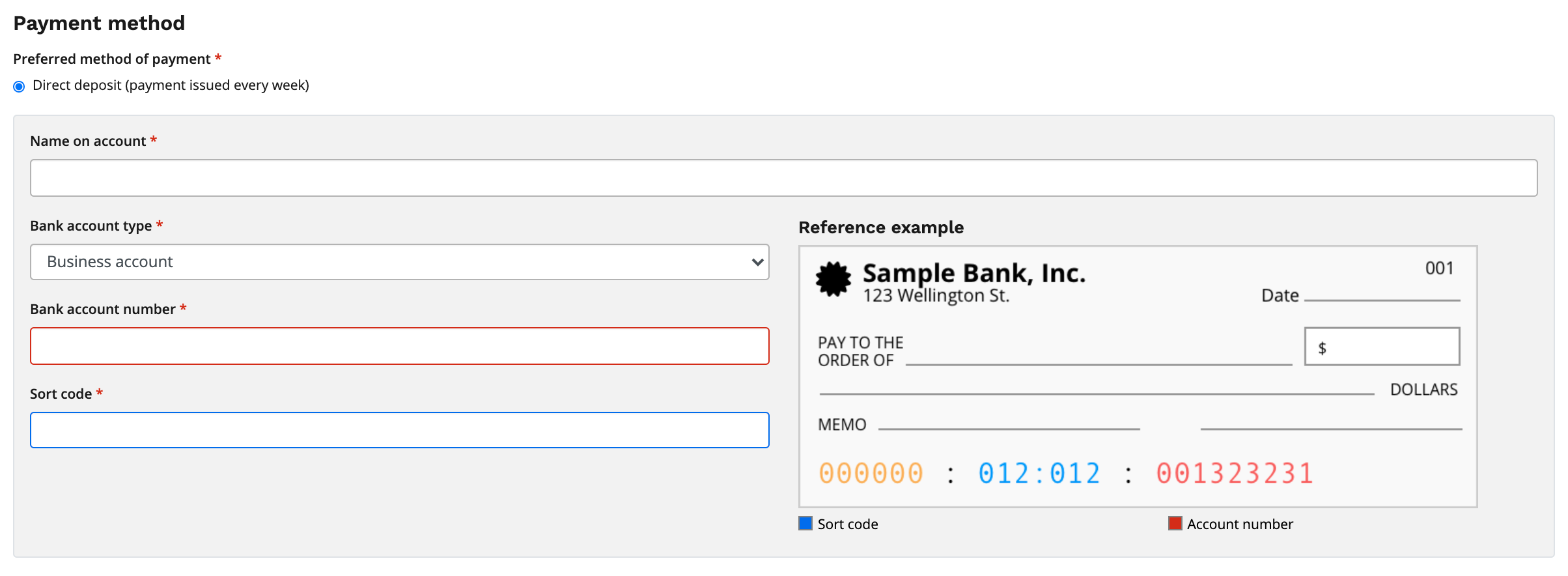
3.5. Payment Method.
4. Click Save or Save & Exit to complete your GBP Payment Profile.