During the creation process, you may have added sub-events that are no longer necessary on your page. You can delete these sub-events by going through the following steps:
1. Go to your Dashboard and navigate to the left-hand side of the page to the Search box.
2. Seach and select Sub-events in the search box.
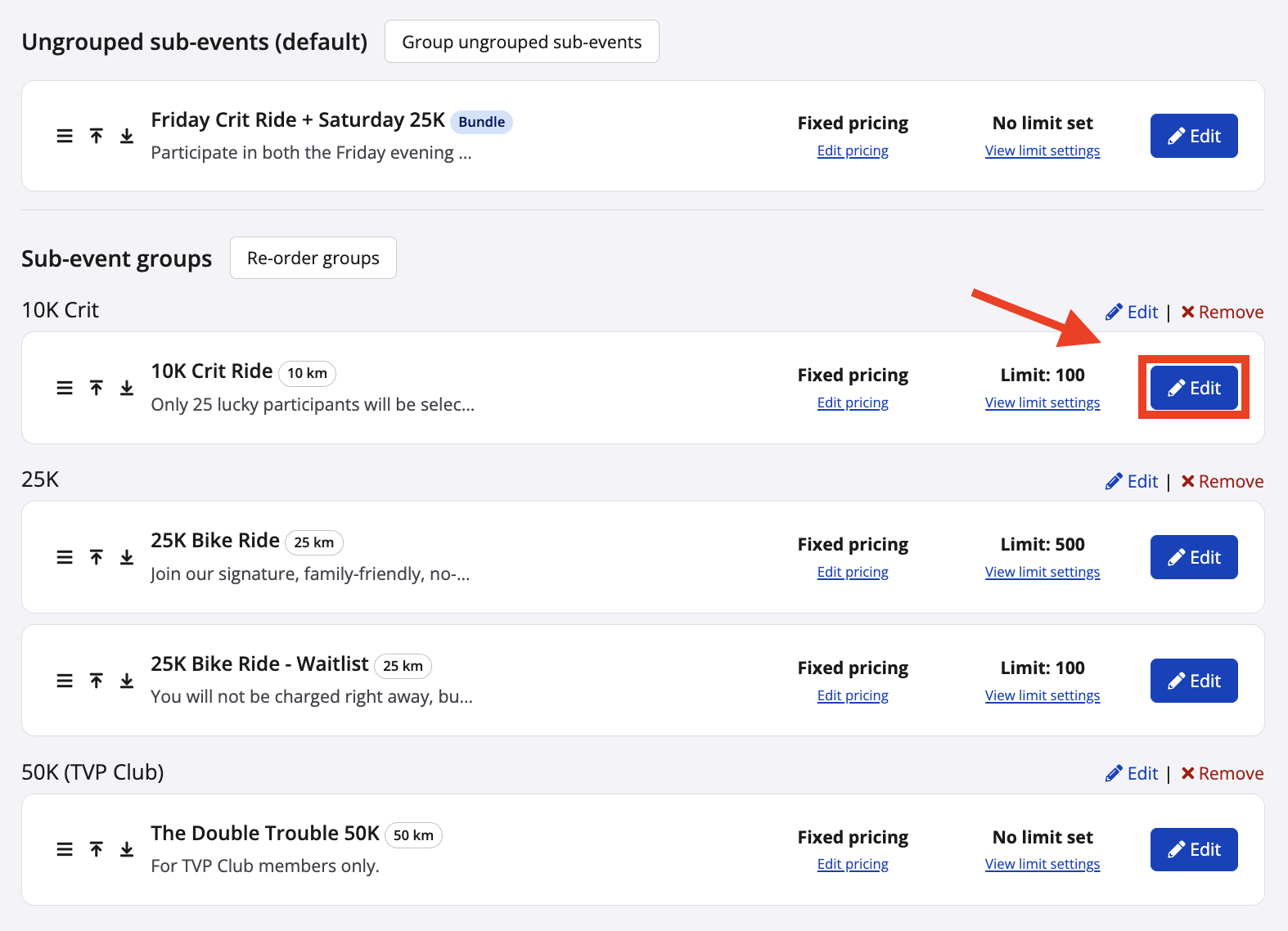
3. Find the sub-event you would like to delete and click Edit
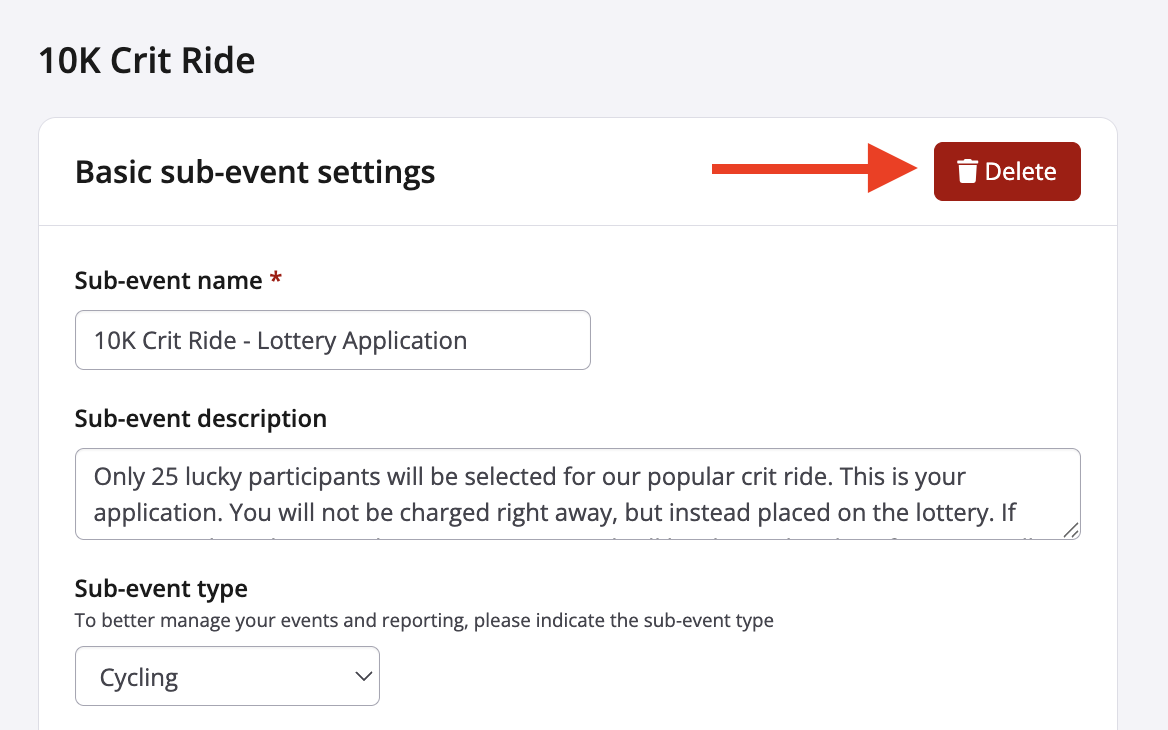
4. As long as there are no participants registered in the sub-event you will be able to use the red delete button on the top right-hand side.
5. Once you click delete you will be taken back to the Sub-events page.