Twilio is a cloud-based communications platform that allows you to send SMS notifications directly to your participants through Race Roster, using existing Twilio funds. By integrating Twilio with Race Roster, you can further automate text messaging for event updates, reminders, and important announcements.
Step 1 — Create or log in to your Twilio account
- Go to https://www.twilio.com and sign up or log in.
- You'll need 3 things to use Twilio with most 3rd-party applications (ie Race Roster):
- Account SID and Auth token
- Twilio phone number
- Upgraded Twilio account
- To send messages to all participants without restrictions, upgrade to a paid account.
Step 2 — Get your Twilio credentials
- In your Twilio Console, navigate to Account Dashboard
-
Locate and copy your Account SID, Auth Token and Twilio Phone Number
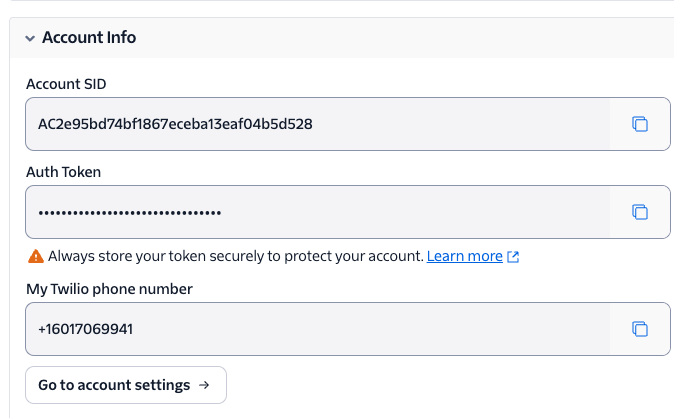
A Twilio phone number with SMS capability can be purchased by going to Phone Numbers → Manage → Buy a Number.
Step 3 — Add your Twilio details to Race Roster
- Log in to your Race Roster timer dashboard
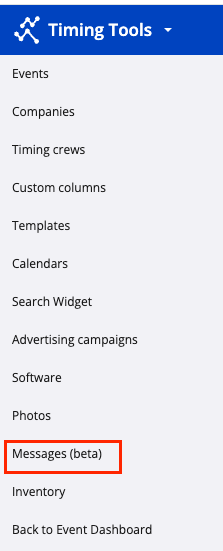
- Navigate to Messages from the Left Hand sidebar
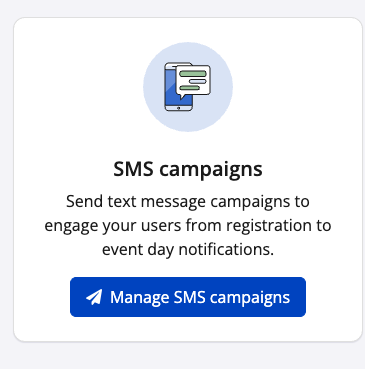
- Select Manage SMS campaigns
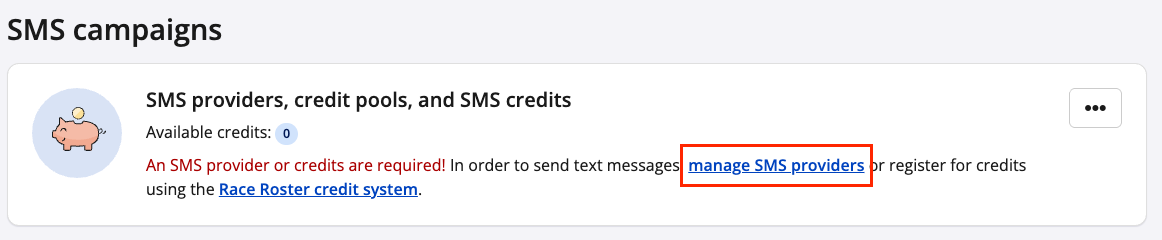
- In the top banner select manage SMS providers
- Select + Create SMS provider
- Enter your Twilio Account Name, Account SID, Auth Token, and Twilio phone number.
- Click Save.
Step 4 — Configure your SMS workflow
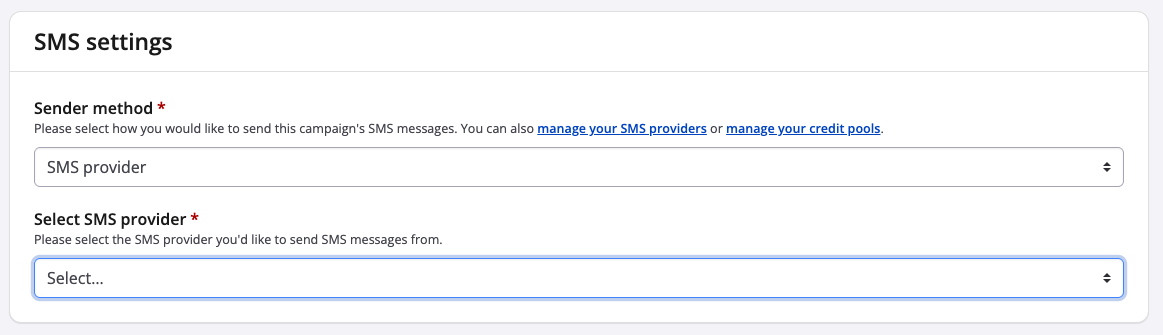
- When creating an SMS campaign select SMS provider under Sender method
- Then select the Twilio Account Name under Select SMS provider
Troubleshooting the Twilio Integration
If your messages are not sending as expected:
- Messages are not being delivered:
- Check that your Twilio phone number has SMS capabilities
- Confirm you have sufficient Twilio account balance or credit.
- Review the Messaging Logs in Twilio for delivery errors and specific error codes.
- Incorrect number format errors:
- Ensure phone numbers are stored in international format (e.g., +61412345678 for Australian numbers).
- SMS messages in Race Roster will only send to contacts who have subscribed to the Race Roster SMS Opt-in question

- Integration settings not saving in Race Roster:
- Double-check your Account SID and Auth Token for accuracy.
- Regenerate your Auth Token in Twilio if needed and update it in Race Roster.
Tip: SMS pricing varies by country. Visit Twilio Pricing to review rates before launching your campaign.