Why might this be a good idea?
Registrants are only able to access private events with a direct URL link. This works well for events that are not open to the general public including races, golf tournaments or galas that sell out quickly to a group of returning attendees each year. The private setting can also be useful as you test registration before making your event available to the public.
-
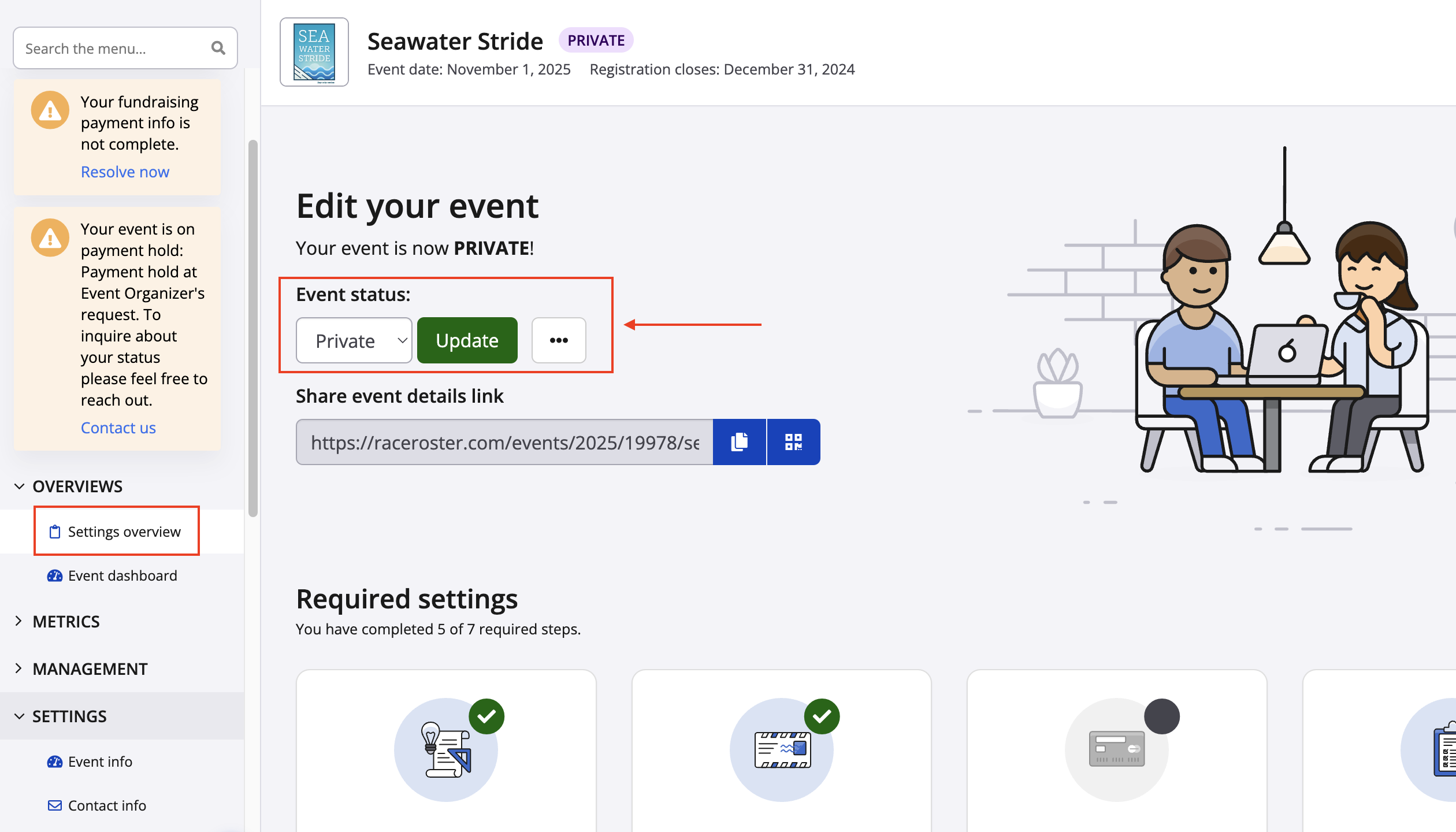
Go to your event dashboard and ensure you are on the correct event.
-
Select Settings overview
-
Find Event Status click on the drop down menu and change to 'Private'. Then select Update.
-
Potential participants will now need a direct link to register for your event, click 'PAGE' at the top of your dashboard to copy and paste the private event URL or you can use https://raceroster.com/XXXXX (Insert your 5 digit Event ID #).