As the years go on, staff members may change and it may be necessary for you to completely remove a Director from accessing the dashboard. To remove a director just go through the steps below :
-
Go to your Event Dashboard.
-
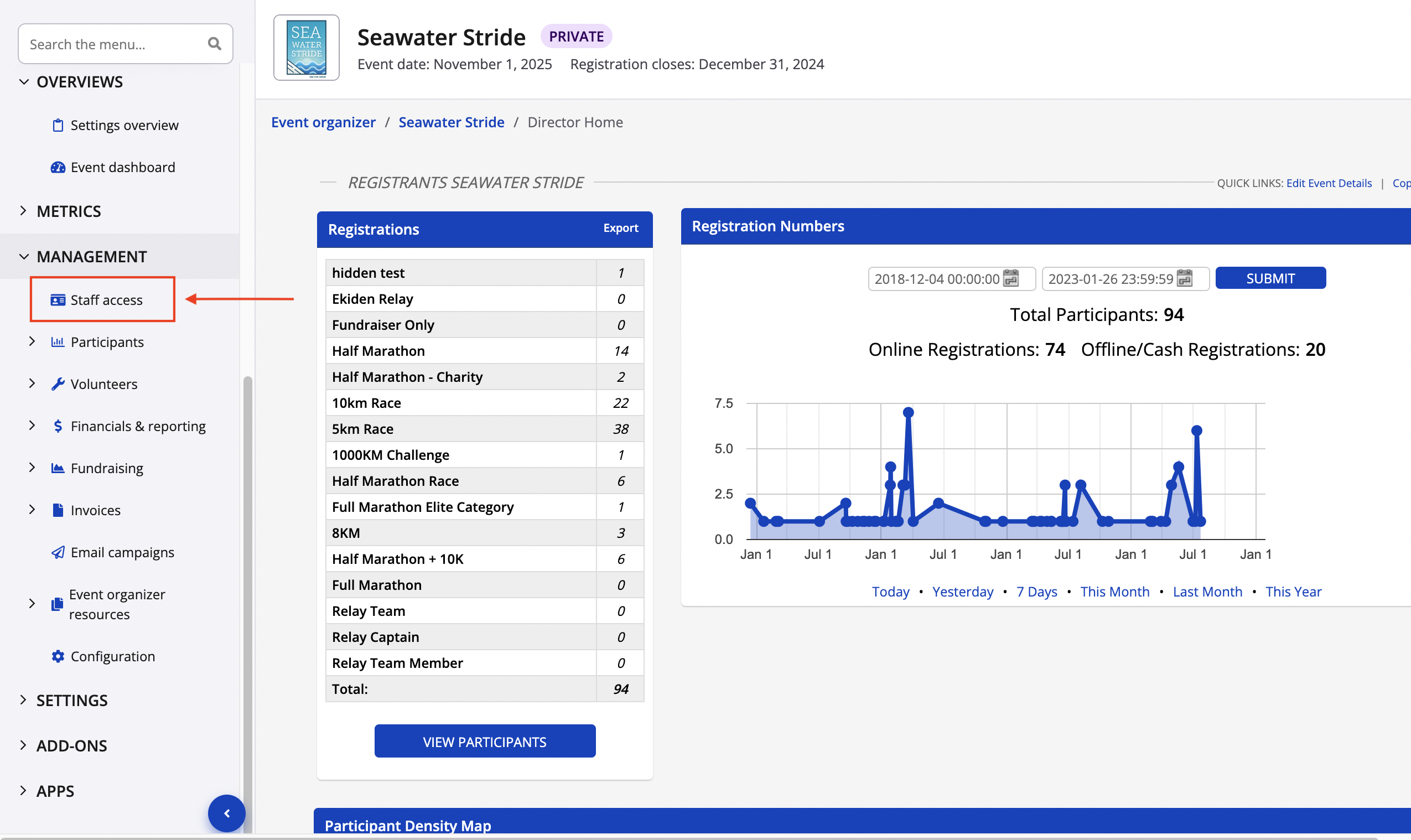
On the left select Management, scroll down in the drop menu to open Staff access:
- Slide your mouse to the right of the Race Director name and click Suspend.
- Once you click Suspend, you will now be able to click Delete. This will effectively remove the old staff member from your list of directors.
**Note: It is important to know that you must be configured as a Creator before you can take the above steps. Please feel free to contact director@raceroster.com to confirm if you are a Creator.