1. Login to your dashboard as an Event Organizer.
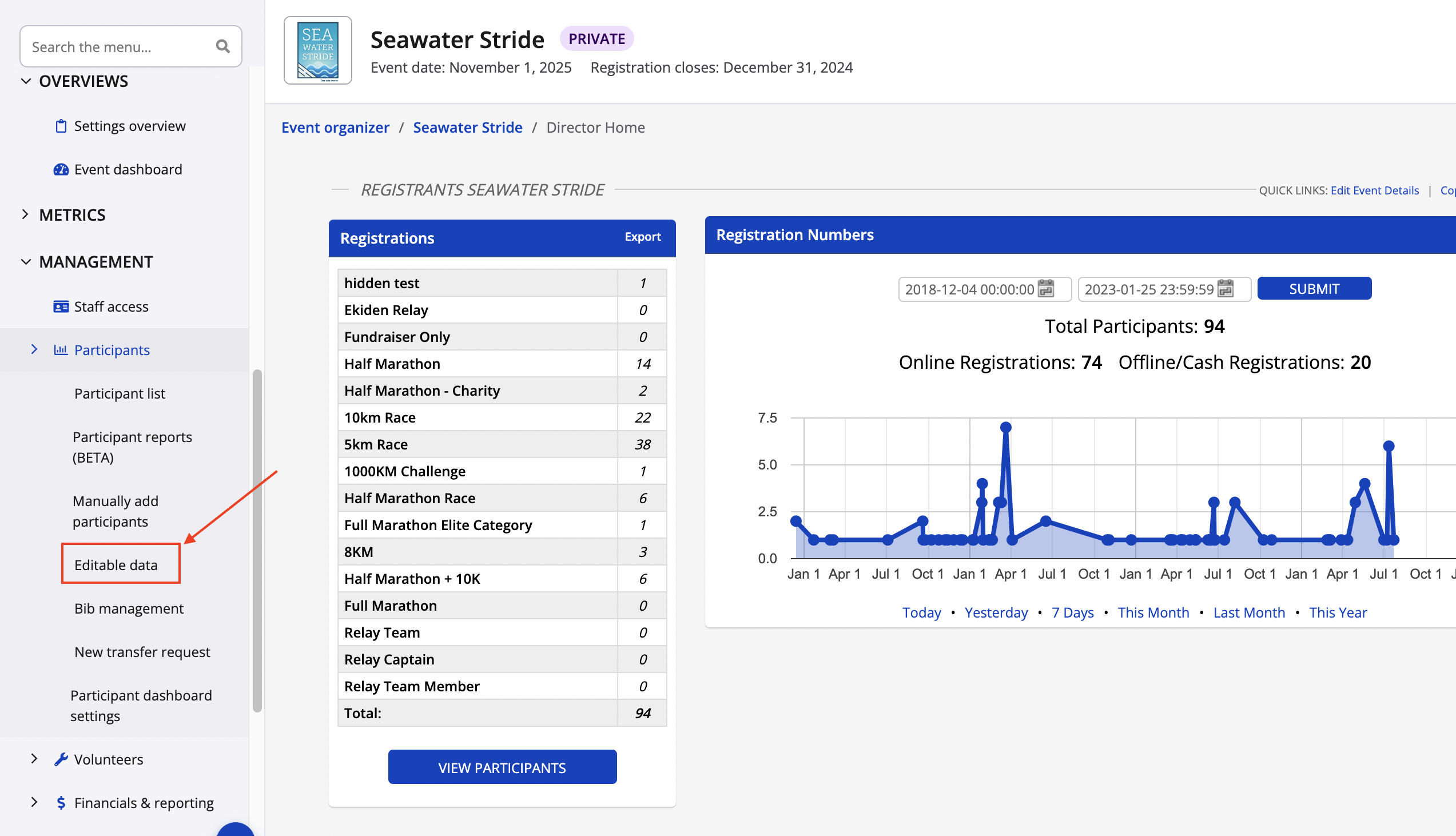
2. From your dashboard navigate to the left of your screen and select Management > Participants, followed by Editable Data from the drop-down menu
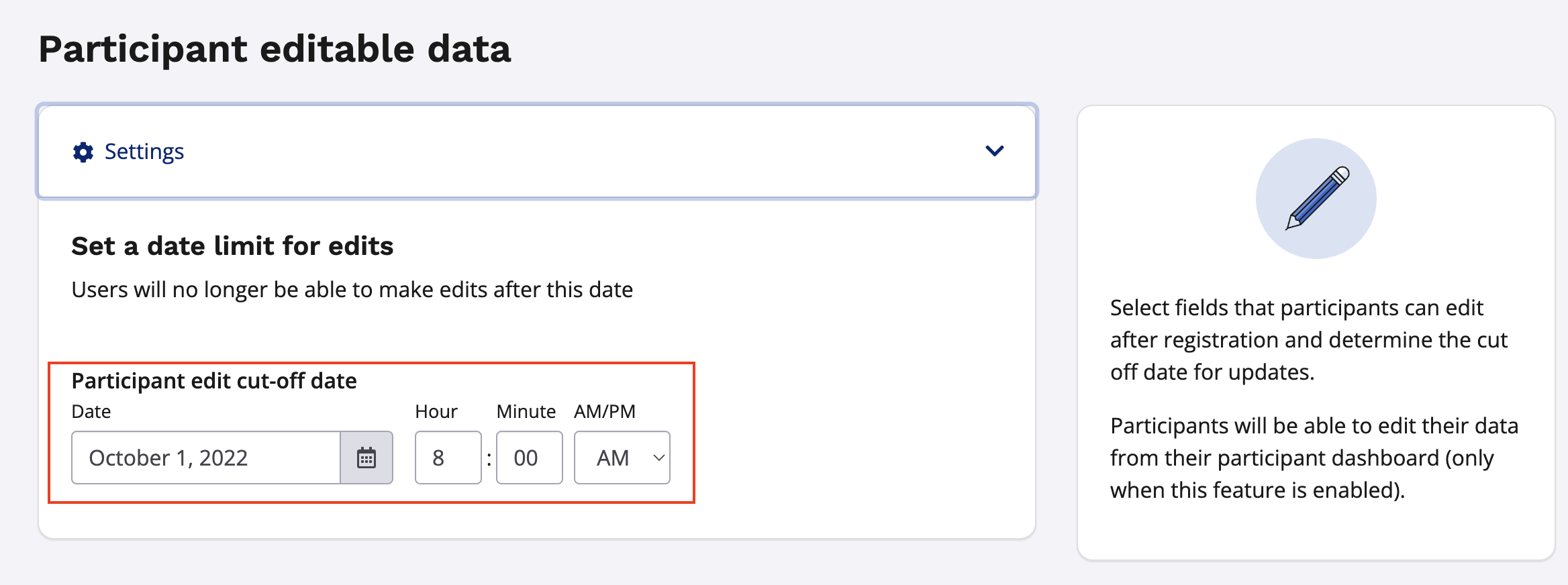
4. Indicate the date limit for users to update their registrations.
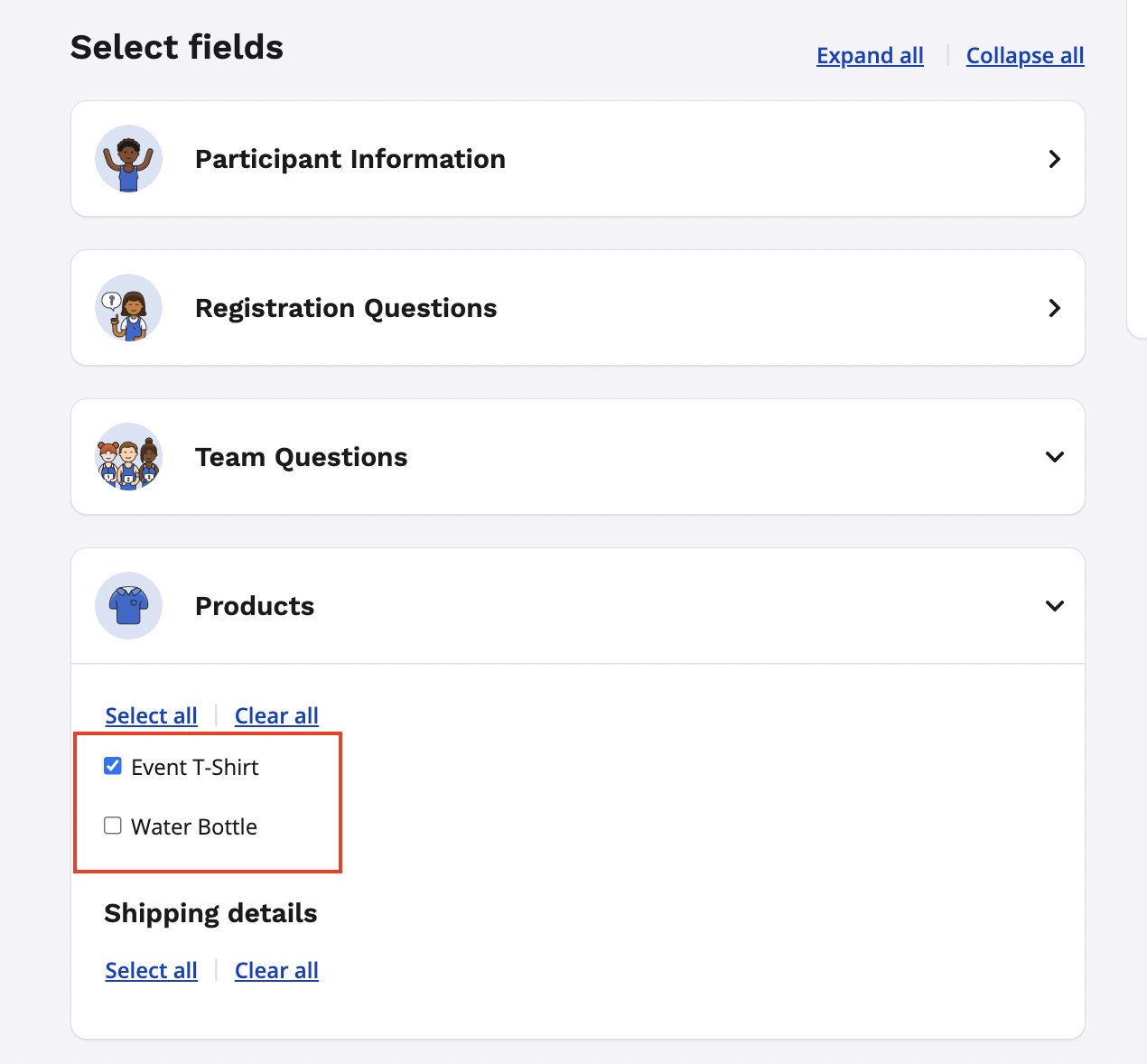
5. Check off any fields that you would like to allow a participant to edit via their participant dashboard by expanding any of the available data categories.
6. Navigate and save at the bottom of the page