Now that you have created and customized your fundraising page, let's share it! (If you haven't customized your pledge page, click here)
There are 2 methods to share your pledge page:
Method #1:
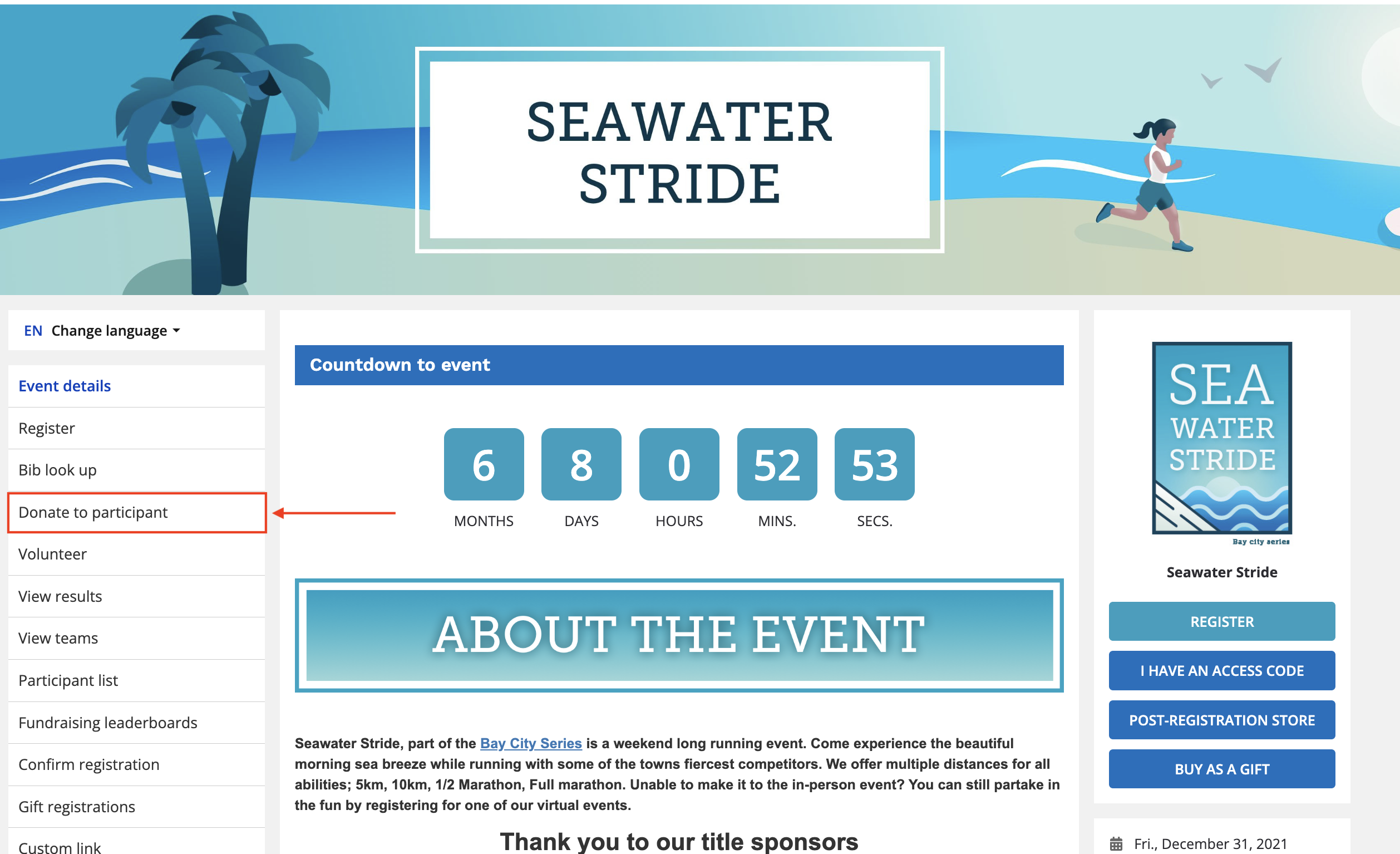
- Head to the Race Roster event page you are registered for
- Once you are on the event page, click donate to participant
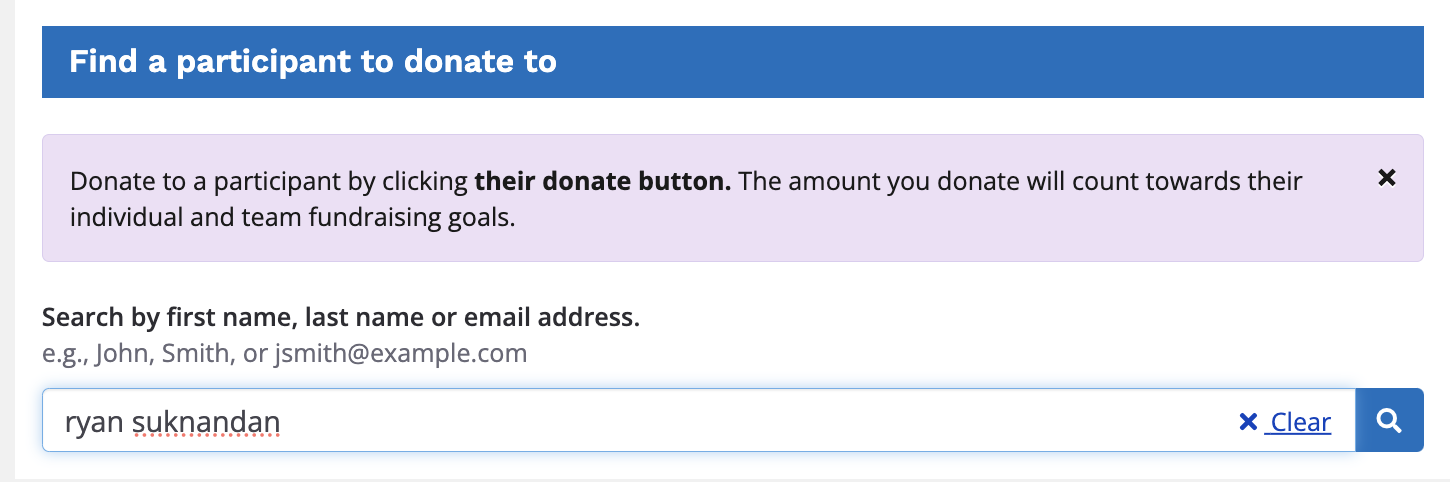
- Search for your pledge page by entering your first name OR last name OR email address in the search bar provided and hit the search icon
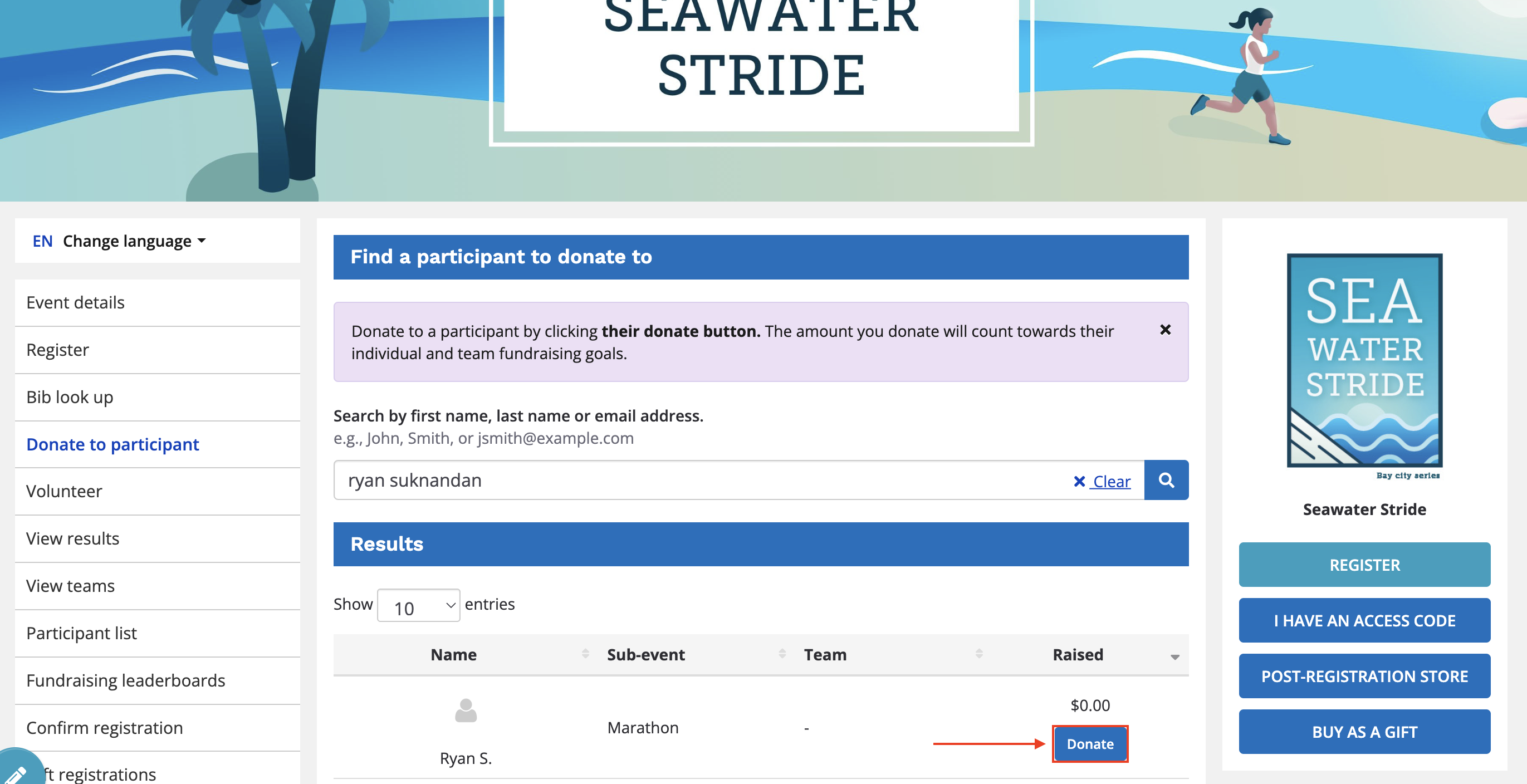
- Once you find your name click the PLEDGE button to the right
- On your personal pledge page, you will see a share page dropdown menu containing Facebook, Twitter, and email share buttons, along with a direct link to your pledge page to be copied
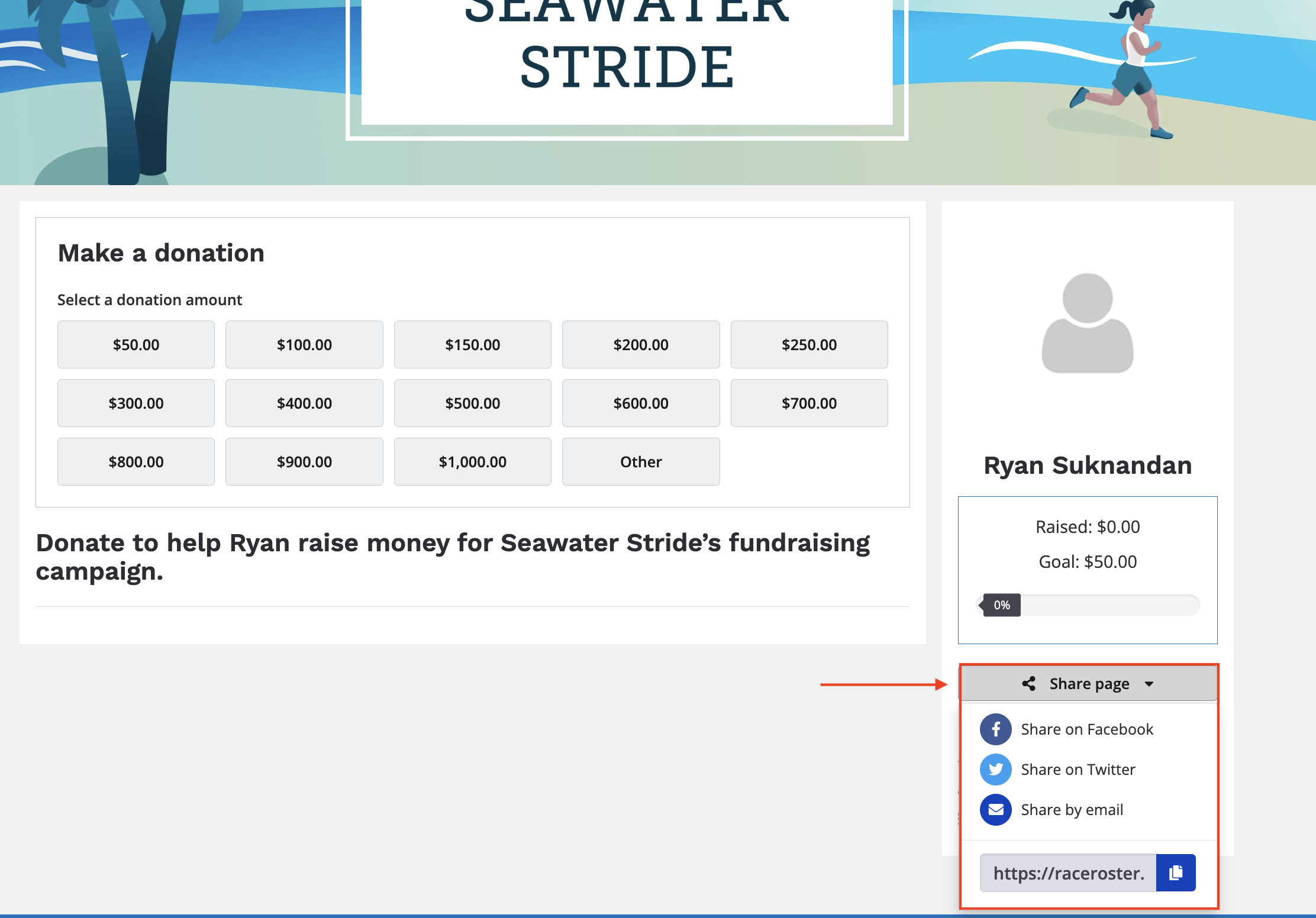
- Click your preferred sharing method and share away!
Method #2:
- Sign in to your Race Roster account (need help? just click here for instructions to sign into your account)
- Make your way to the participant dashboard for your event registration
- Scroll all the way down to the section Fundraising
- In this section of the page, you will see 3 buttons: Share via Twitter, Share via Facebook, Share via Email
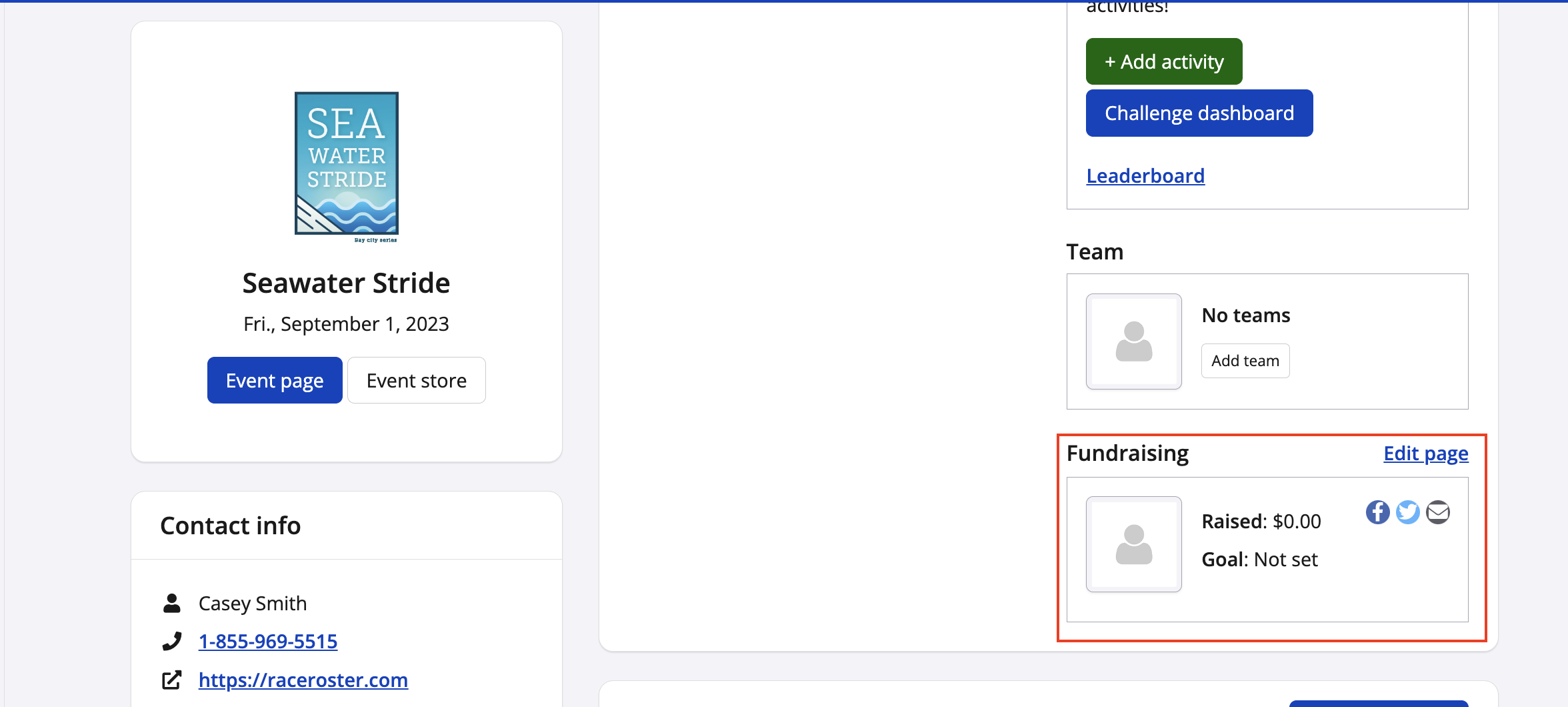
- Click your preferred way of sharing and follow the prompts
- You will need to click Tweet, Post, or Send (depending on your method of sharing) to finalize the share