Before sharing your fundraising page, visit this article on customizing your pledge page to change team photo, message and goals.
As a member of a team, you are all able to share your team page on social media—similar to how you share you pledge page.
- Head to the Race Roster event page you are registered for
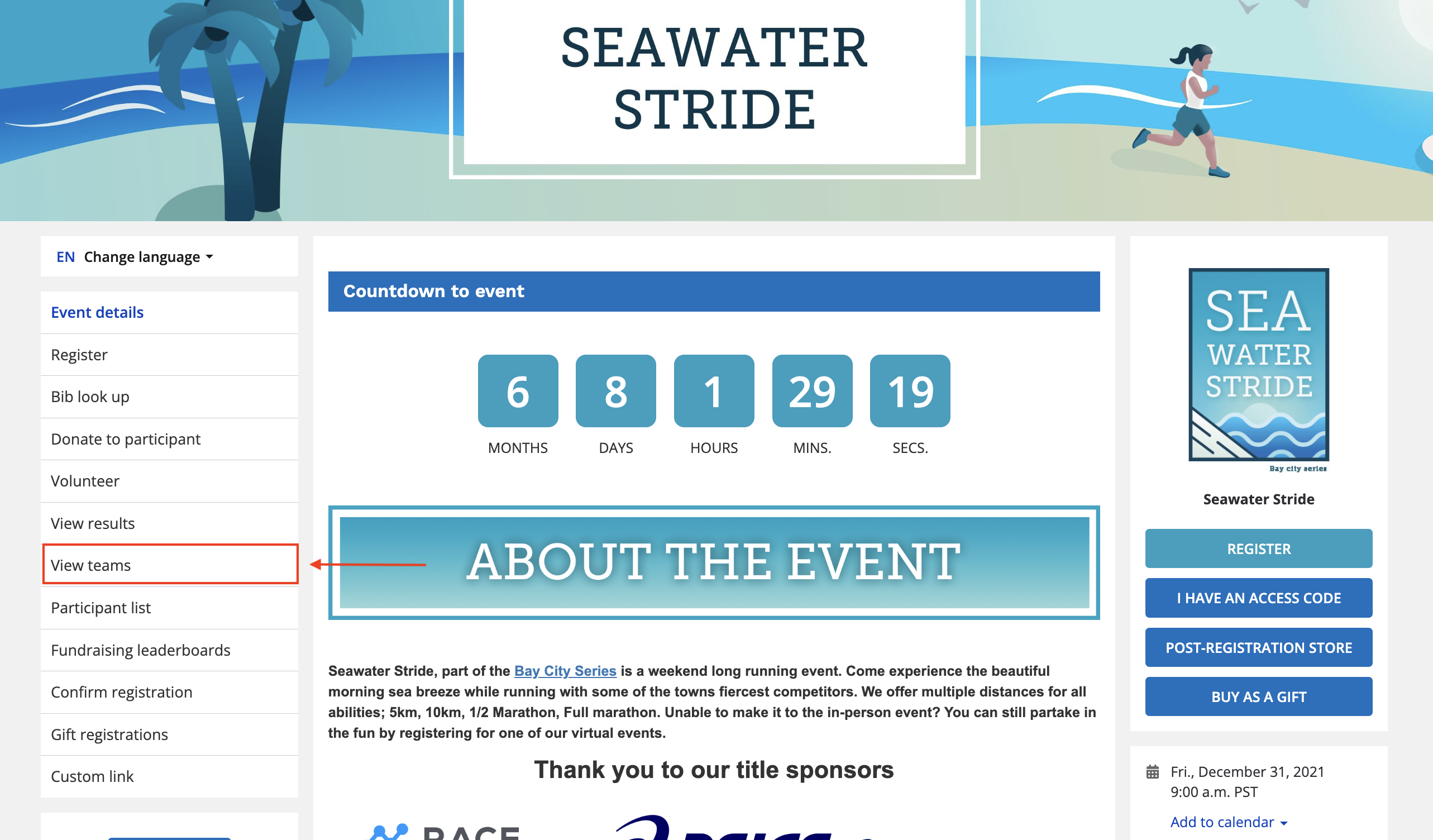
- Once you are on the event page, click VIEW TEAMS
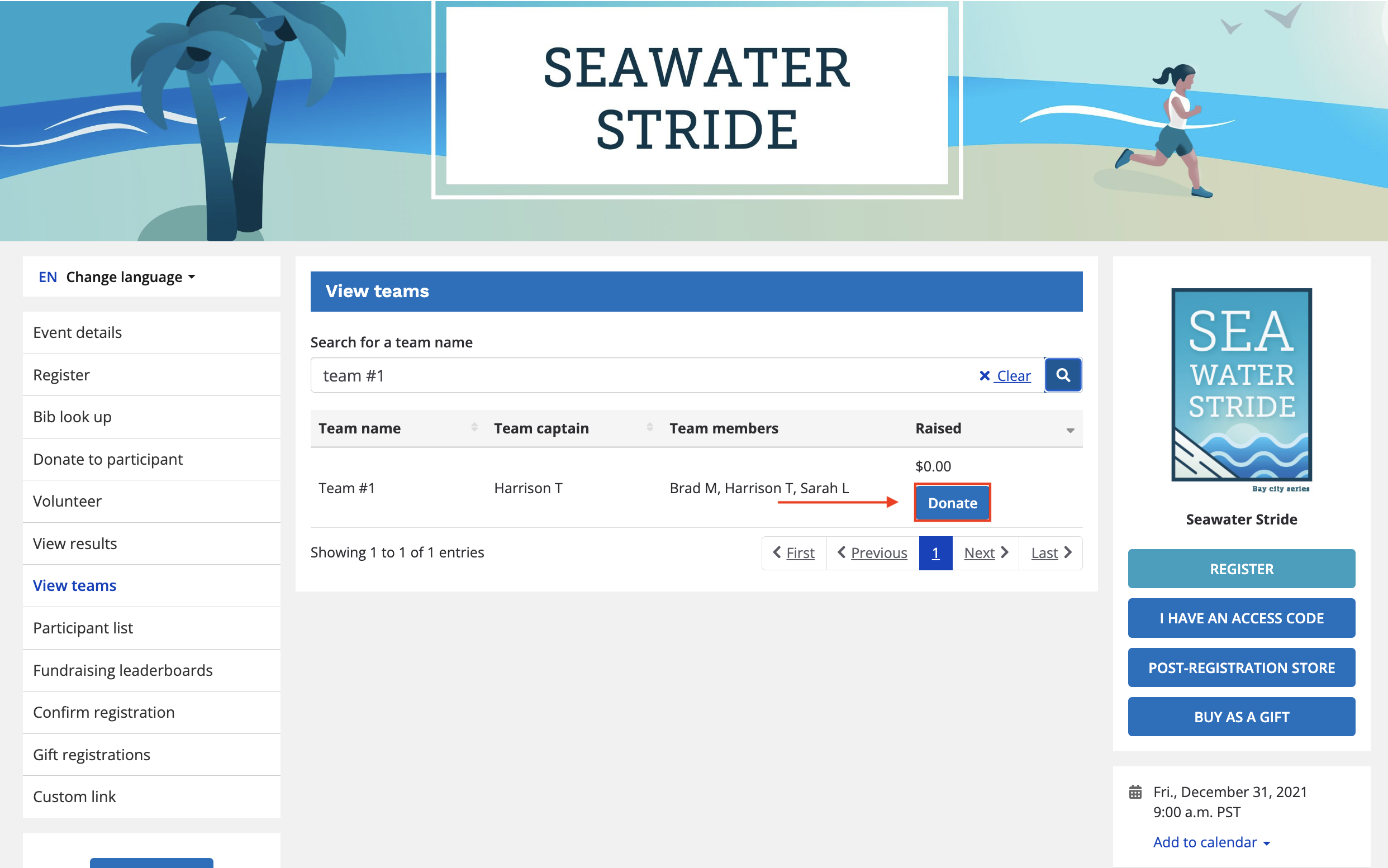
- Search for your team page by entering the name of the team

- Once you find your team click the PLEDGE button to the right
- On your team pledge page you will see a share page dropdown menu containing Facebook and Twitter share buttons, along with a direct link to your pledge page to be copied
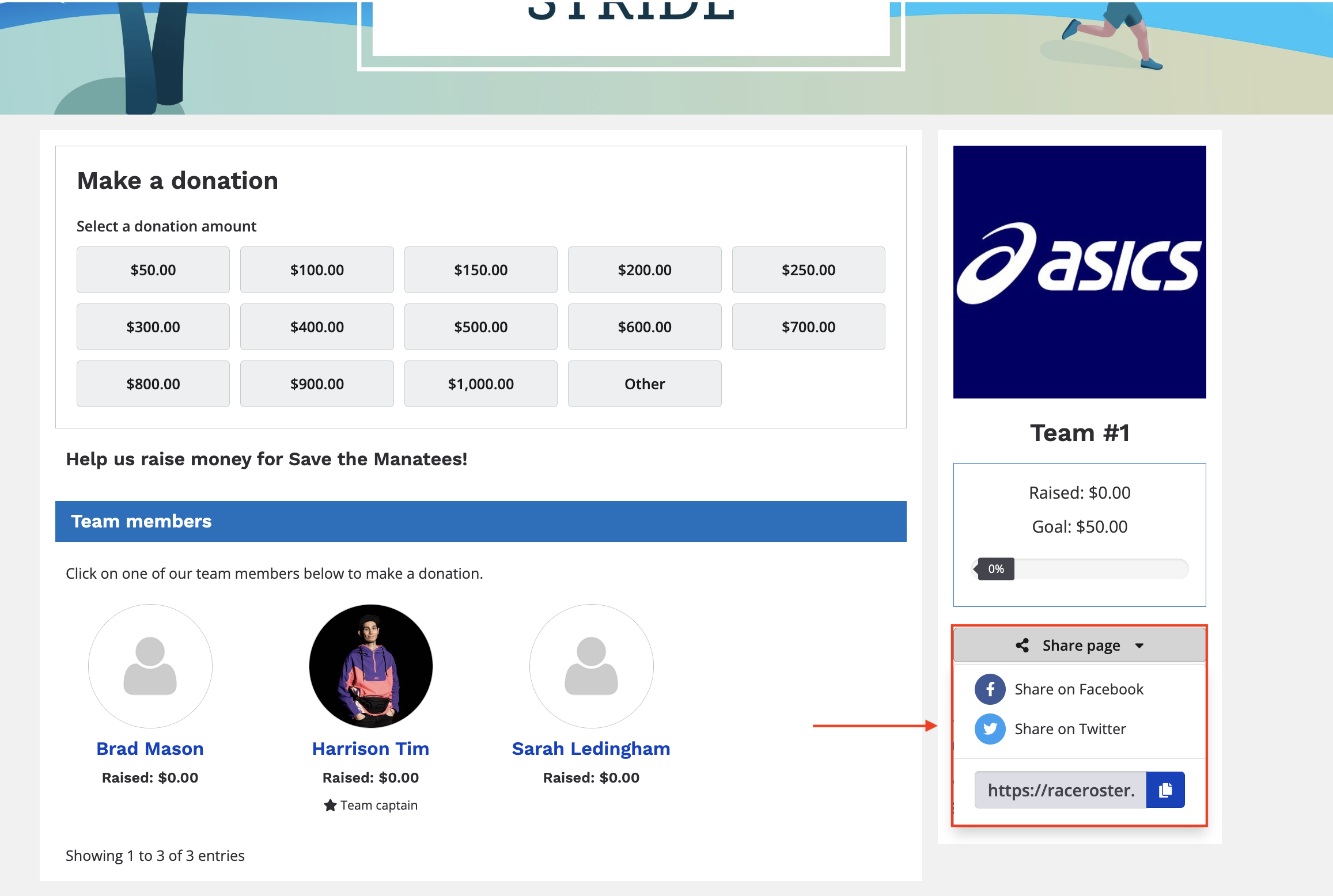
- Click your preferred sharing method and share away!
For more on collecting donations with Race Roster, visit our Fundraising section.