- Login to your dashboard as an Event Organizer.
- Navigate to the left of your screen and select 'Settings', followed by 'Products' from the drop-down menu.
- Navigate to the product item in question and click Edit.
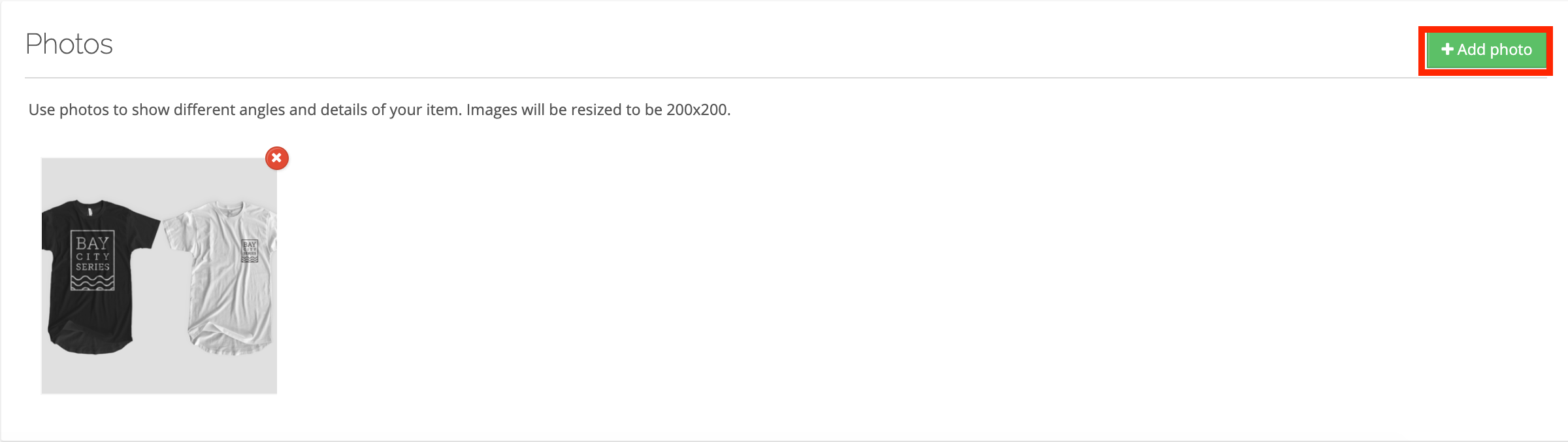
- Scroll down to the Photos section of the product and click +Add Photo
- Select 'Choose file' and a file browser will open.
- Click 'Browse' and select an image from your computer (Recommended image size: 800px x 800px. Images will be displayed as squares.)
- Once your file is selected click save to upload the file.
- Your product items can have more than one image, follow steps 4-6 to add another image.
- Scroll to the bottom and hit 'SAVE' before navigating away from this page