1. Go to https://inventory.raceroster.com/
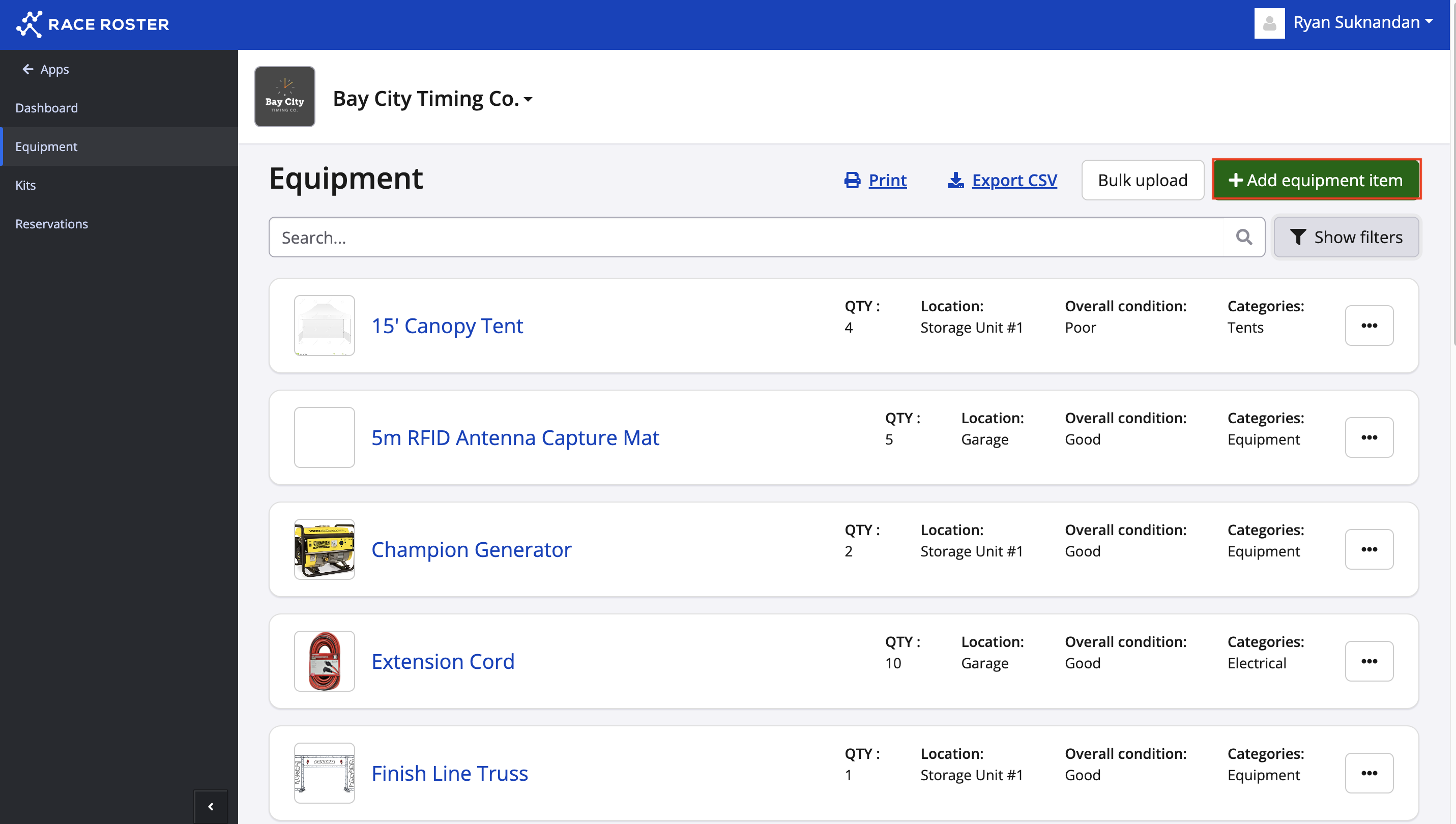
2. On the dashboard, you will want to click Equipment.
3. Click the green + Add equipment item button in the top right-hand corner.
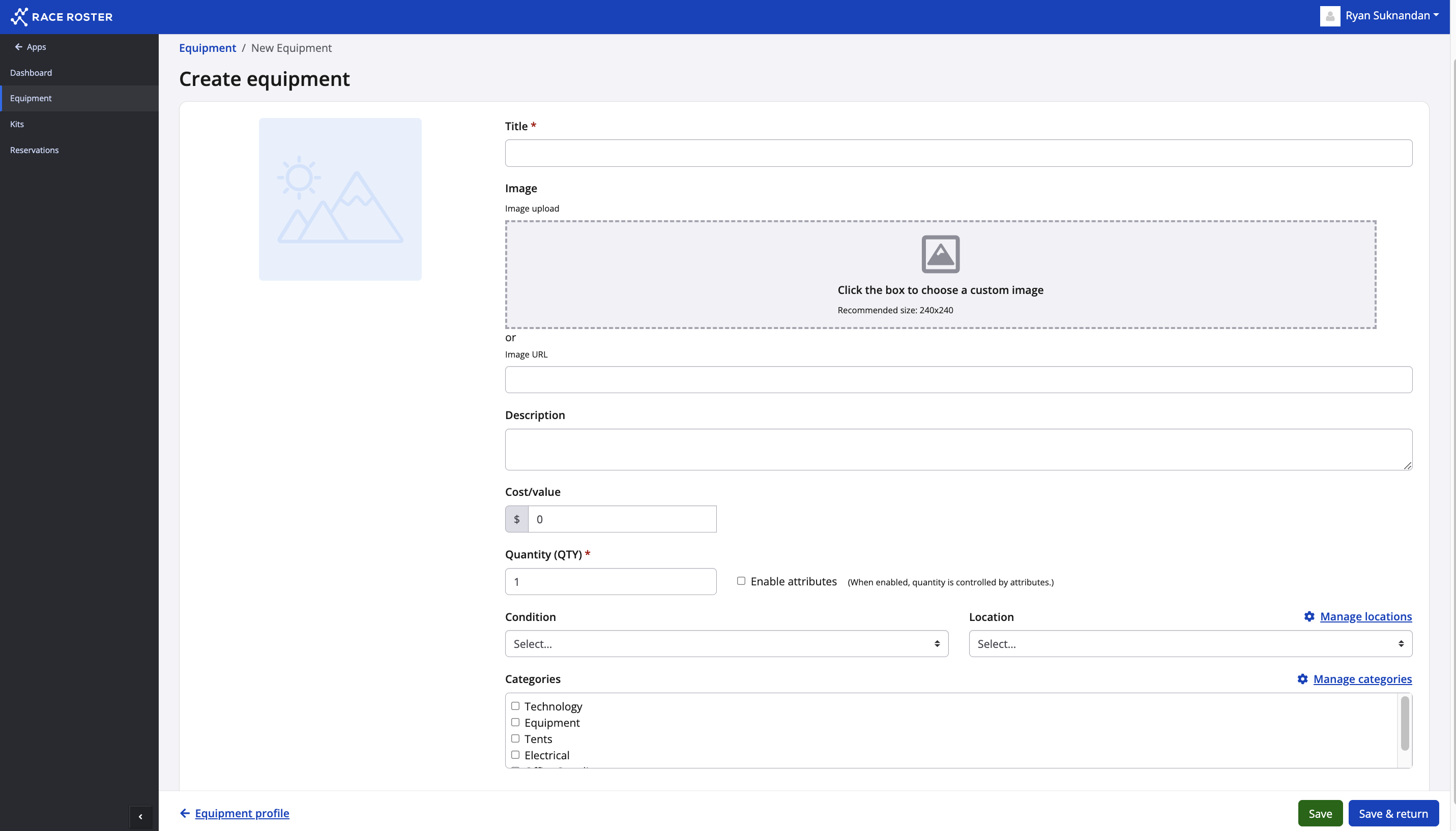
4. You will be taken to a new page where you can fill out the details regarding that item.
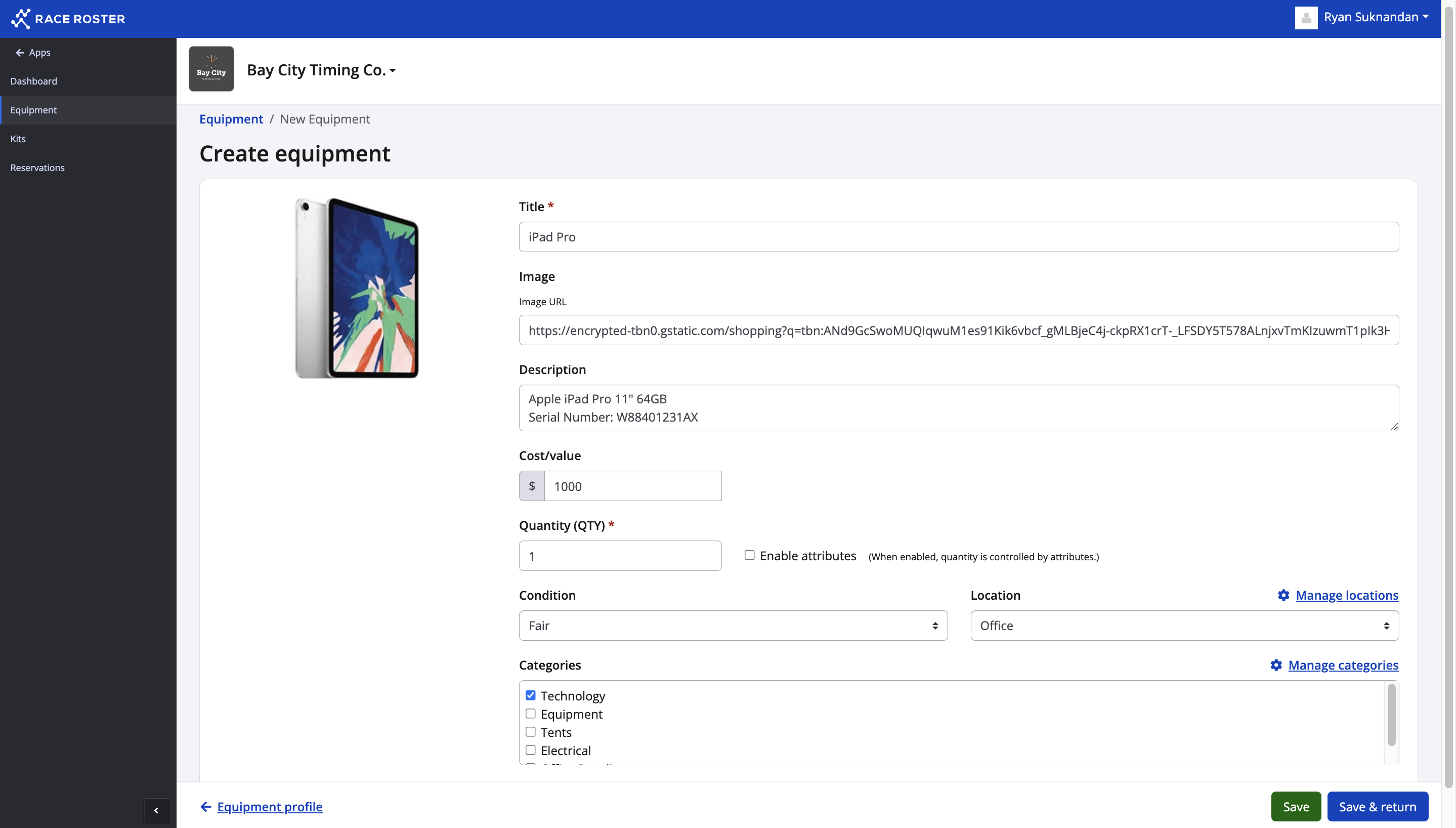
5. Here you can enter the name of the item, add an image via URL, description, cost/value, quantity, and condition.
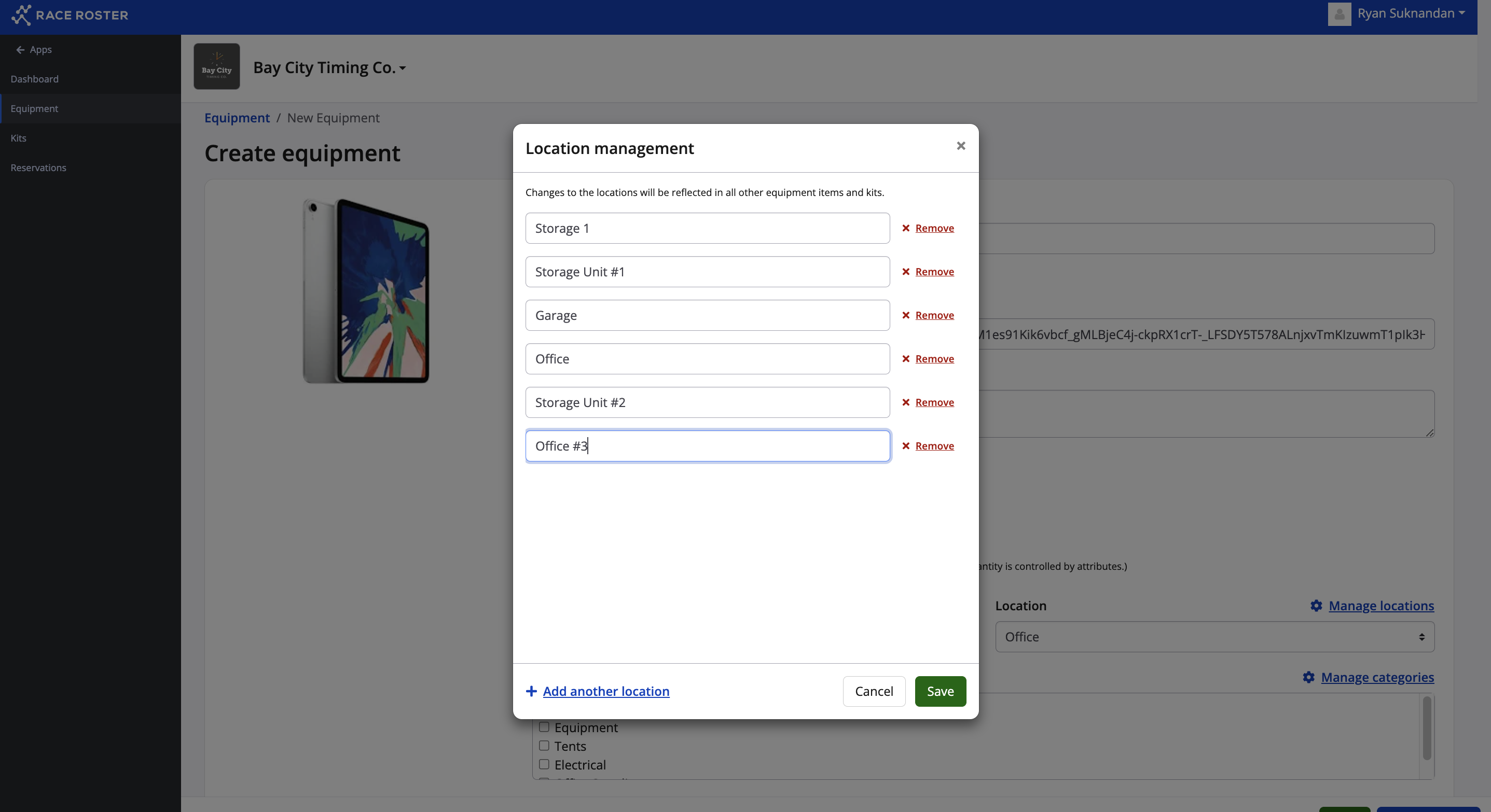
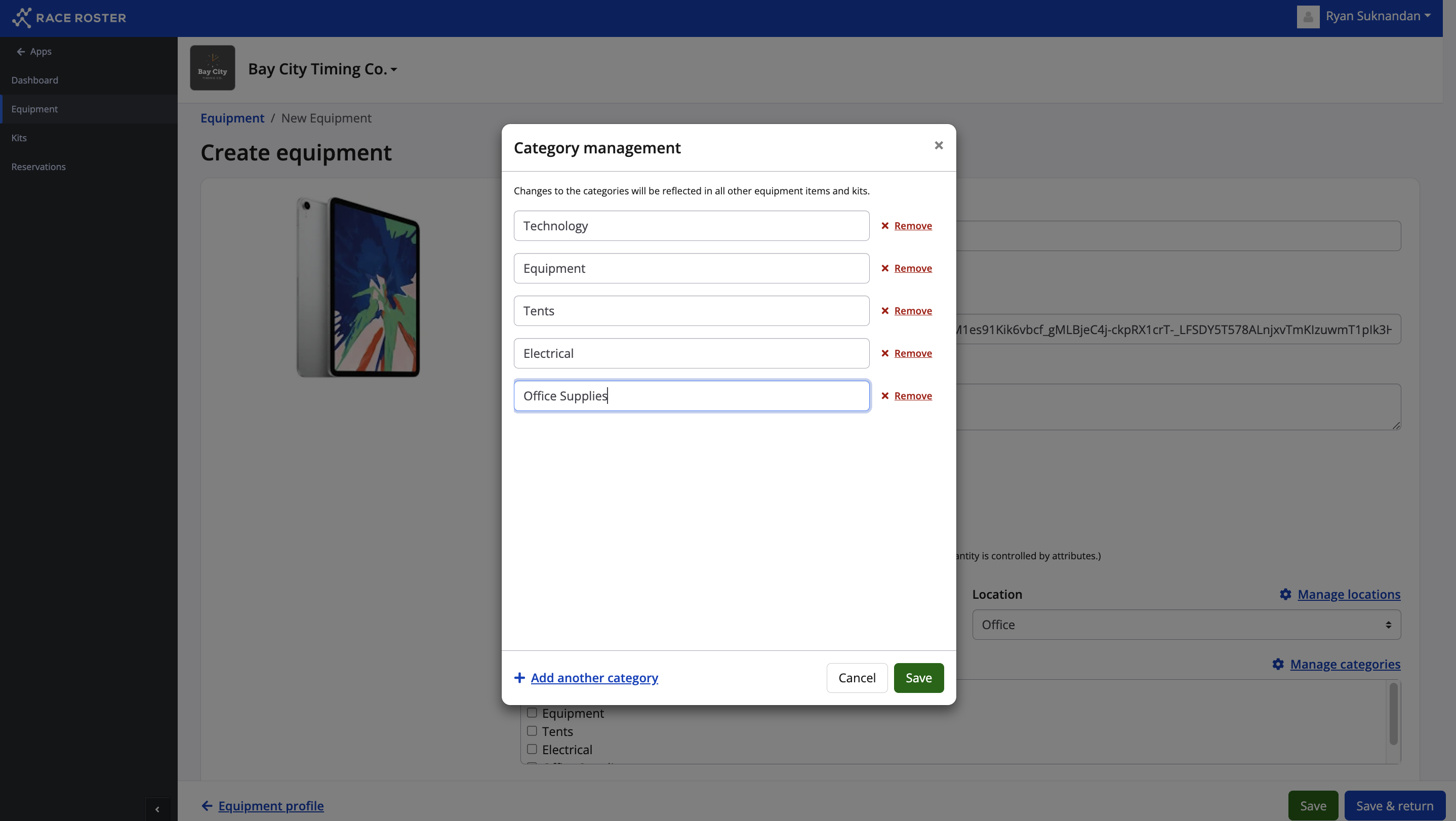
To add a location click Manage locations. To add a category click Manage Categories.
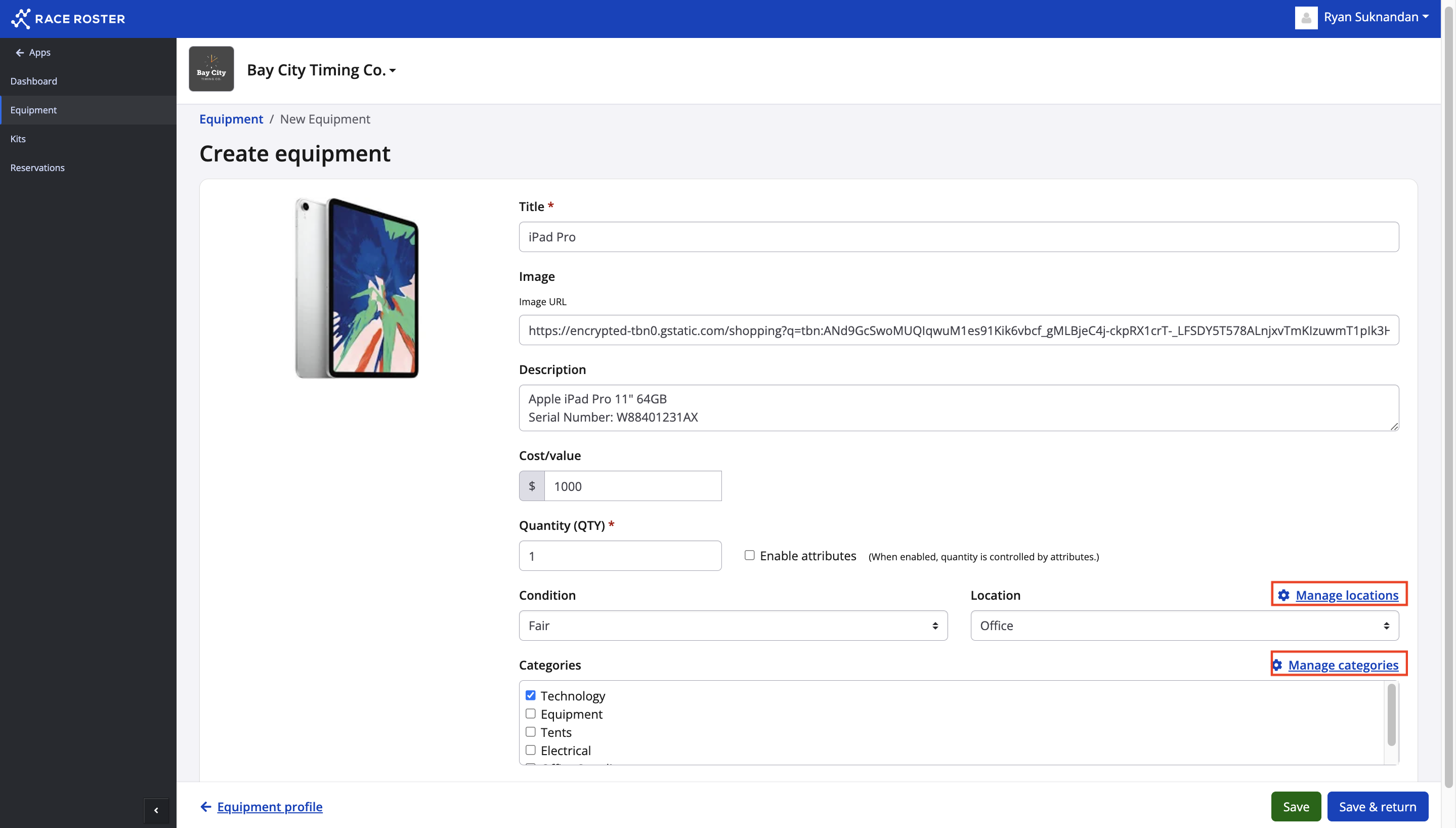
7. Each will take you to their respective modal where you can create locations and categories by clicking + Add another location and + Add another category.
8. Once you're satisfied with the item that you created click Save or Save & return.