1. Go to your Event Organizer Dashboard.
2. Scroll down to the Sponsorship section of your Event Organizer Dashboard.
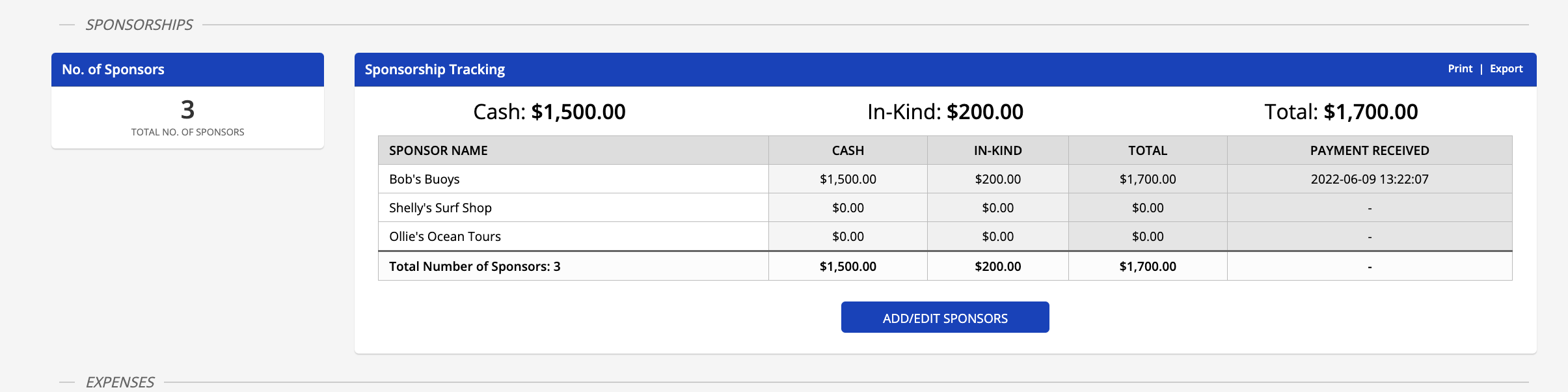
3. Under the Sponsorship Tracking table, click Add/Edit Sponsors
4. You will then be directed to the Sponsors page where you can add, edit, and group sponsors.
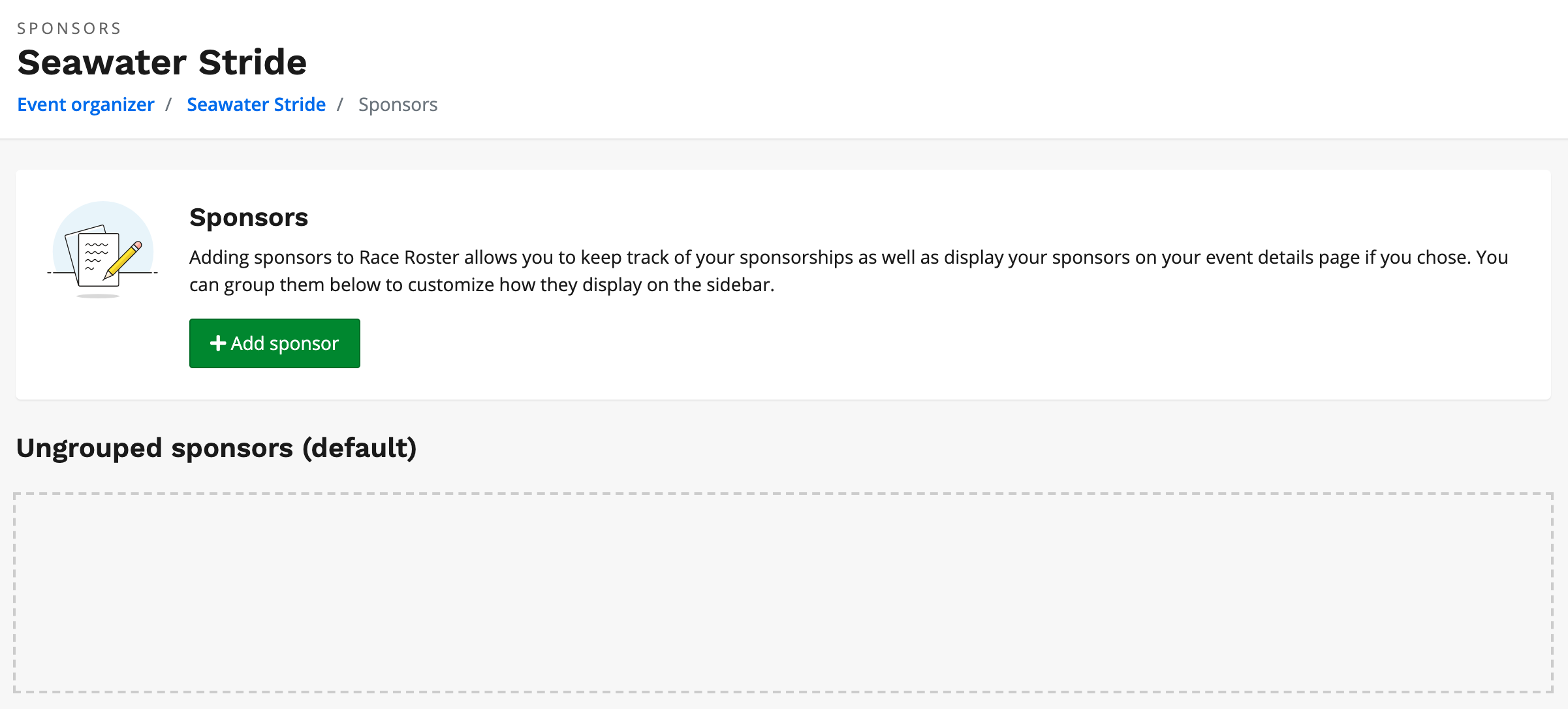
5. By clicking + Add Sponsor you will begin the process of creating a sponsor and be prompted to fill out the following sections:
Sponsor Details:
- Sponsor Name
- URL
- Sponsor Group (if applicable)
Sponsorship details
- Cash
- In-kind
Sponsor Logo
Sponsor Visibility
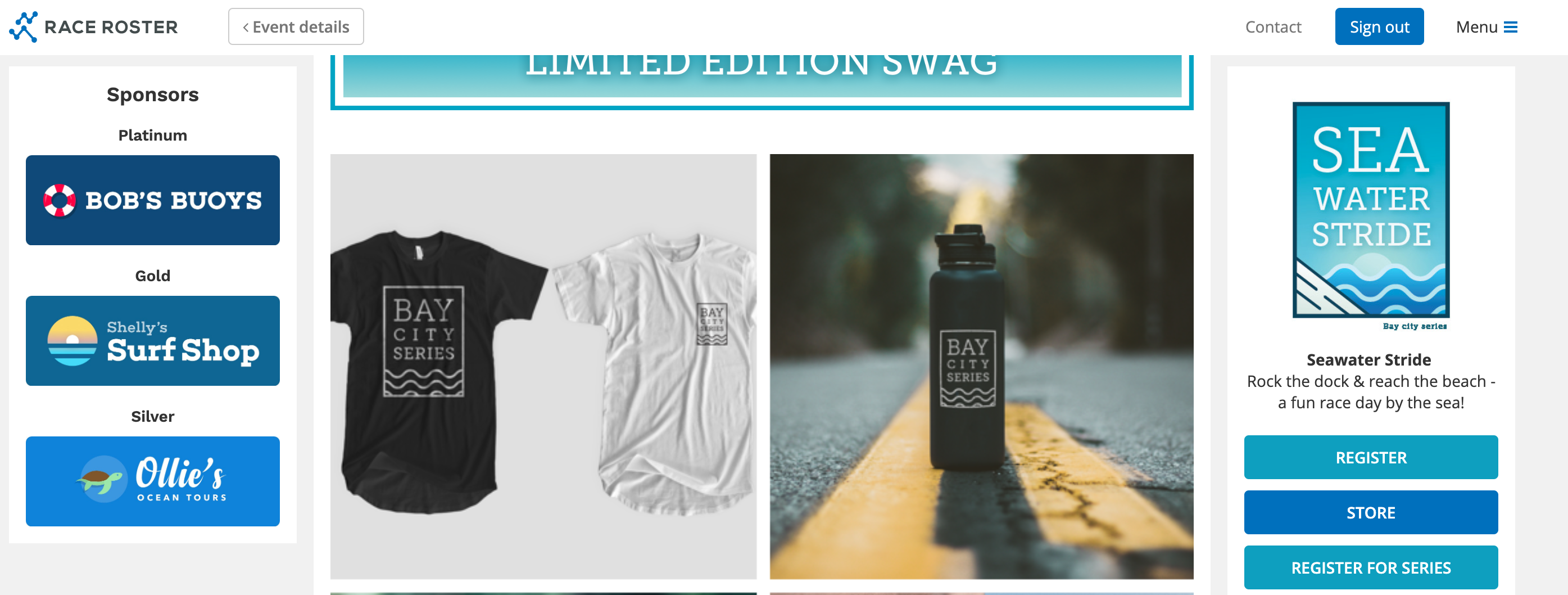
By checking Show this sponsor on sidebar, the sponsor (with the logo you added) will appear on the left-hand side of the event details page.
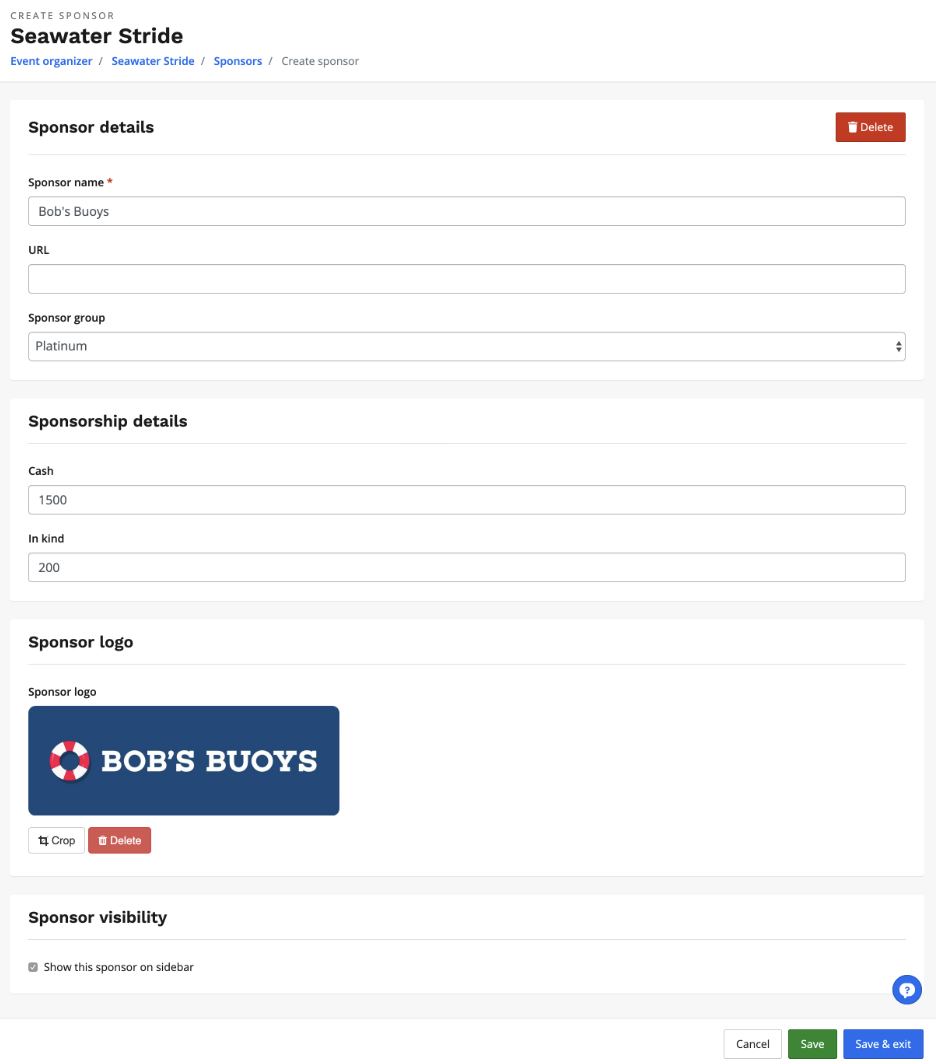
6. Once you're satisfied with the sponsor that you added, click Save or Save & Exit