1. Go to https://inventory.raceroster.com/
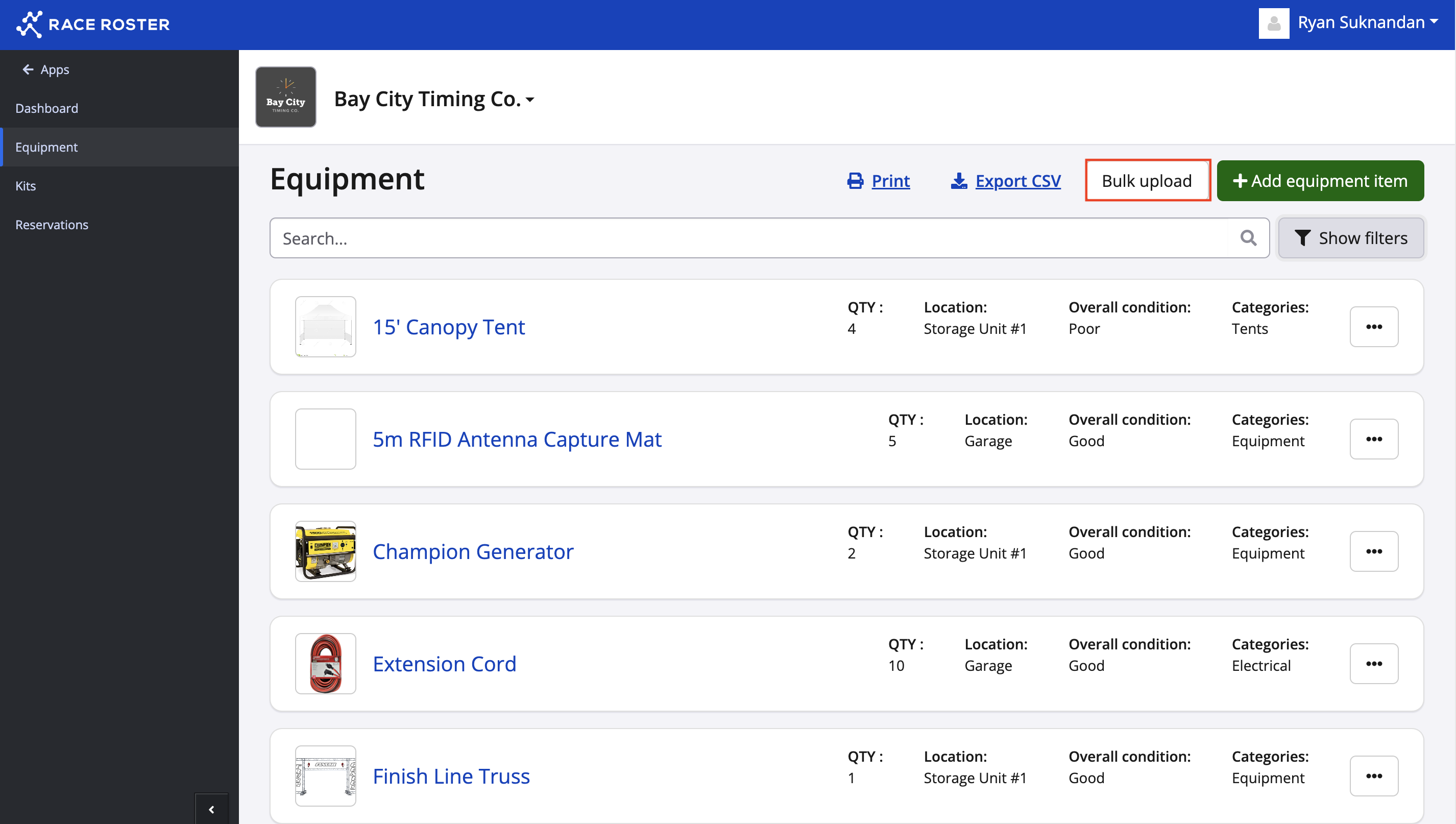
2. On the dashboard, you will want to click Equipment.
3. Click the grey bulk upload button in the top right-hand corner.
4. You will be taken to a new page where you will find instructions and an area to upload a CSV file.
5. On the left, is the area where you can upload the file and on the right, is the instructions for creating your CSV file. In order for a successful bulk upload:
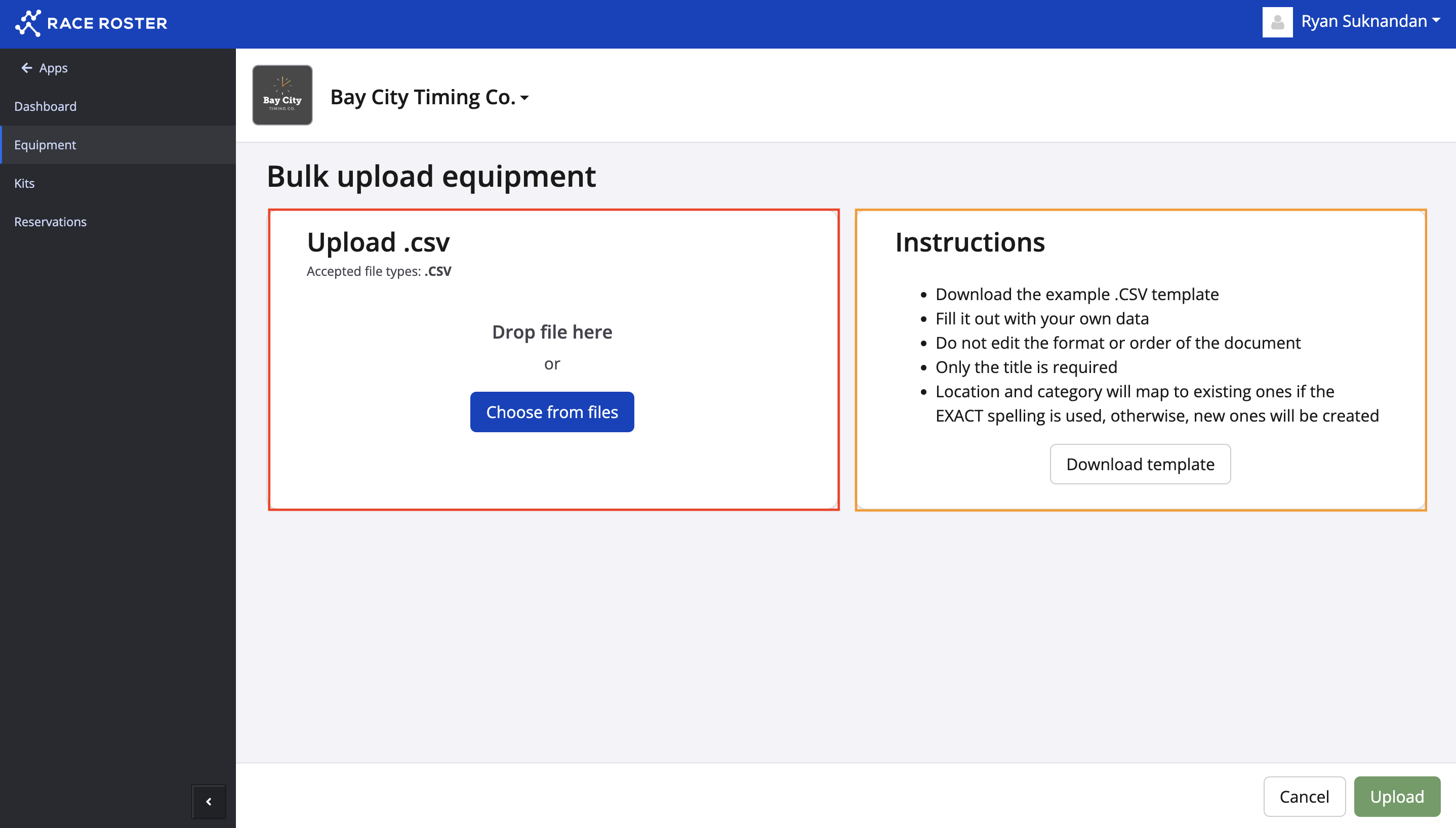
- Download the example .XLS template
- Fill it out with your own data
- Do not edit the format or order of the document
- Only the title is required
- Location and category will map to existing ones if the EXACT spelling is used, otherwise, new ones will be created
- Save and upload as a CSV file.
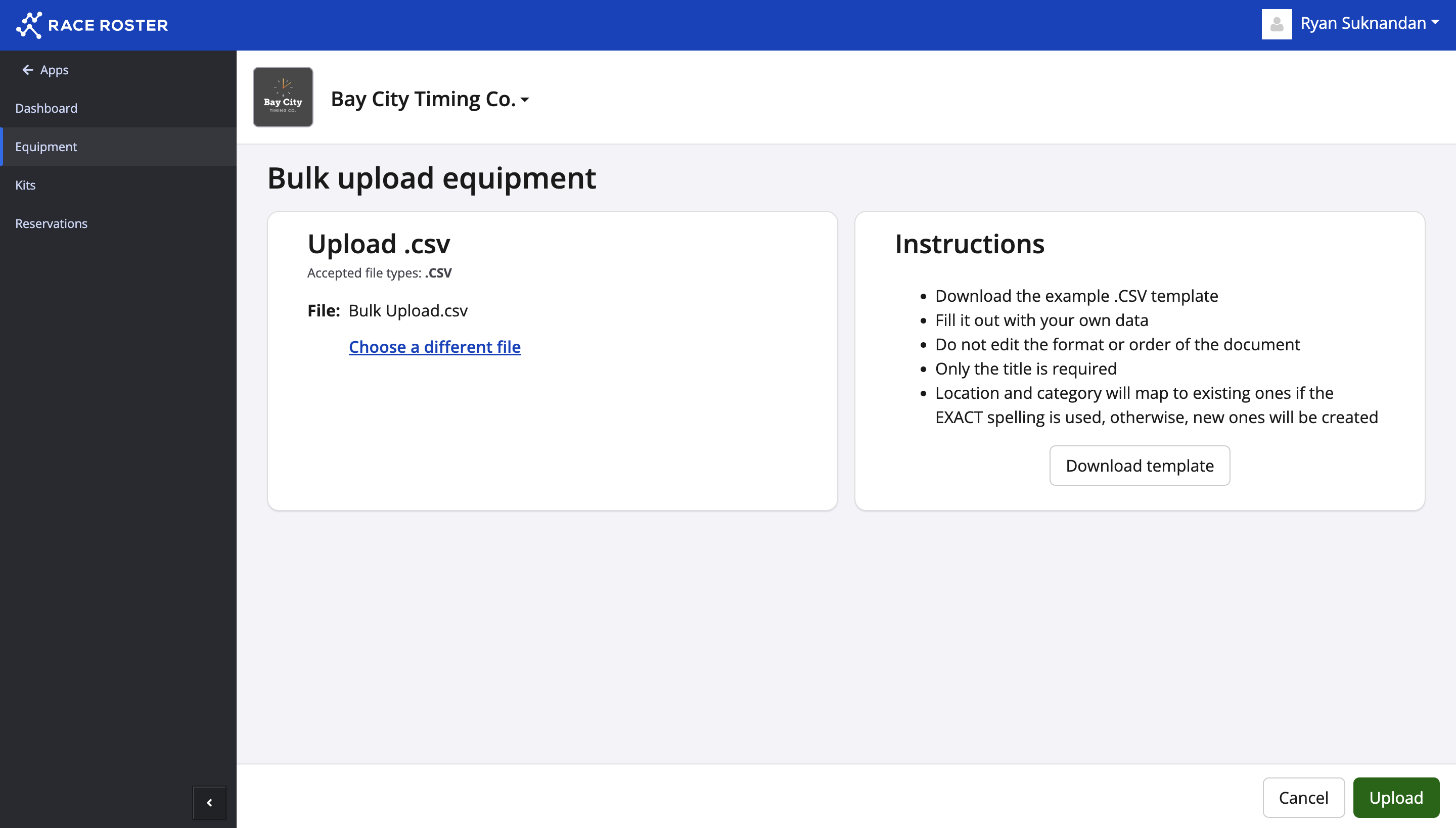
6. Once you have added your file click upload and your inventory list will be uploaded.