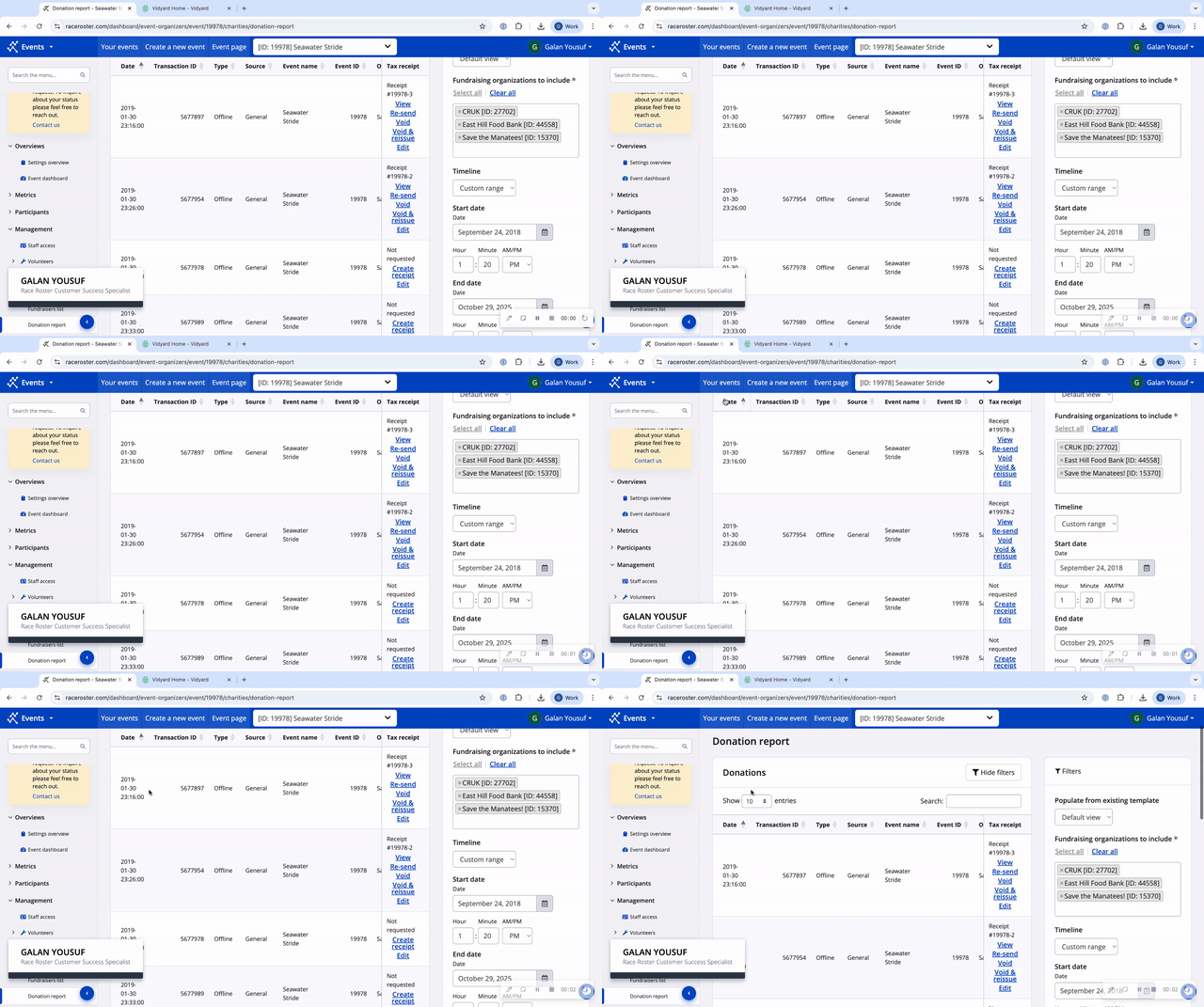
1. Login to your event dashboard
2. Navigate to the left of your screen to the search box and search and select Donation Report.
3. Once you are on the Donation Report you will need to use the search function on the donation report to locate the donation/tax receipt you would like to edit.
4. Select the blue edit button on the donation in question(on the right hand side of the donation.)
5. You'll be then brought to a page where you'll see all of the tax receipt details. In order to edit them you will need to select the blue Void Charity Receipt button.
6. You can now make all necessary updates, once completed you need to select the save & re-issue button on the bottom right. This will send out the updated tax receipt to the donor.