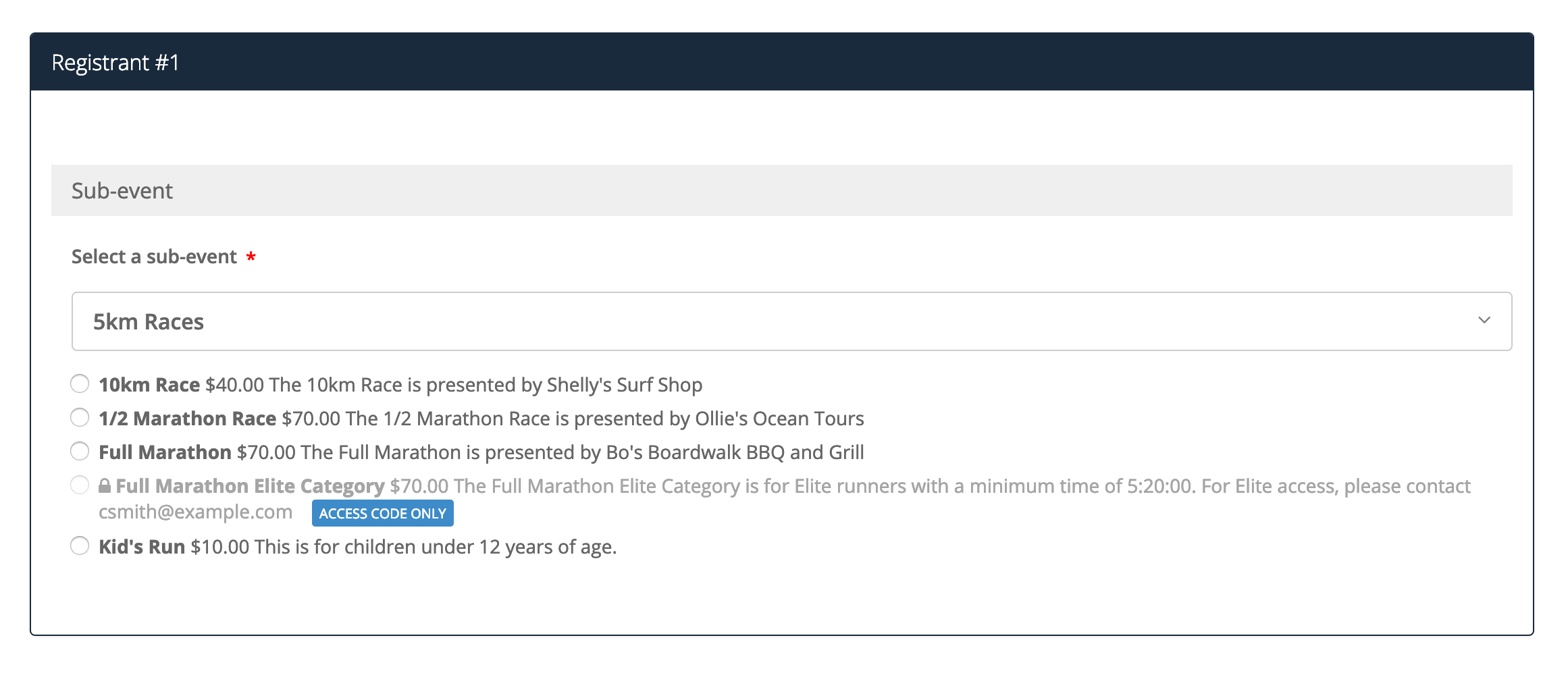
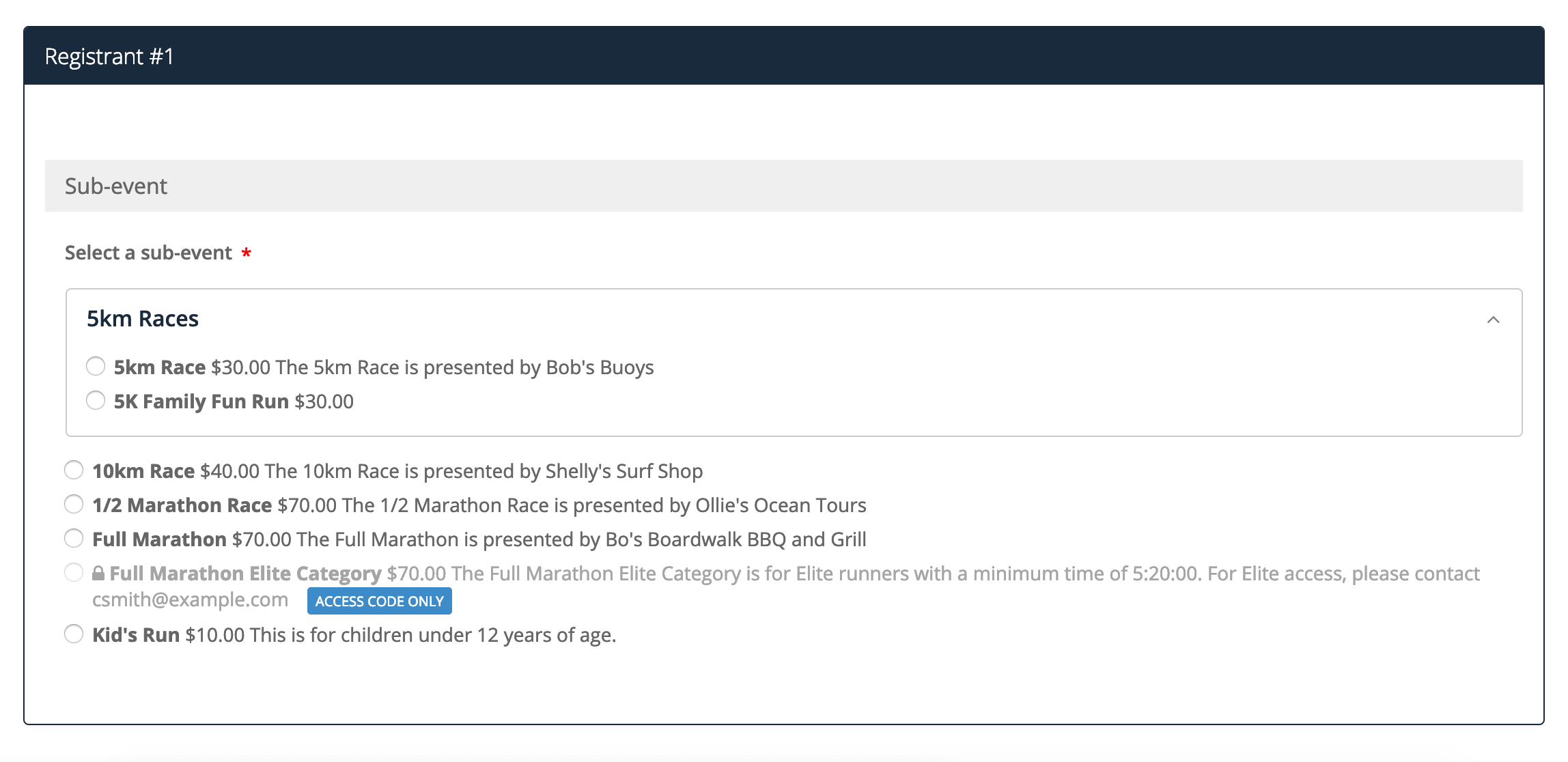
During the creation process, you may want to group sub-events that are similar in distance, date, etc. You can group these sub-events by going through the following steps:
1. Go to your Dashboard and click Settings on the left-hand side of the page
2. Navigate and click the Sub-events tab
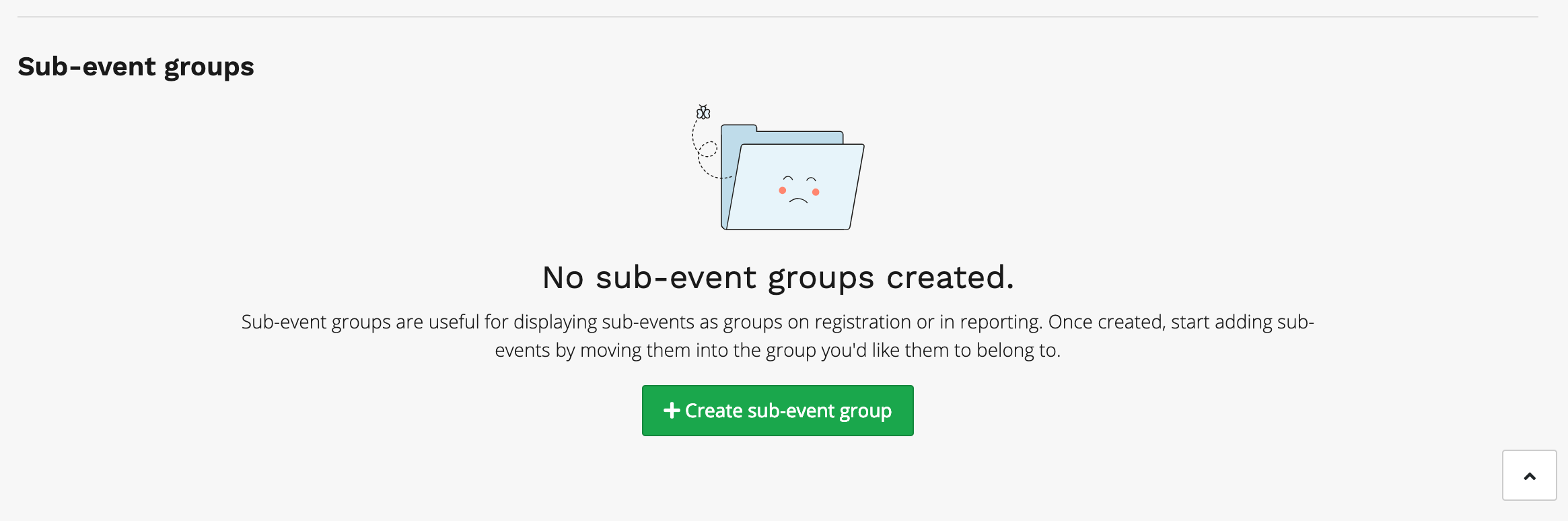
3. Scroll to the bottom of the page and click the Create sub-event group button
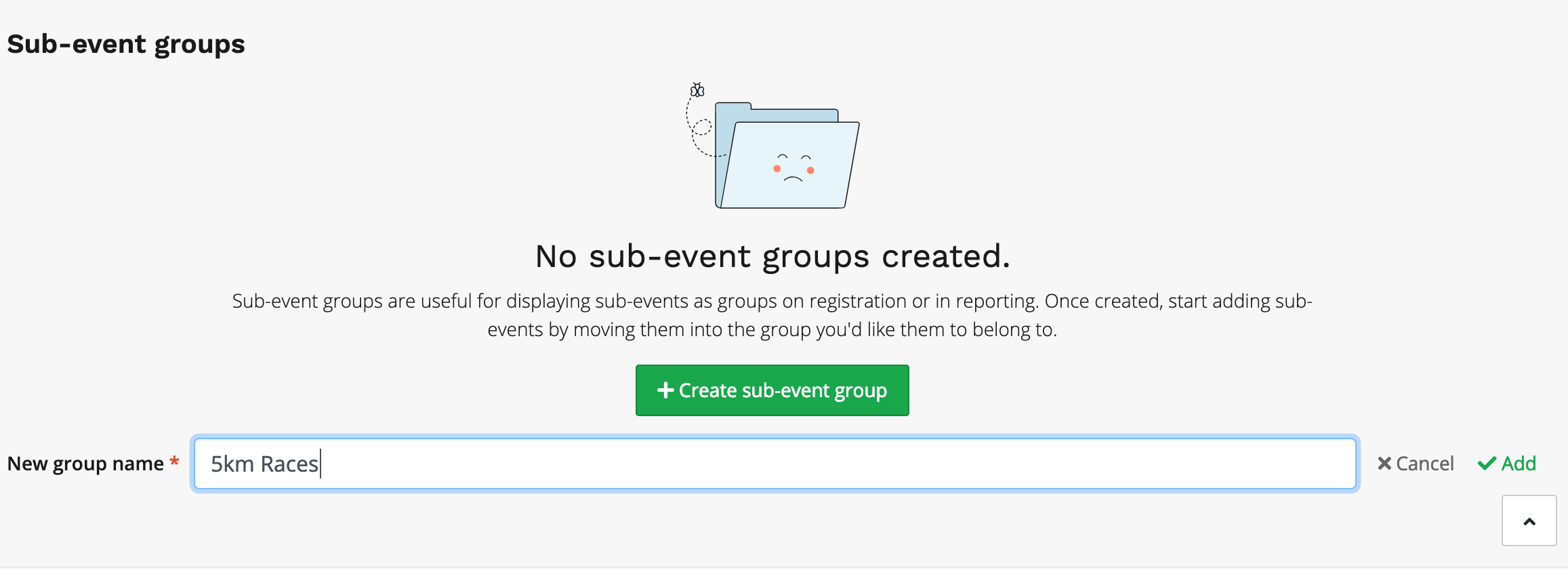
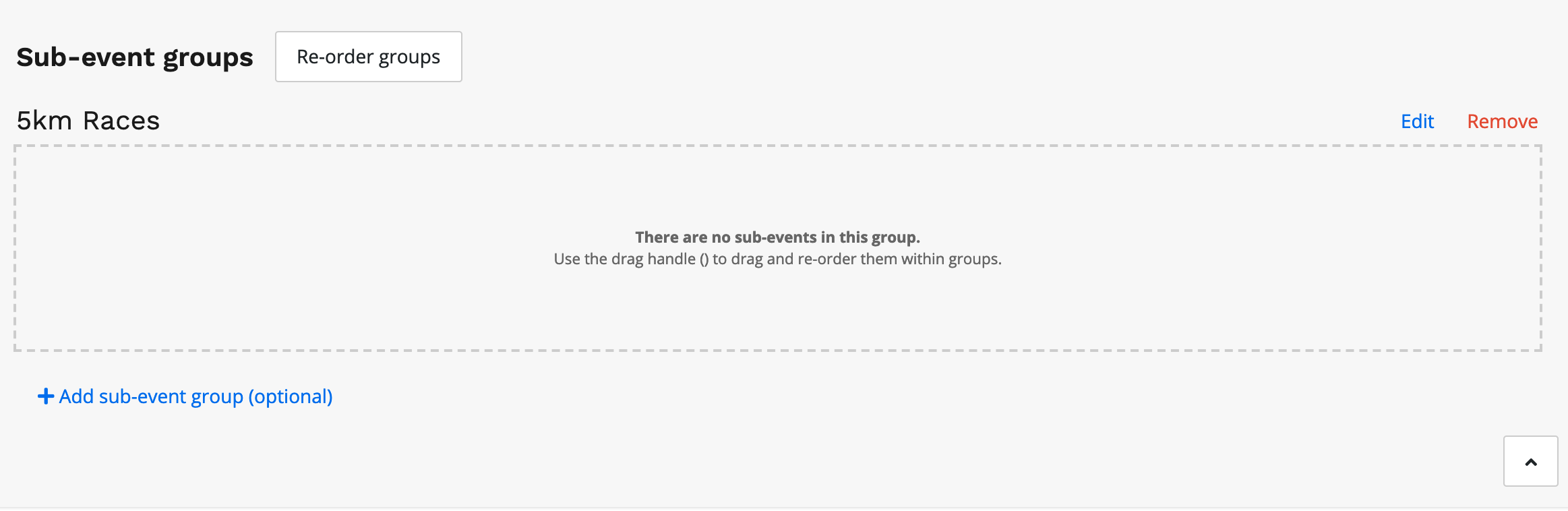
4. Enter in your desired name for the group and click add on the right-hand side
5. You will then want to click and drag each sub-event you want into the group to the empty box
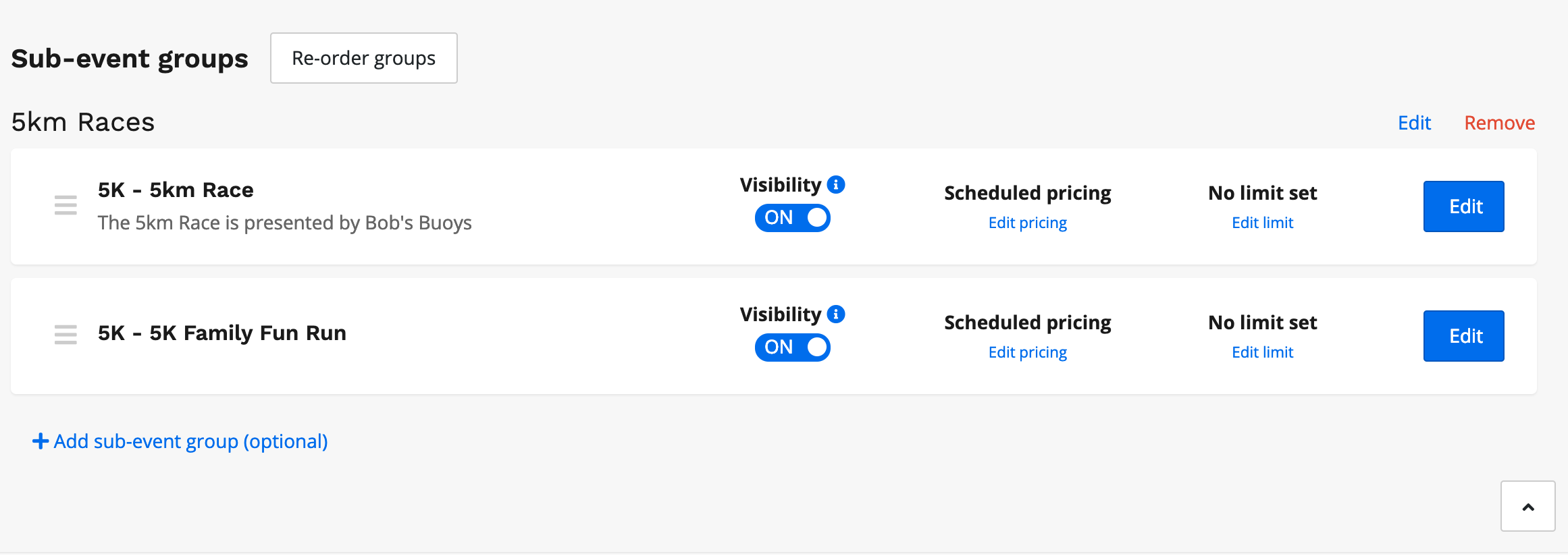
*You can reorder the sub-events in the group by clicking and dragging
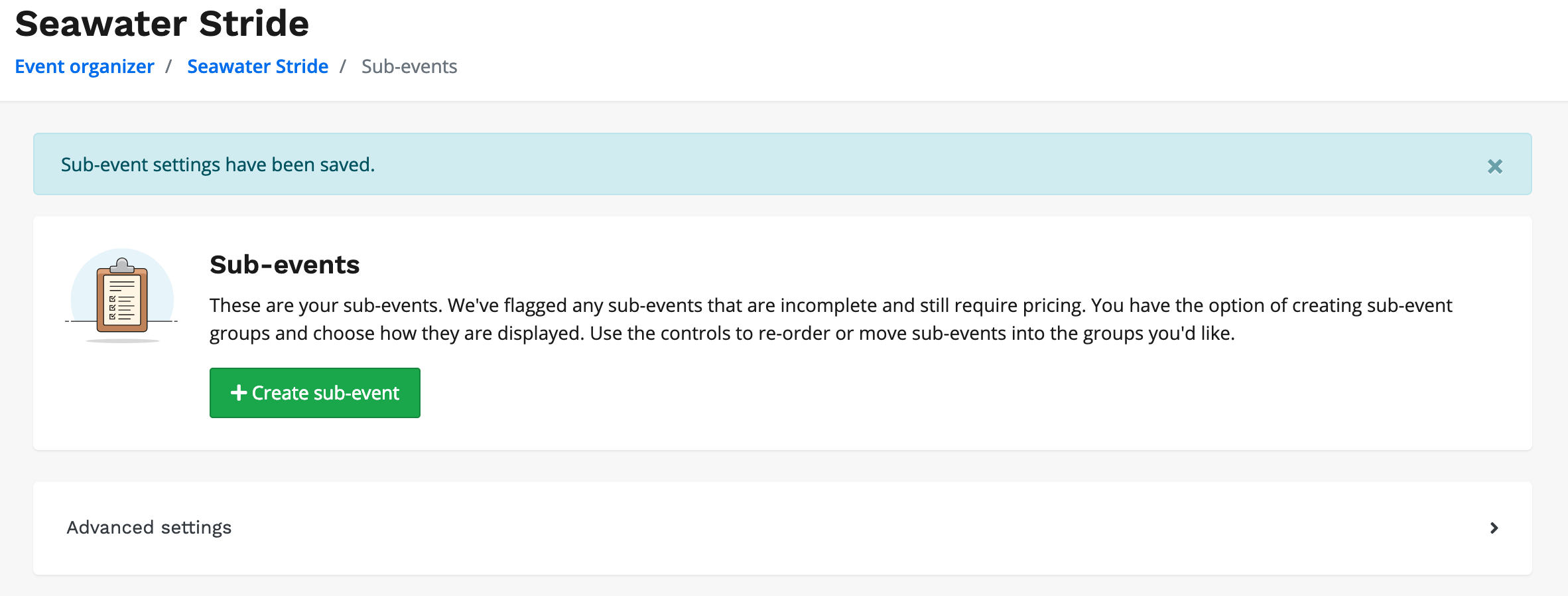
6. Once you're satisfied with your group, scroll to the top of the sub-events page and click on advanced settings
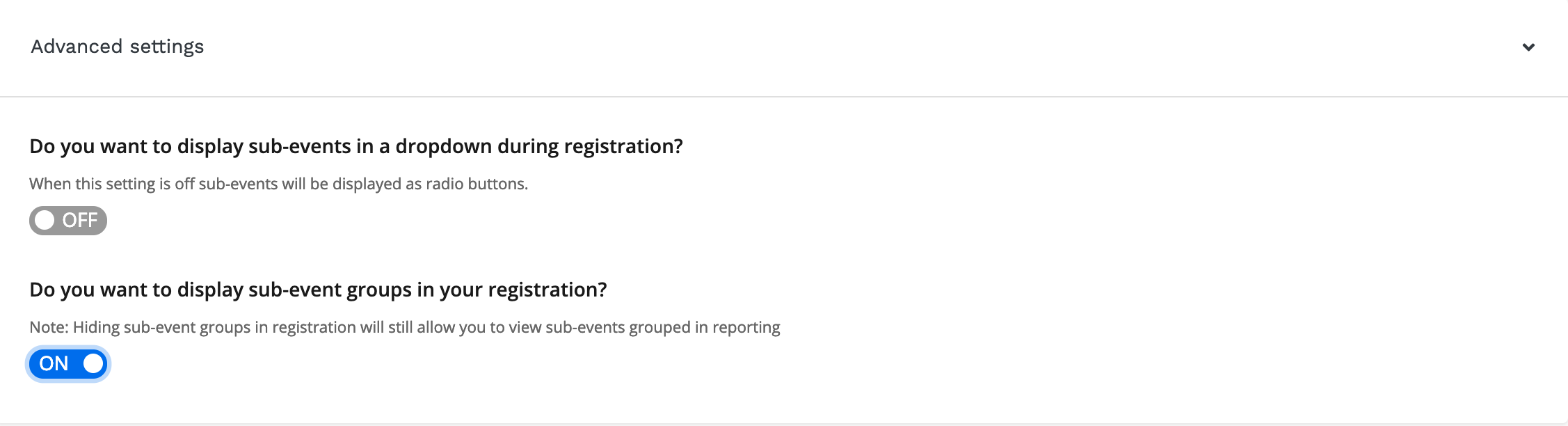
7. To display this group in the registration flow, toggle the option Do you want to display sub-event groups in your registration? on
Once you have completed this process on the dashboard, your group will be displayed in the registration flow like the example below: