1. Log into your event organizer dashboard and click "View dashboard" on the event
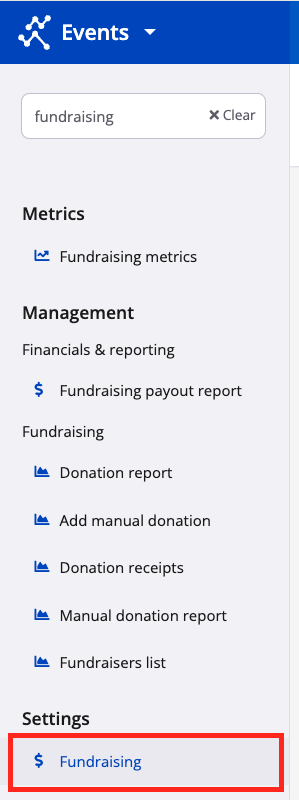
2. Navigate to the lefthand navigation menu and search and select "Fundraising" under "Settings"
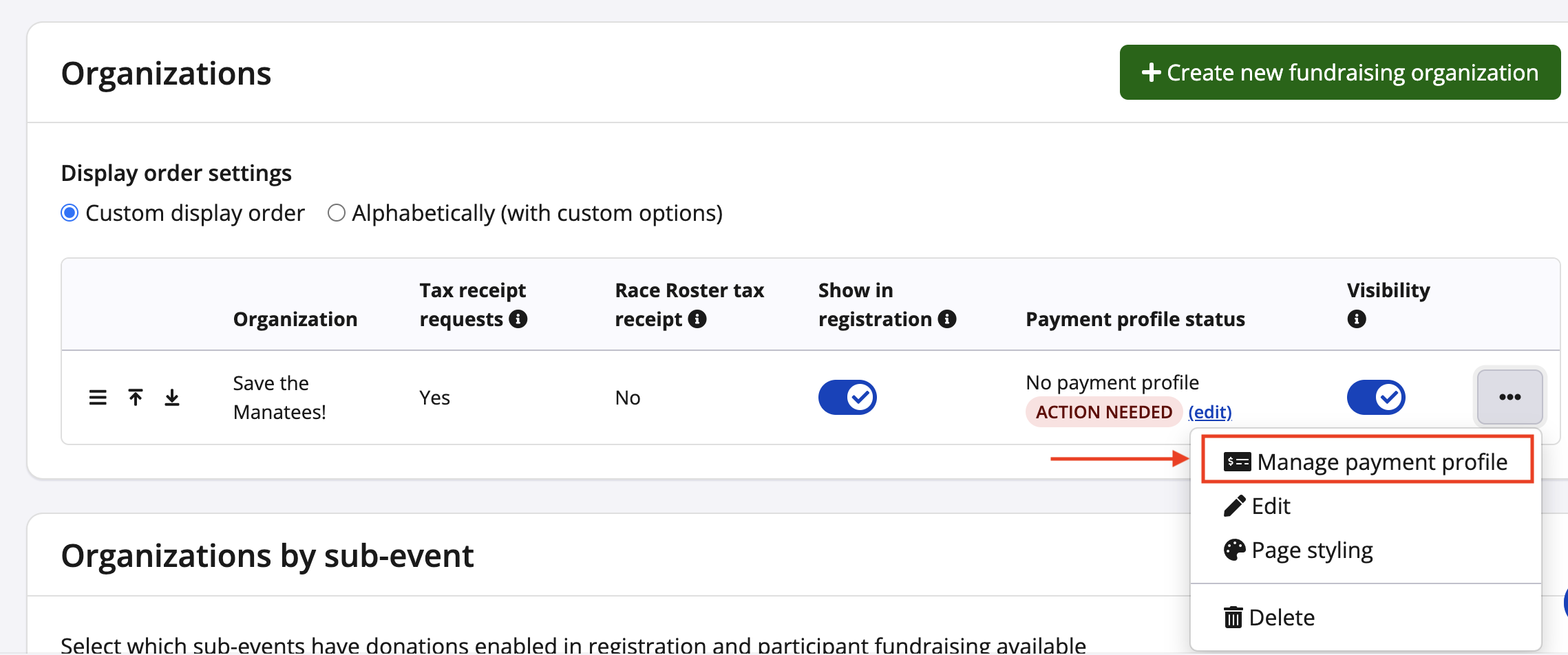
3. From the fundraising settings page, scroll down to the "Organizations" section, select the "..." button next to the name of the fundraising organization, followed by "Manage payment profile"
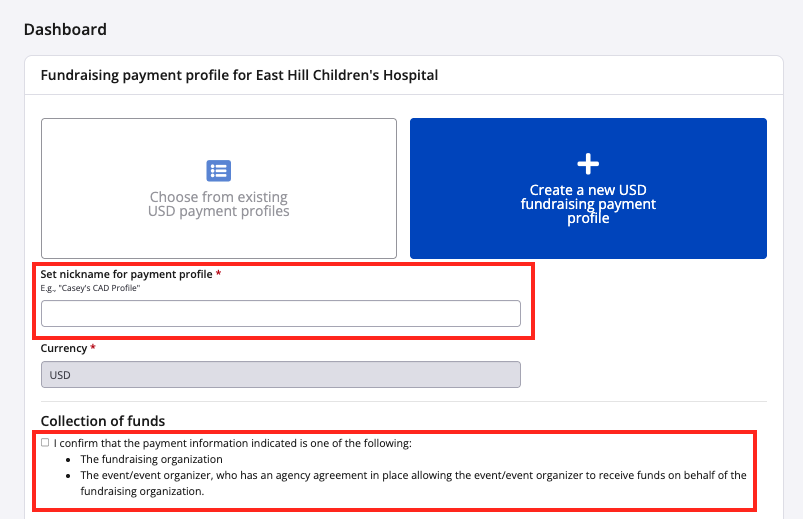
4. Select "Create a new USD fundraising payment profile" then enter a nickname to help you distinguish this payment profile from others that may exist within your user account
5. Be sure to read and check off on the agreement
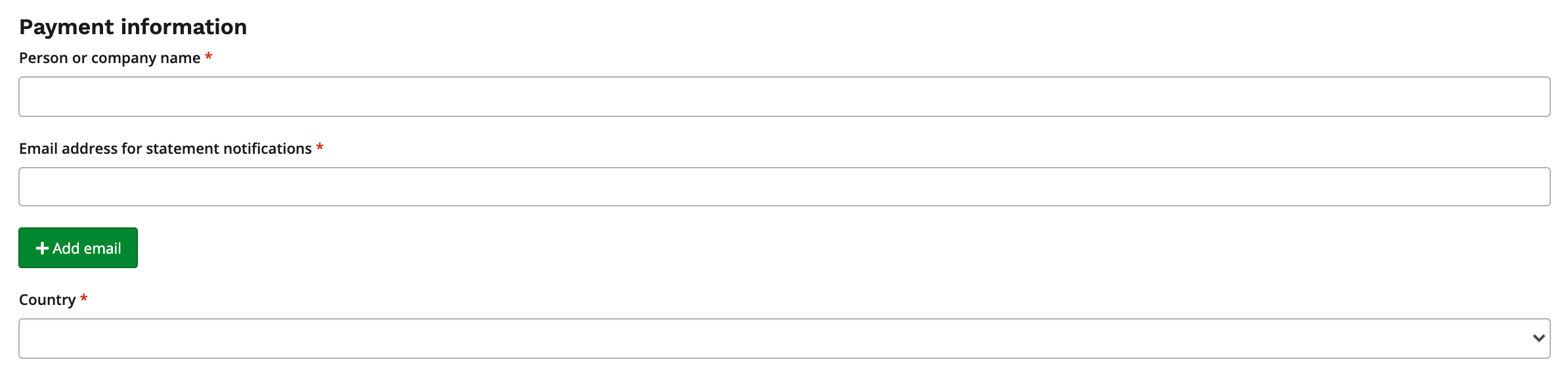
6. You will need to continue to set up the payment information, which includes entering:
- person or company name
- email address for new payout statement notifications
- country
7. Fill in the appropriate details on the bank account to complete this section, then check off the "Stripe terms of service" and click the green "Save" button
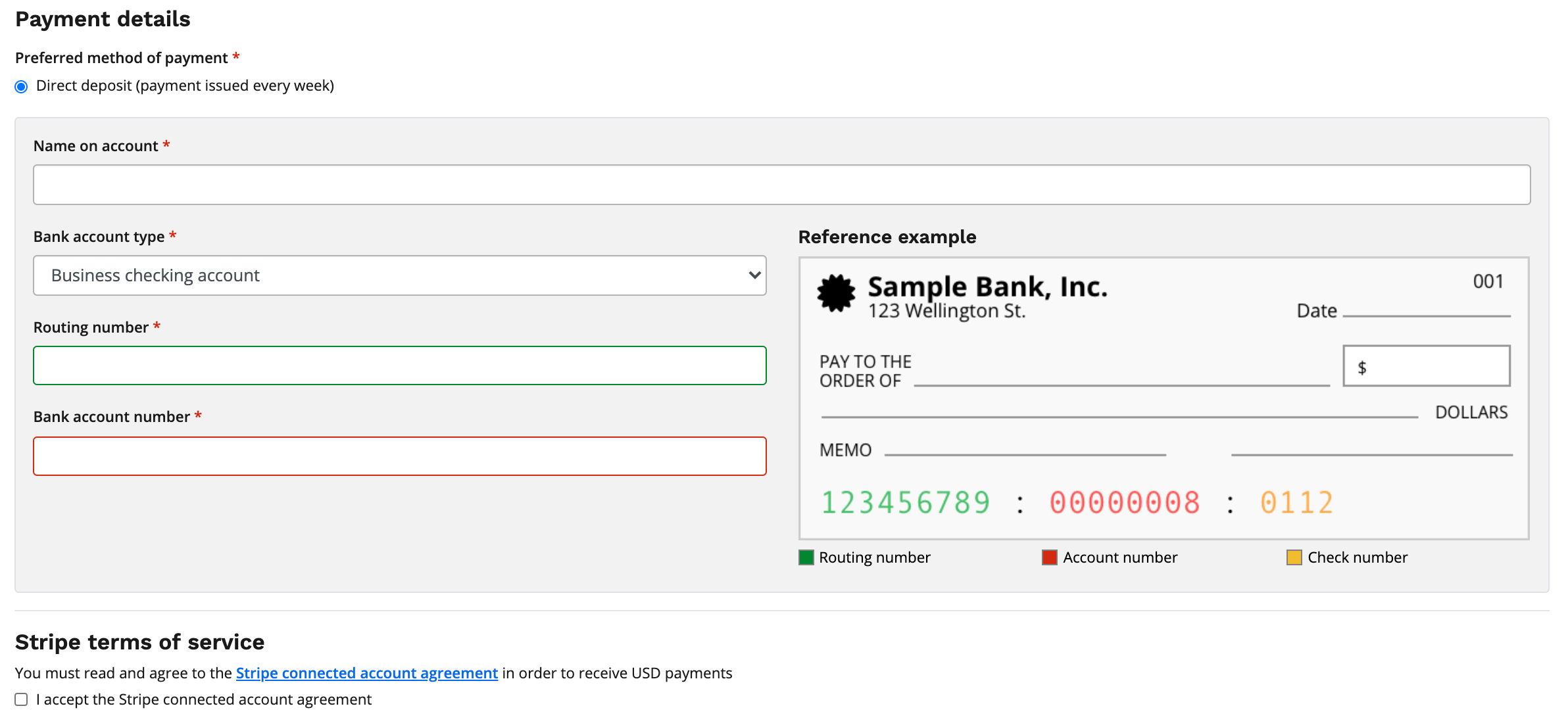
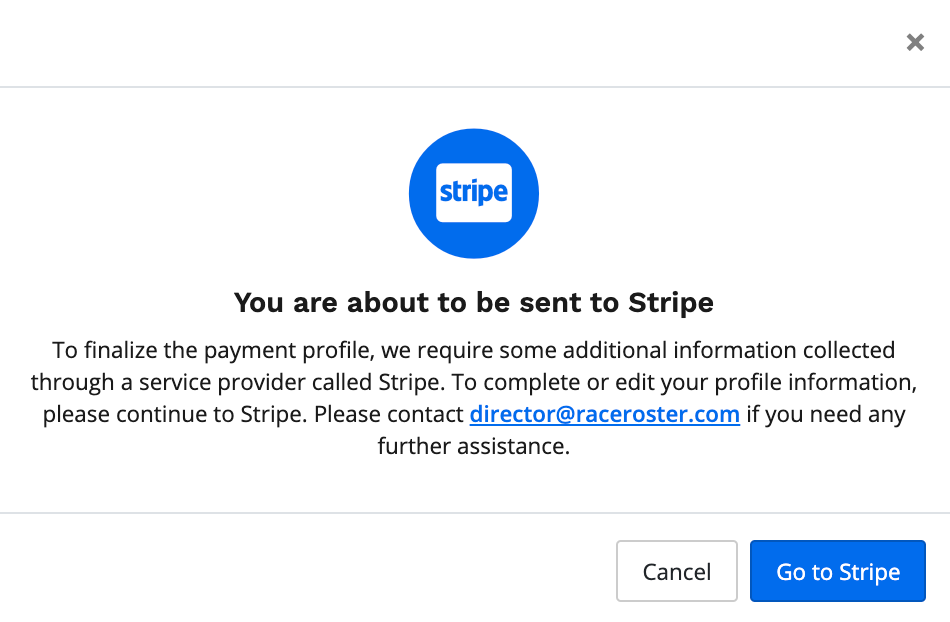
8. A pop-up window will appear inform you to navigate to our third party payment merchant, Stripe, to complete your payment profile
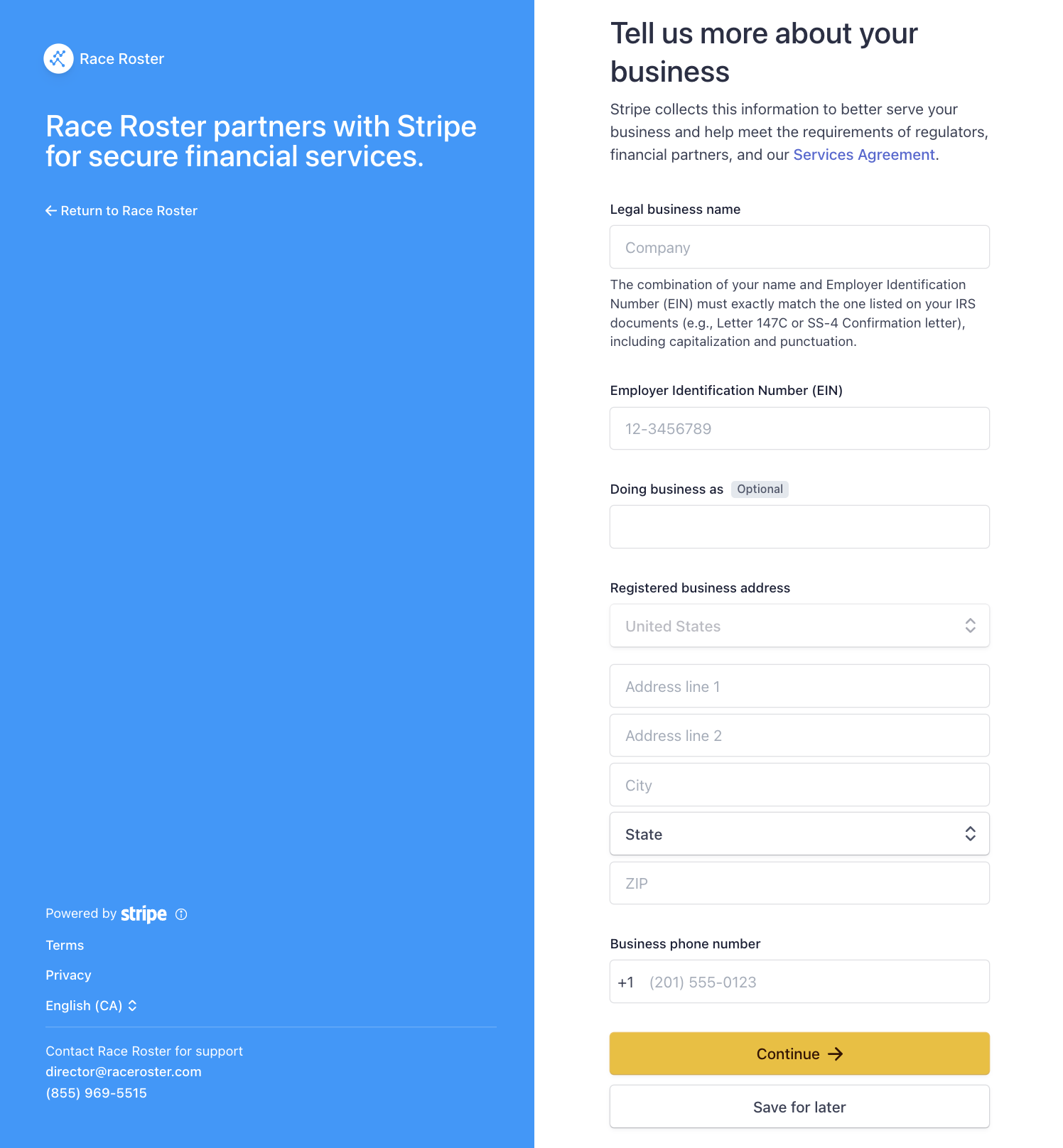
9. Once directed to Stripe, you will need to fill in your legal business name, EIN, and registered business address before clicking the yellow "Continue" button
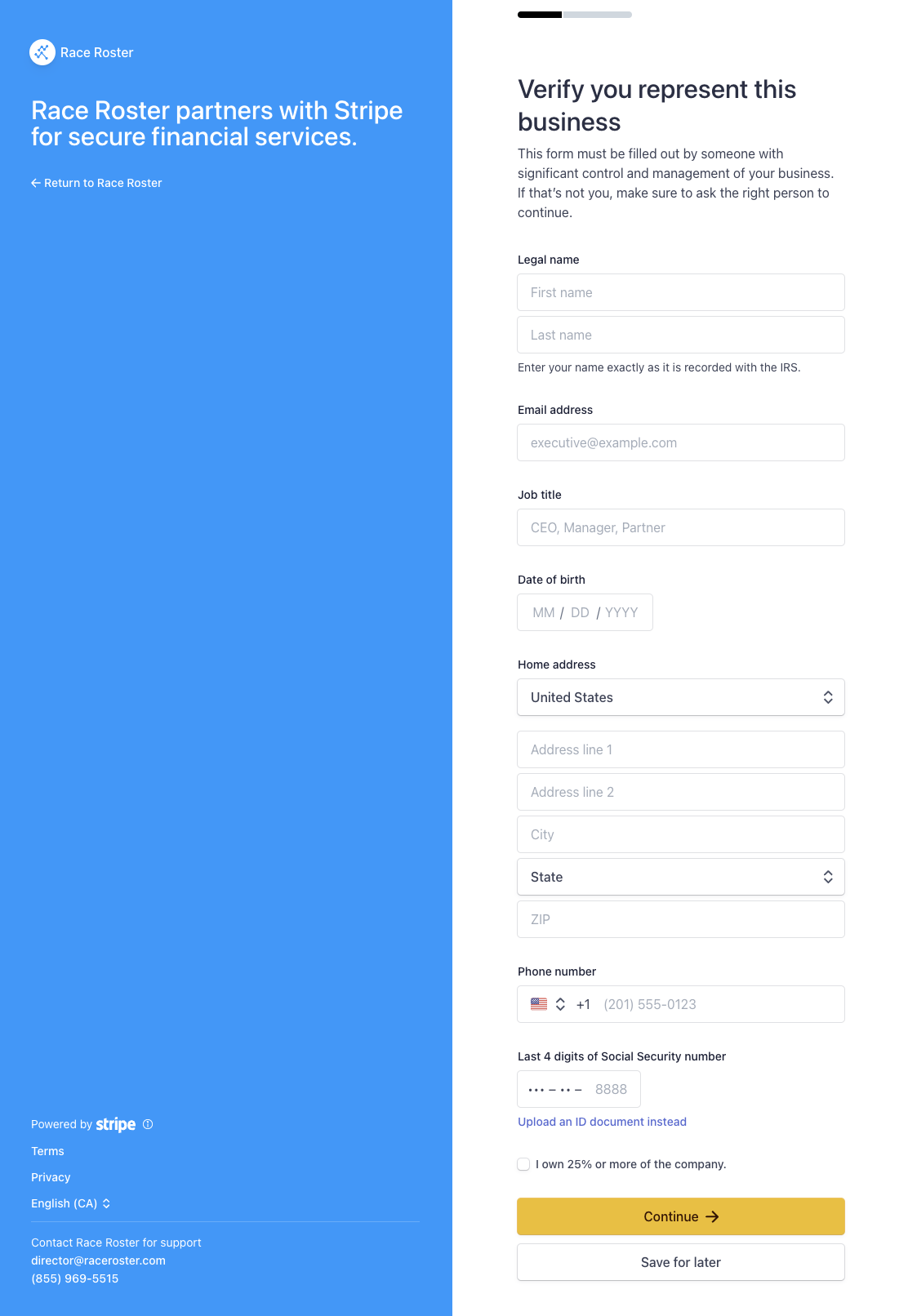
10. You will arrive at the business representative form, where you may enter your information as the representative of the business/organization and then click "Continue" again
11. Next, you will review the information submitted to this point, click agree & submit to complete your Stripe verification
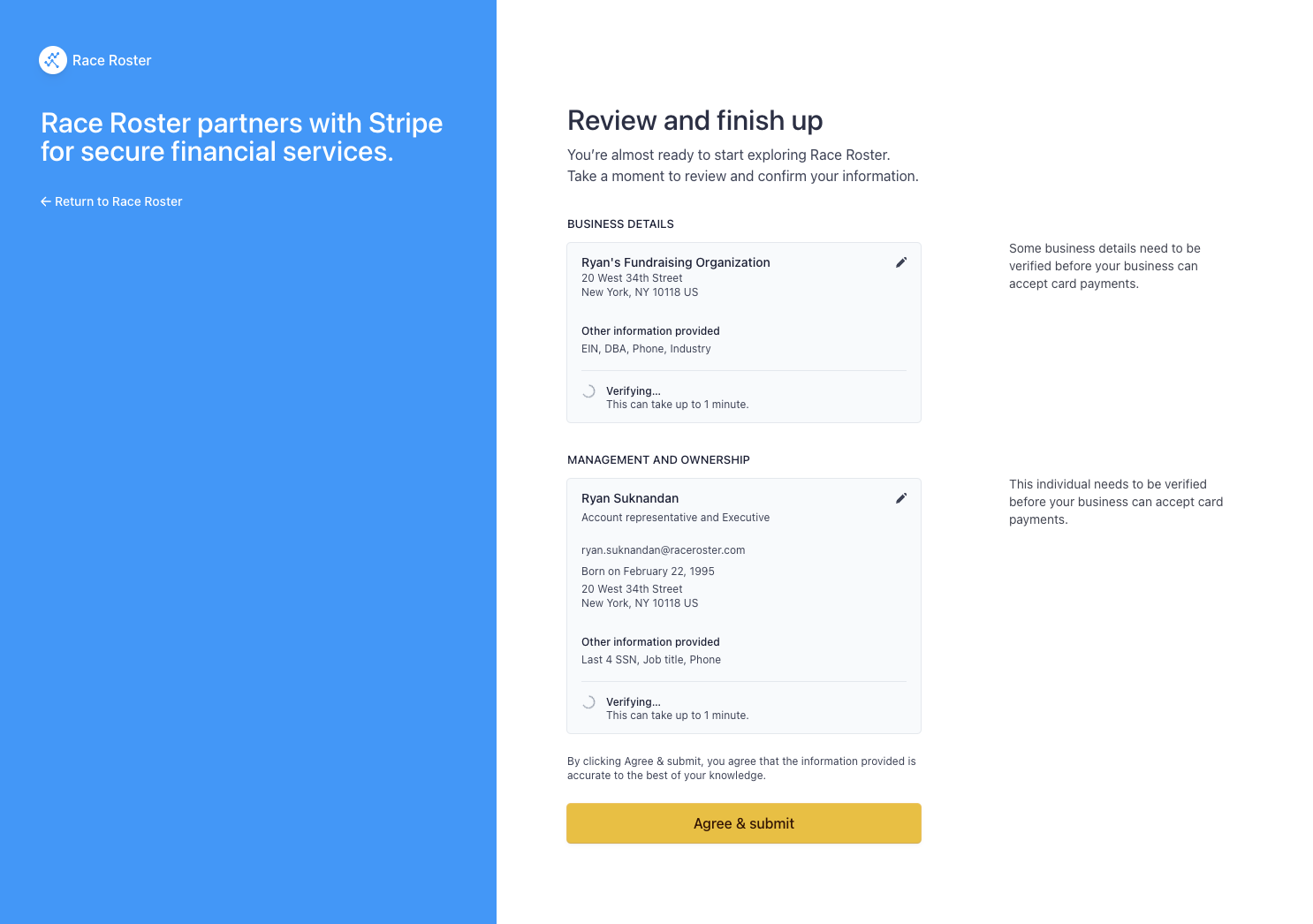
12. After being redirected back to Race Roster you will land on the W9 submission page, where you will be prompted to send your W9 form to Race Roster
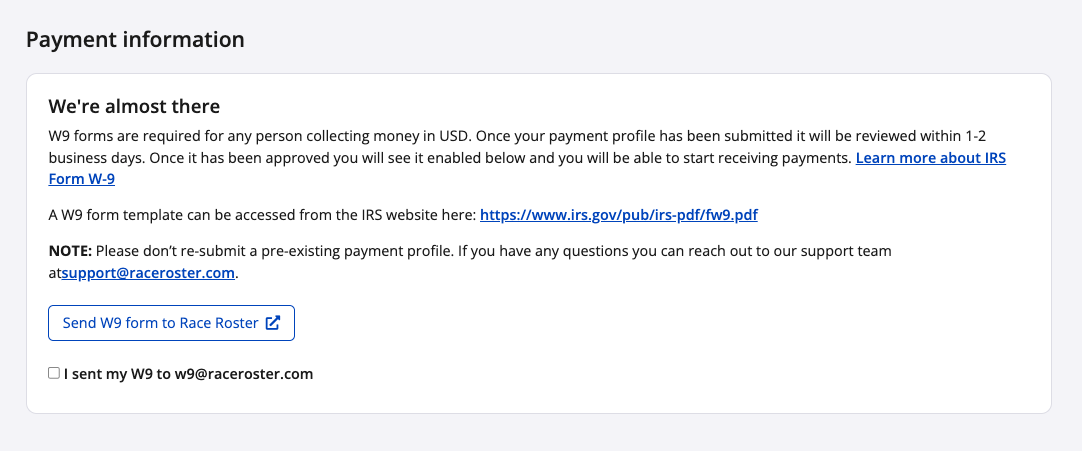
13. After you have sent your W9 form, check off the box that you have sent your form in and click "Save" or "Save & exit"
You have successfully completed the fundraising payment profile process. Your payment profile will be placed in status "Stripe pending". You may still go live with your event page and collecting donations even with a pending payment profile. Our finance team, and Stripe, will review your submission, and then approve the payment profile, at which point you will receive some email confirmations.
Notes:
- The event payment profile and accompanying W9 need to be submitted in order of your event page to be removed from payment hold. An additional verification process (via phone or email) may take place if the event is new to our platform.
- Ensure that the name on the account is the same name as the name on your W9. For information on W9 forms, please read our article: What are W9 submissions?
Should you have any questions about your USD fundraising payment profile, please contact us at director@raceroster.com or call our support line.