- Go to https://raceroster.com/ click Sign In (top right)
- Enter your email associated with your Race Roster account, select 'Yes, I have a Password' and enter your password (Having trouble with signing in? see forgot my password article) *
- From your dashboard navigate to the left of your screen and select "Event Settings"
- Under Event Settings select the tab that says Settings Overview
- Once you have landed on the Settings Overview page you will want to scroll down to the Add-ons section and add the Referral feature.
- Once you have added the Referral feature, you will want to select Yes under Enable social marketing tracking.
- You will then want to select either Set a flat amount or Set a percentage amount under Payout Type. *You will only be able to select one payment type.
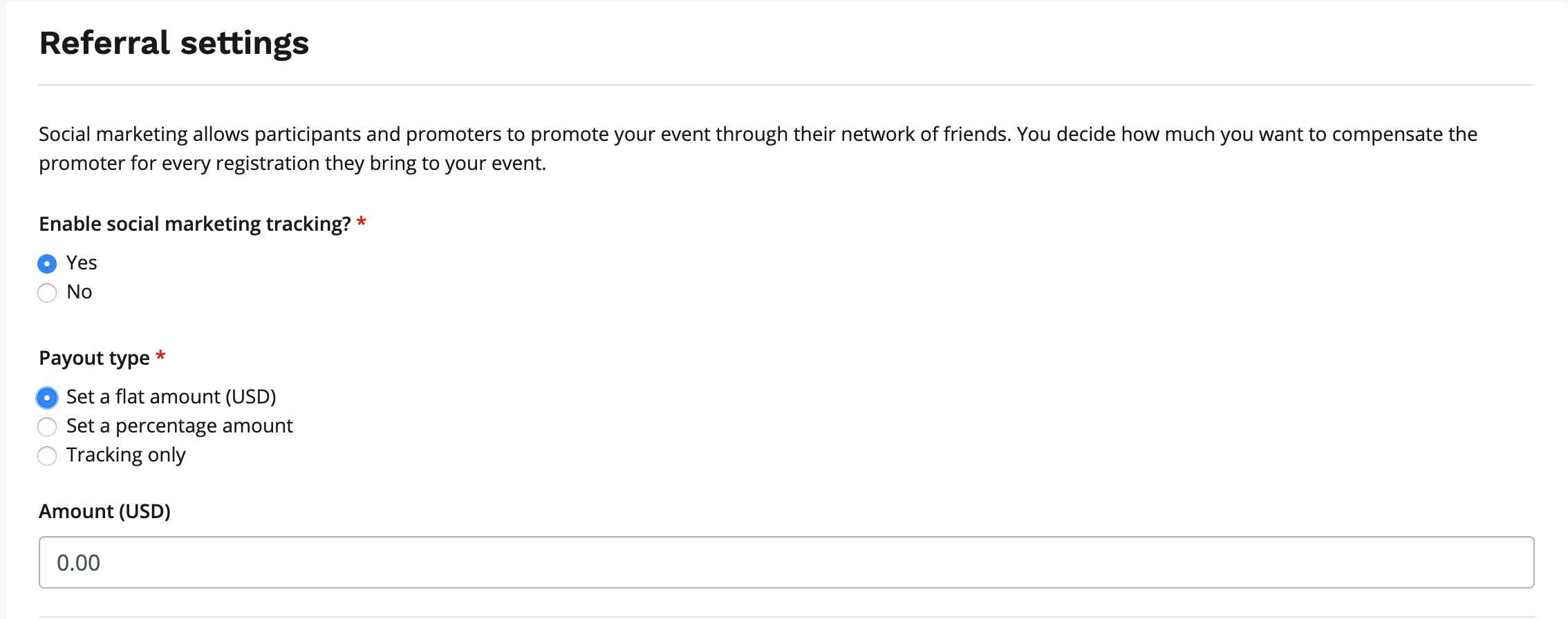
8. You will then want to enter your desired compensation and click save to enable.
* Please note Race Roster does not partner with any marketing companies directly
Your participants can find their social referral link on their Promoter Dashboard .