A Race Roster user account allows you to securely access data regarding your
- event registrations, as an event participant
- volunteer registrations, as an event volunteer
- earnings, as a promoter or ambassador
- event pages, as an event organizer (including fundraising)
- timing companies, as a timer
- club pages, as a club owner
- organizations, as an organization owner
While some Race Roster pages and calls to action are public, others require that you sign in in order to grant or verify access privileges. The following steps explain how to sign in.
1. Go to any raceroster.com URL. This could be our landing web brochure, the specific event page that you wish to register for, or an event or participant dashboard page. Locate the "Sign in" button in the top right-hand corner, or the "Menu" or hamburger icon that contains the "Sign in" link. In some cases, you may be automatically redirected to step 2.
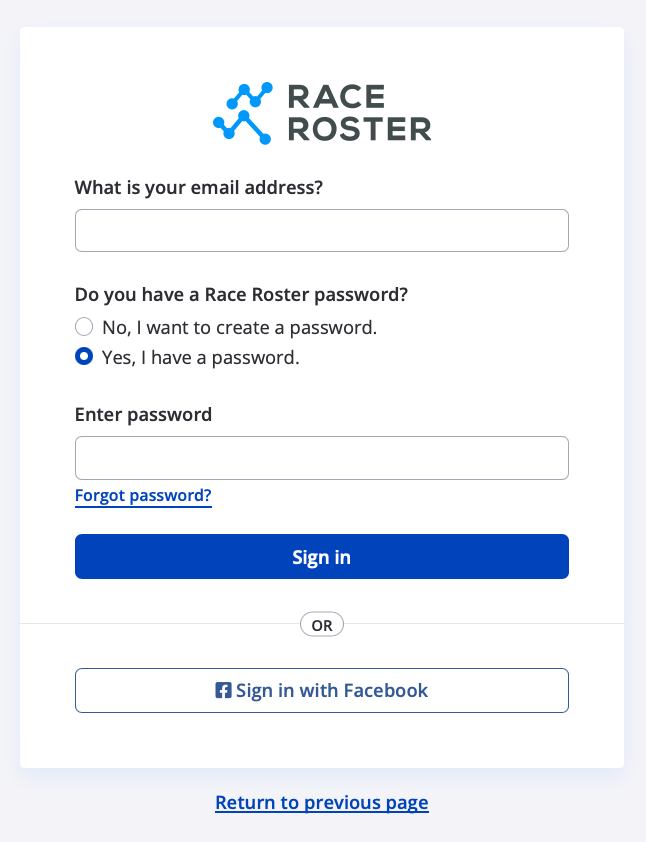
2. Once on the sign-in page, use your credentials (usually email address and password, but Facebook and OneASICS are also options). Be sure to select "Yes, I have a password" to indicate that your account already exists. Having trouble signing in? You may learn more by reading our other article, How do I reset my lost password?
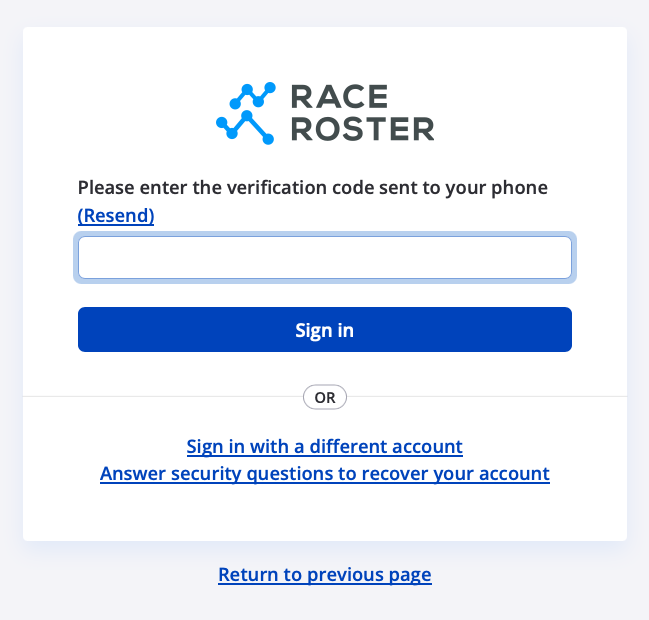
3. If yours is a staff access user account (event organizer, timer, club owner, organization owner), you will be prompted to complete the two-factor authentication (2FA) step by entering a verification code, or to set up 2FA if you haven't already.
Non-staff-access users who previously opted for enabling 2FA will also be prompted to complete this step (screenshot follows).
4. After signing in, you can proceed with user-only actions. For example:
As a participant
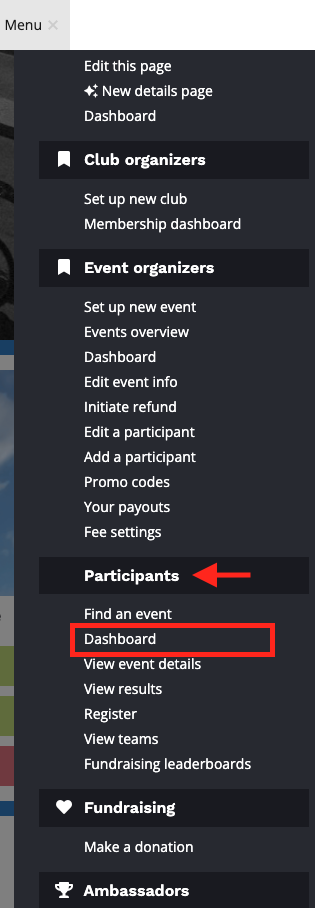
You may register for the event you are interested in. If already registered, you may visit your participant dashboard by clicking Menu followed by Dashboard under the Participant header.
From your participant dashboard, you can:
- access details for your upcoming events
- adjust any registration information
- add your event to the ASICS Runkeeper app™
- submit your virtual results
- edit your fundraising pledge page
- view all your transaction details and receipts
- manage your pending transfer requests
As a staff-access user
You may proceed to visit your event, club or organization dashboard, or to manage your timing company. We recommend first navigating to the top right and clicking Menu followed by Your homepage.
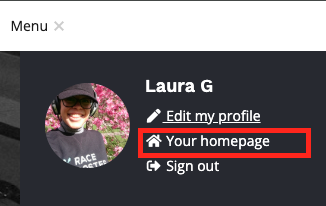
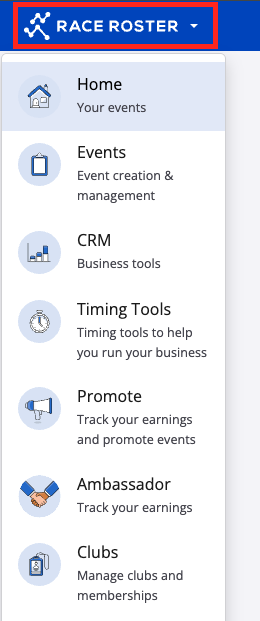
Then, use the "RACE ROSTER" kingdom switcher on the top left to access the type of dashboard/tools you are looking for.