Note: Click here for more information on customizing metric pages.
Here you will find information on Registration questions metrics:
1. Go to your Event Dashboard.
2. Navigate to the left-hand side and click Metrics.
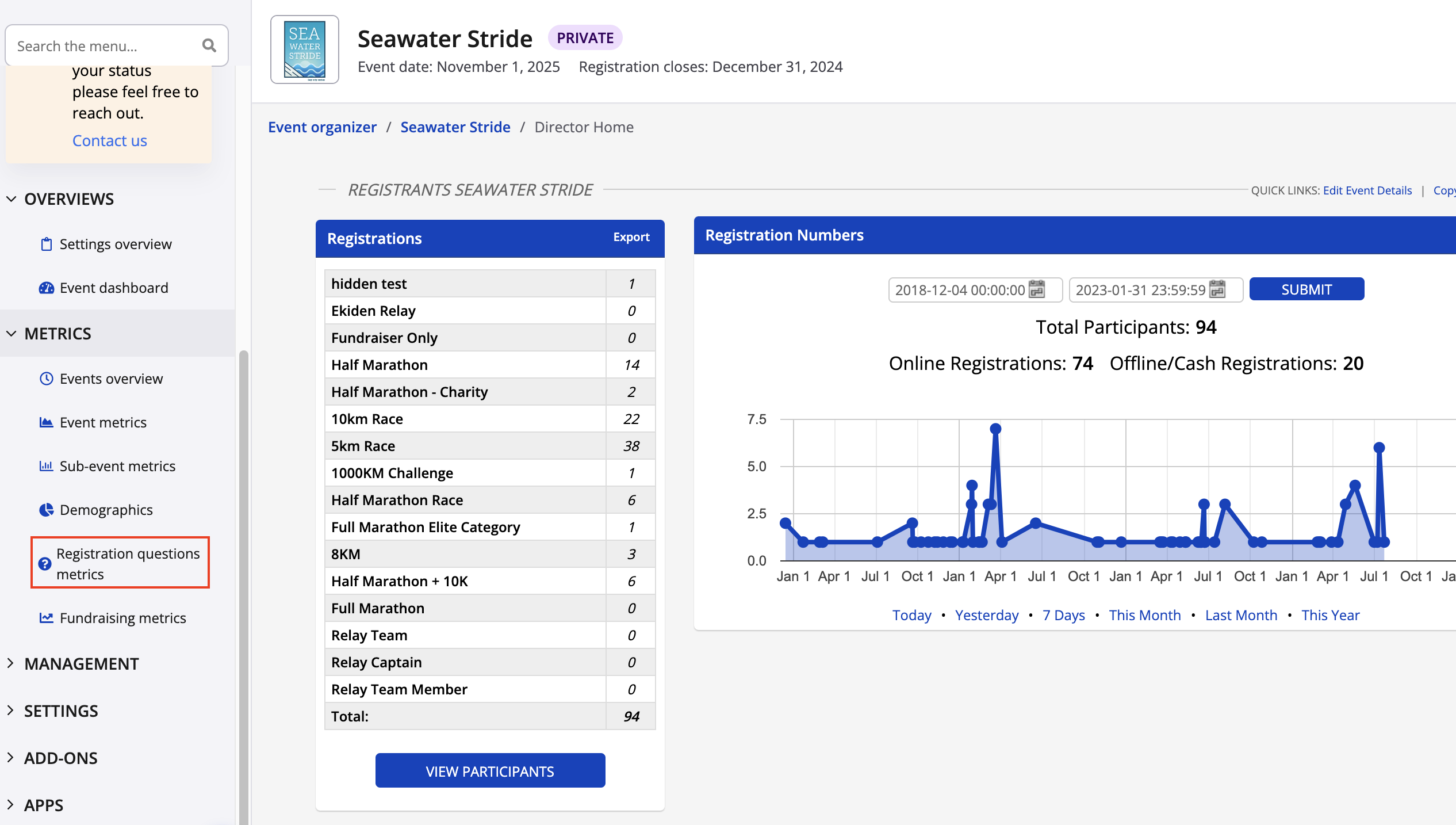
3. Select Registration questions metrics.
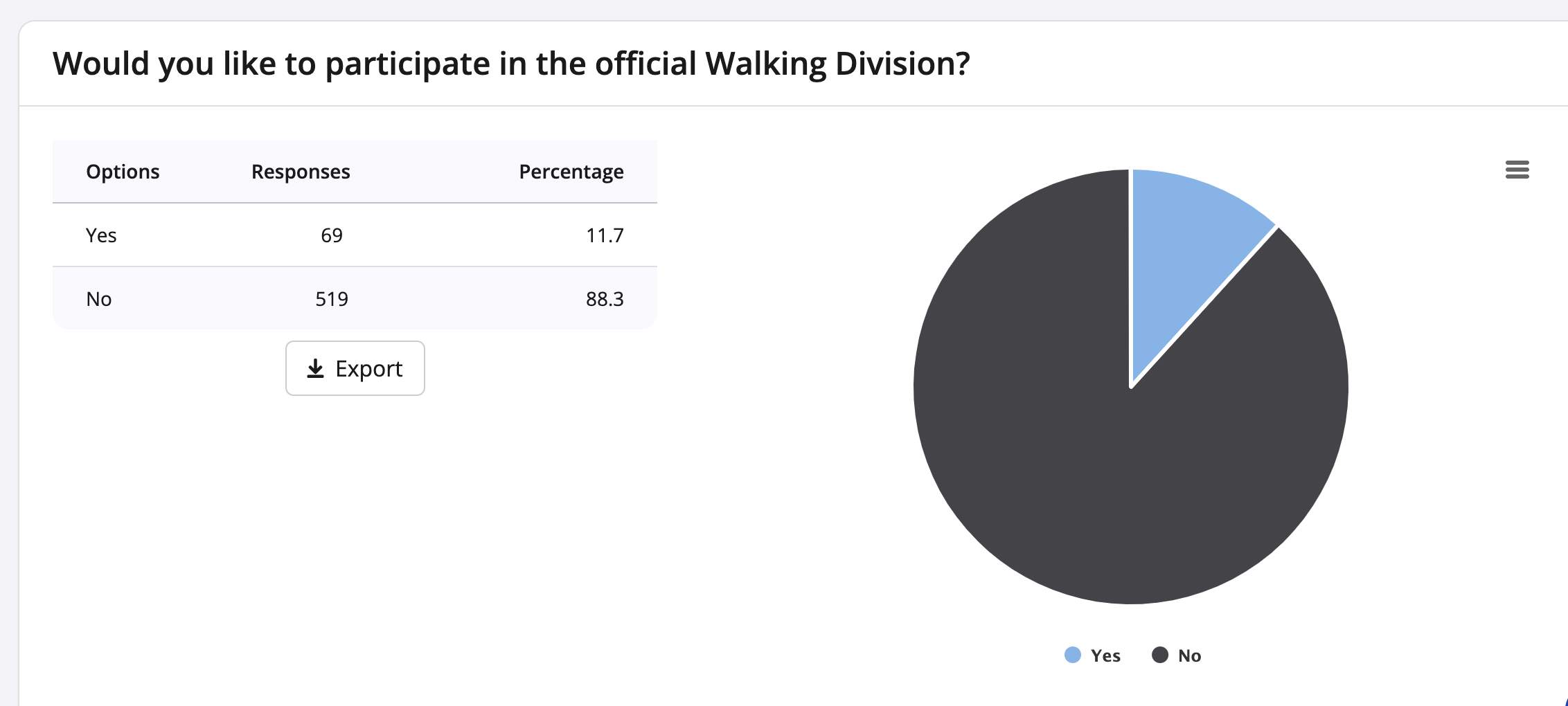
4. You will then see your registration questions and answers displayed in a pie chart format.
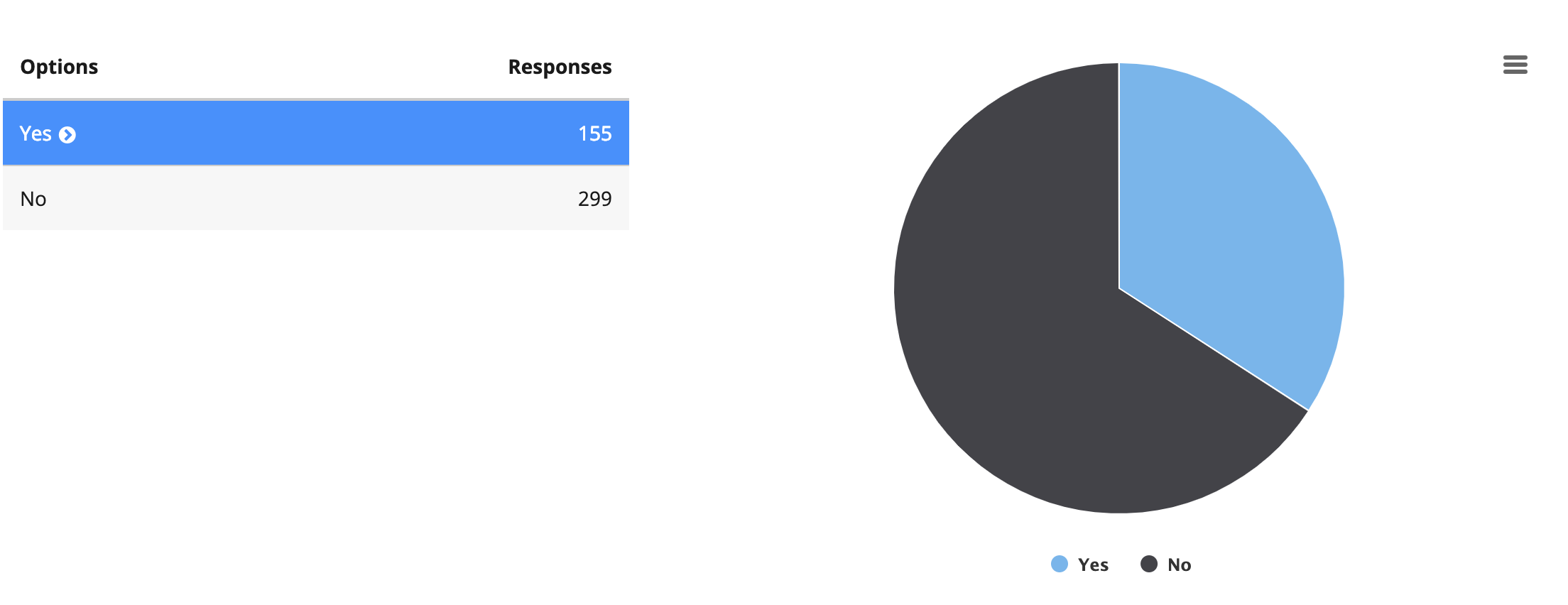
5. If you have a conditional question and want to see the answer just click the blue >.
6. These pie charts can be exported as images, data files by clicking the three lines in the top right-hand corner of the graph, or, by clicking
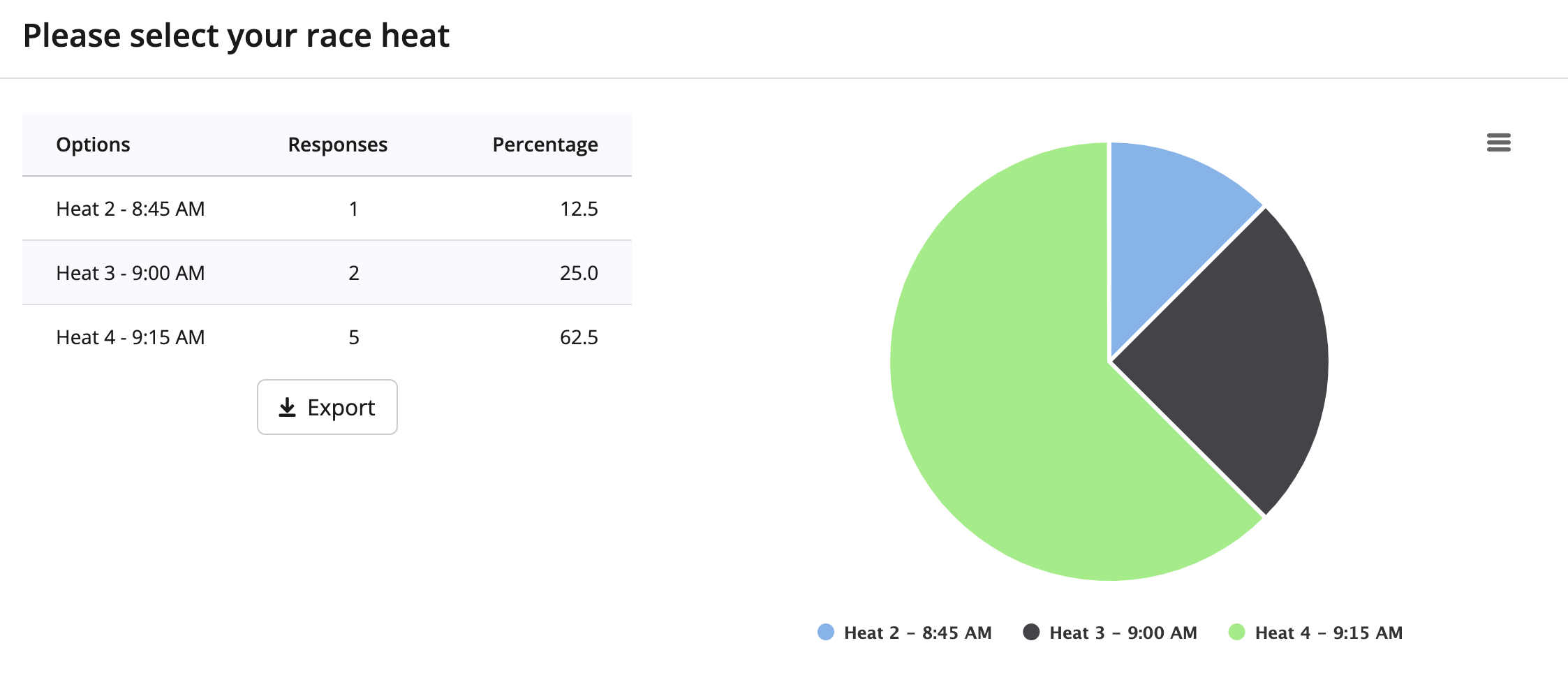
Note: Registration questions metrics will only work for multiple choice questions using the dropdown or radio buttons options. Checkbox, single and multi-line text box options, as well as file upload questions will not appear within registration questions metrics.