- Go to https://raceroster.com or an event page and click Sign In (top right). Use your email associated with your Race Roster account, select 'Yes, I have a Password' and enter your password (Having trouble with signing in? see forgot my password article)
- If you signed in from Raceroster.com you will now be on your participant dashboard
- If you signed in from an event page navigate to the far right corner of your screen and select the Menu.
- Under menu select “Dashboard” under the participant section
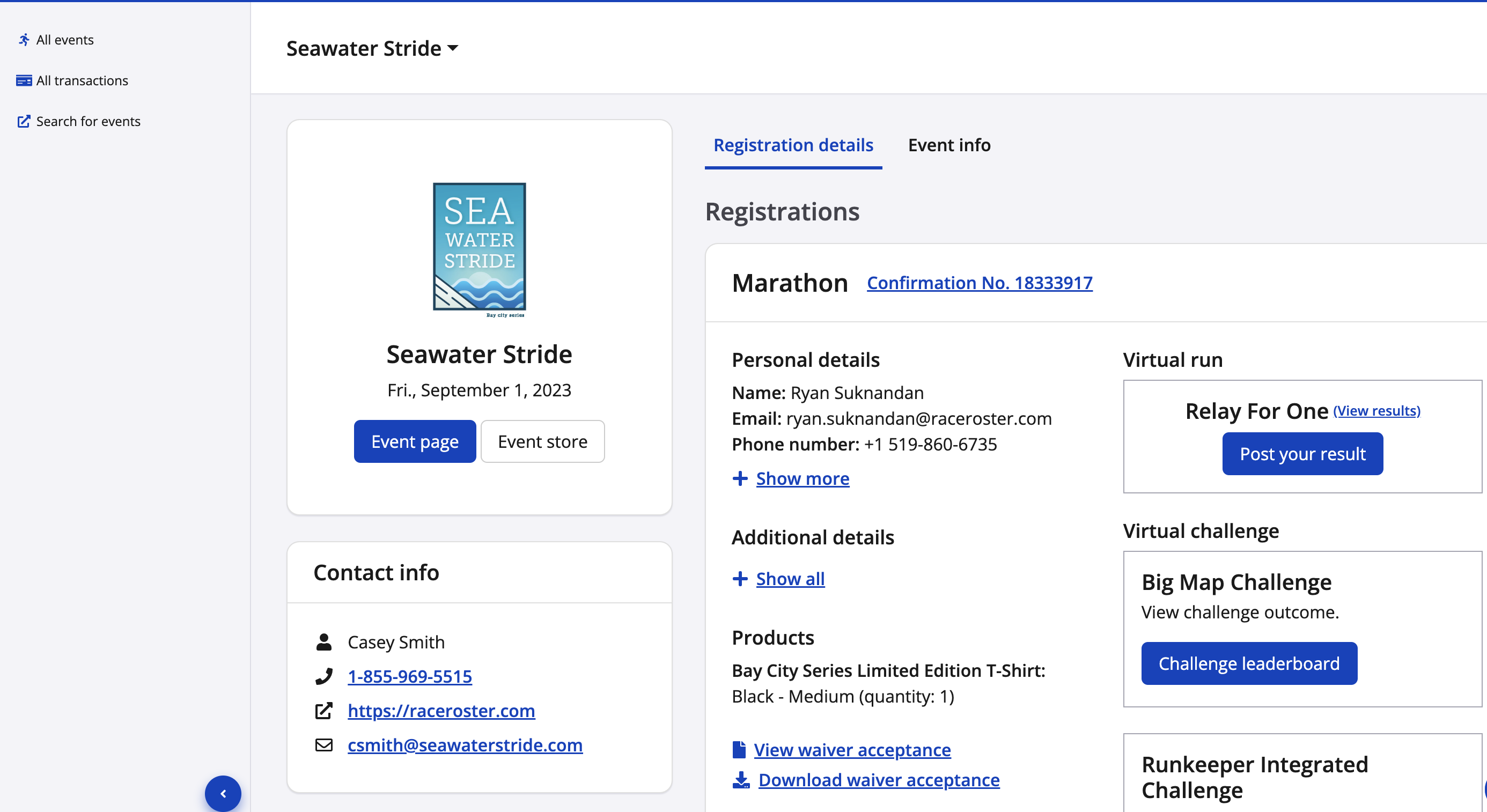
From your Participant Dashboard you can
- Access details for your upcoming events (use white box in top bar to select the right event)
- Search for other events to sign up for
- Edit your fundraising pledge page, monitor funds raised and share it on social media
- View all your transaction details and receipts
- Manage your pending transfer requests