- Login to your dashboard as an Event Organizer.
- Navigate to the left of your screen and select 'Settings', followed by 'Teams' from the Event Organizer menu
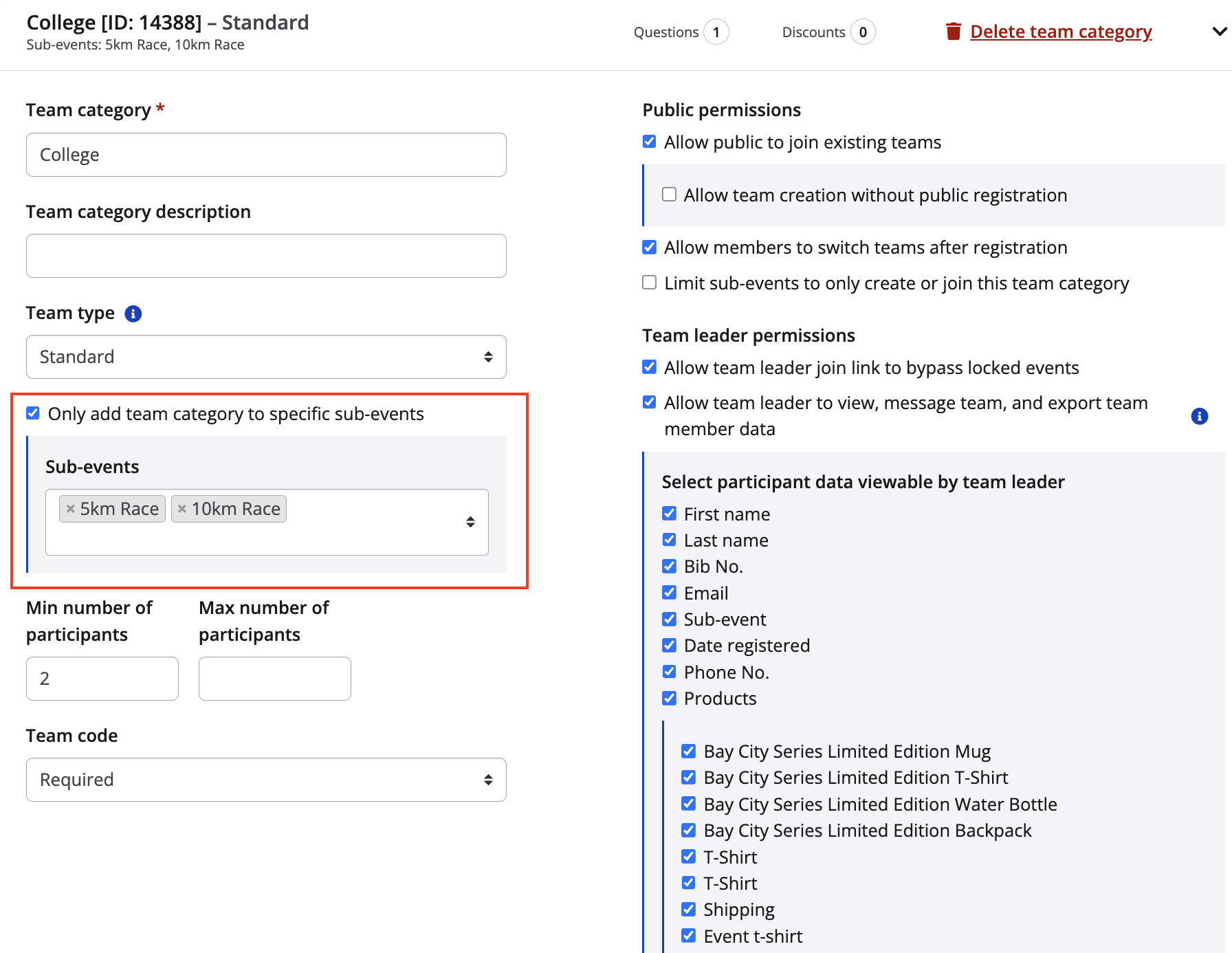
- Under Team Type (for each team type) check the box that reads 'Only add team category to specific events?' and then specify which events you want to add or remove by searching/selecting to add or using the 'X' to remove
- Set the team password to 'DISABLED' unless you feel that your teams need a password for their teammates to join
- Scroll to the bottom and hit 'SAVE' before navigating away from this page
For instructions on setting up teams and team categories visit this article, How do I set up and configure teams? and for more on specific team configurations, visit our Team Configuration section.