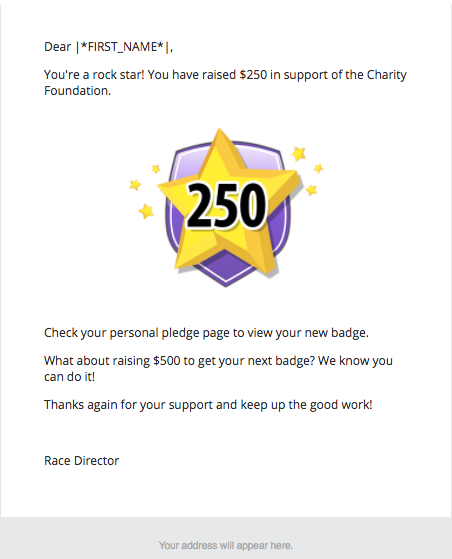
Congratulating participants on their achievement earned helps motivate and reward their fundraising efforts.
To set up a fundraising achievement campaign, follow the steps below:
1. Login to your dashboard
2. Follow Steps 1 and 2 in the create a campaign article
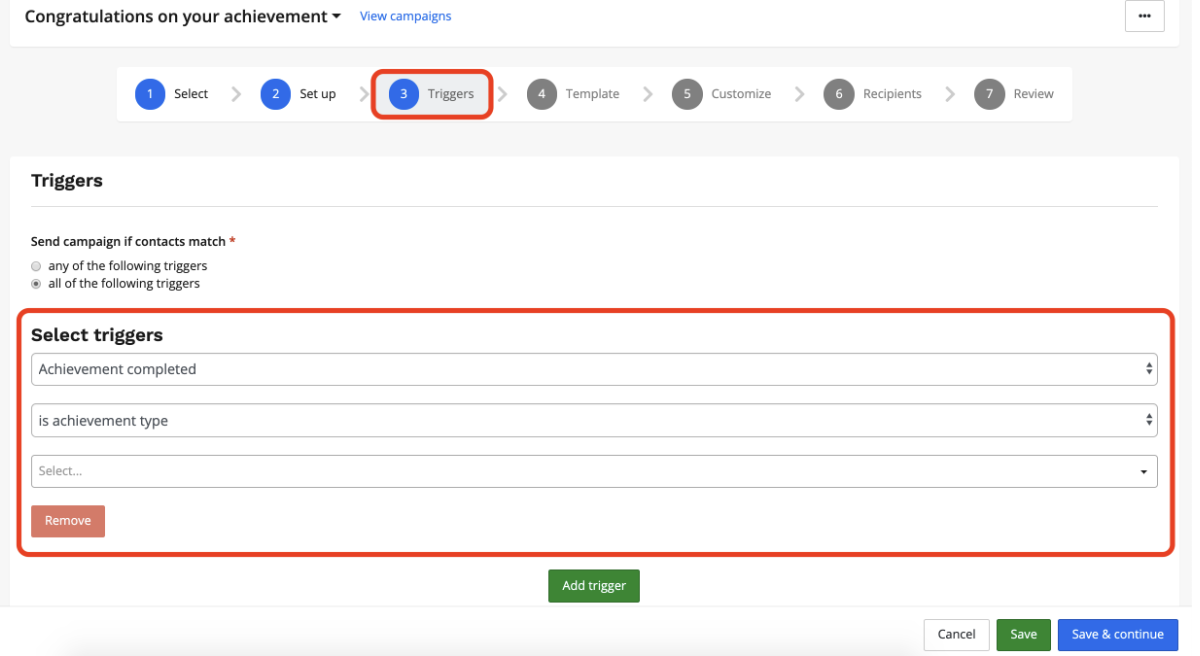
3. On the triggers page, navigate to the select triggers dropdown and select achievement completed and select the achievement. Click save and continue.
4. Select a layout or a template that has already been created. Click save and continue.
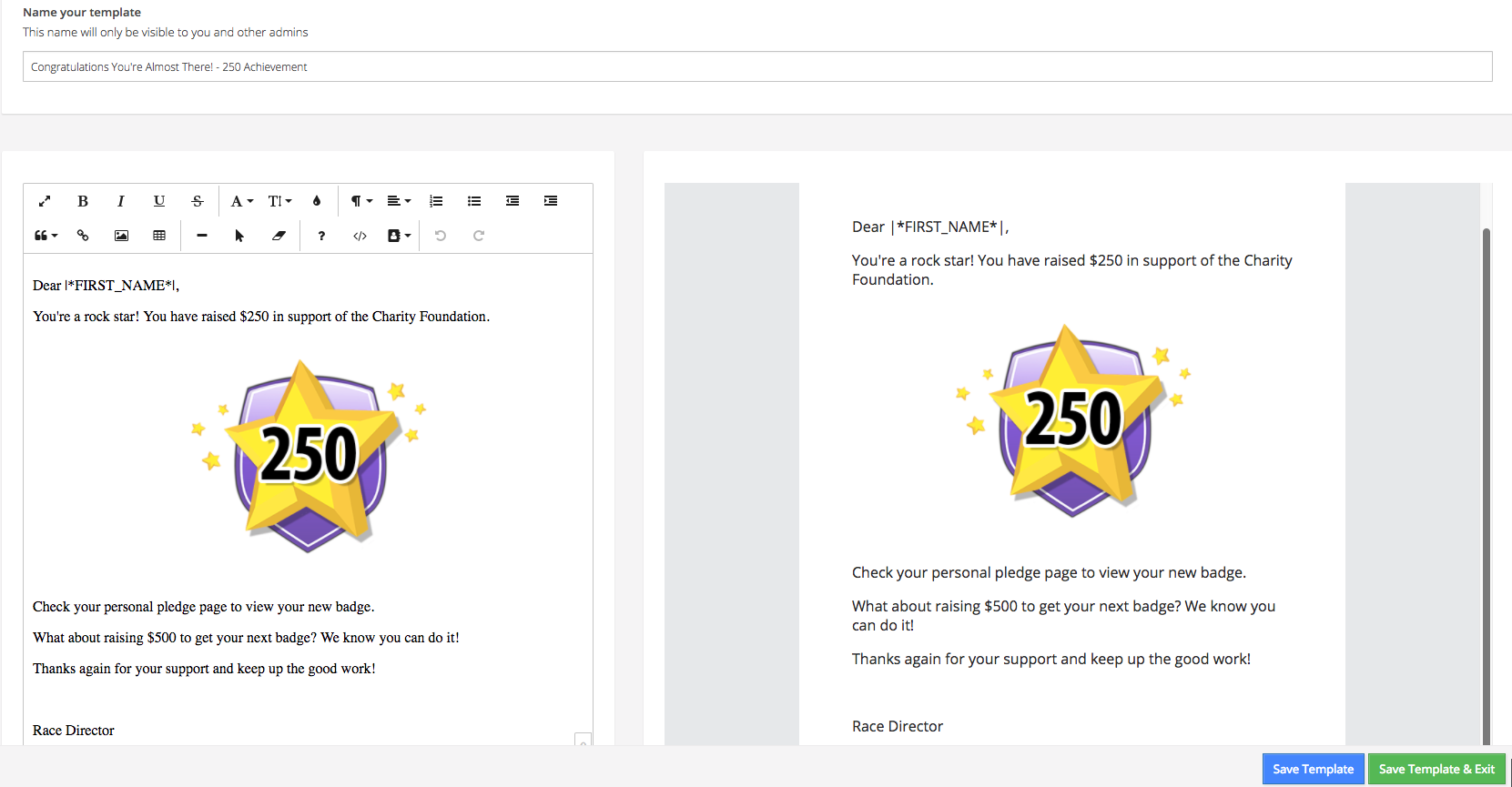
5. Use the editor to update the content and design
Example:
For example content please click here to VIEW THE SAMPLE TEMPLATE text in full
The suggested merge tags to include in your email are below:
|*FIRST_NAME*|
|*PLEDGE_URL*|- This will pull in each participant's unique pledge URL - suggest they keep sharing
6. Indicate who will be receiving the content (i.e. participants already registered, all future participants, or both)
7. Review the summary and, when ready, click send and enable campaign
---------
There are several unique conditions you can set up to determine who receives your email campaign, for more on that refer to this article or contact us at director@raceroster.com and we'd be happy to answer your questions.